Ink Studio AI
AI Tattoo Generator
Create and visualize your next tattoo with AI.
Promoted
 Sidrune AI85% off. Stable Claude API for agent developers. Pay as you go. Invoices & refunds available.
 Pixmax.aiPixmax.ai is an all-in-one AI workspace for videos, visual stories, and marketing content.
 RewindType any X/Twitter handle. Get their year back as a narrated video story. Then ask it anything.
 KurodyneSell the tools from your AI side projects. Listing is free.
 SEOify - Improve your SEO & rankingsBuild links to rank in Google. Improve your DR with links you can start building now.Advertise here270,000+ people visit Dang.ai every month.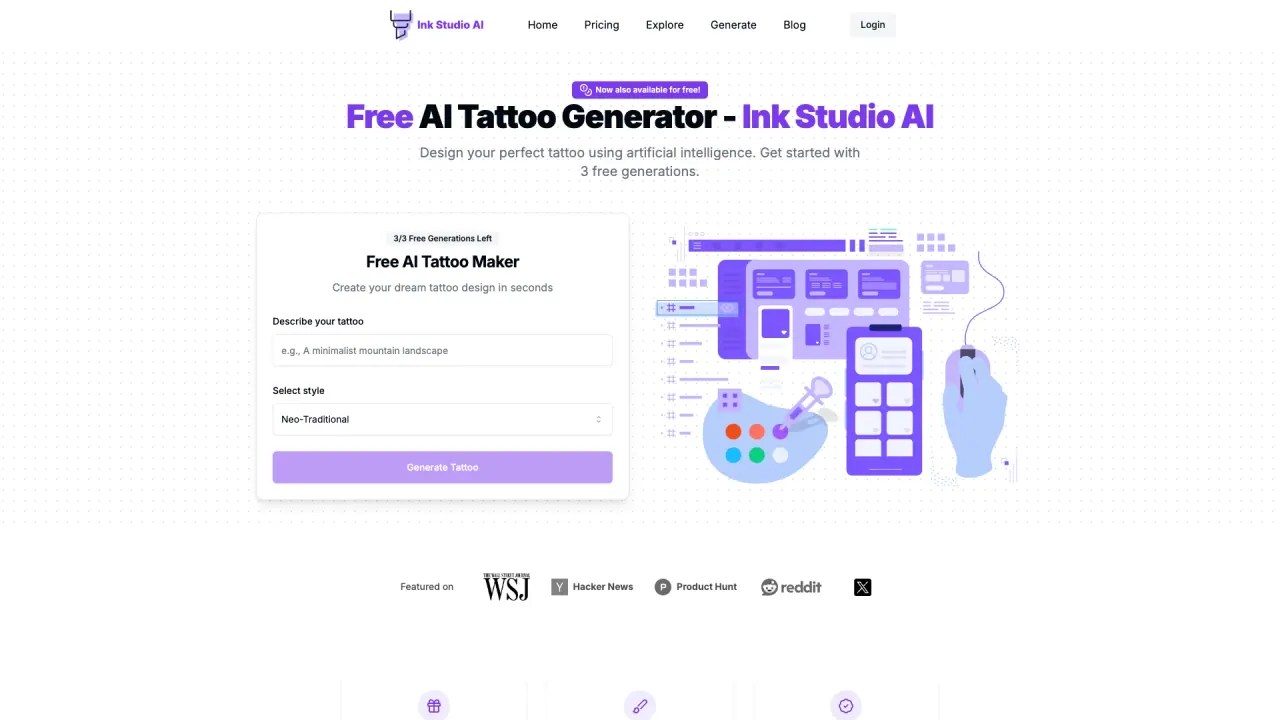
What does Ink Studio AI do?
How does Ink Studio AI work?
Ink Studio AI uses fine-tuned AI models trained to generate tattoo designs from your textual prompts and customization options. You describe your idea, choose a style, and the AI creates multiple unique designs tailored to your vision.
What tattoo styles can Ink Studio AI generate?
Ink Studio AI supports a wide range of styles, including neo-traditional, black and gray, watercolor, traditional, new school, realism, dotwork, geometric, and tribal.
Can I generate colored tattoo designs?
Yes. You can generate both colored and grayscale designs; you can choose colored or black-and-gray before generating your tattoo.
What is a negative prompt, and how does it work?
A negative prompt is a set of instructions that tells the AI what you don’t want to see in your design. You can enter a negative prompt during the customization process to exclude elements or guide shading and composition.
Can I save and revisit my previously generated designs?
Yes. Ink Studio AI keeps a record of your previously generated designs so you can revisit, compare variations, or combine elements from different designs.
Is Ink Studio AI free to use?
Yes. Ink Studio AI offers 1 free tattoo design for new users to try. After using your free design, you can upgrade to a paid plan to continue generating unlimited designs with more styles.
What are the pricing plans and how long do they last?
Pricing is on a one-time-payment basis with no auto-renewal. Plans and durations:
- 7-Day Access: $12.99
- 14-Day Access: $16.99 (discounted from $31.98)
- 30-Day Access: $23.99 (discounted from $55.96)
All paid plans include unlimited tattoo generations, with additional features:
- AI Prompt Optimizer: Included
- Image to Tattoo Converter: Included
- Download Quality: High Quality
- Customer Support: Priority Support
- Personal AI Designer: Included
What is the Image to Tattoo Converter?
The Image to Tattoo Converter turns your uploaded image into a tattoo design. You can upload a photo, then the AI generates a tattoo concept based on the image and chosen styles, with options to transform and adapt.
What is the Virtual Try-On Tool, and how does it help?
The Virtual Try-On Tool lets you see how a tattoo will look on your skin before you commit. You can adjust size, placement, and rotation, and download a high-quality preview for your artist.
What is the AI Prompt Optimizer?
The AI Prompt Optimizer transforms basic ideas into detailed, optimized prompts tailored to tattoo artistry. It enhances prompts for better results, with style-aware adjustments and one-click enhancements.
Do paid plans auto-renew or have fees beyond the initial payment?
No. All paid plans on Ink Studio AI are one-time payments with no auto-renewal or hidden ongoing fees.
This listing is claimed
Own Ink Studio AI? Sign in with the email used to claim it to manage this listing, or upgrade to Pro for featured-first placement and a newsletter feature.