
UserCom
No longer active
Marketing Automation Tool AI
Streamline operations & accelerate growth with UserCom. Our innovative AI marketing automation tool empowers businesses with personalized experiences.
UserCom is no longer available
- Listed
- Apr 12, 2026
What does UserCom do?
What are the key benefits of using User.com for marketing automation?
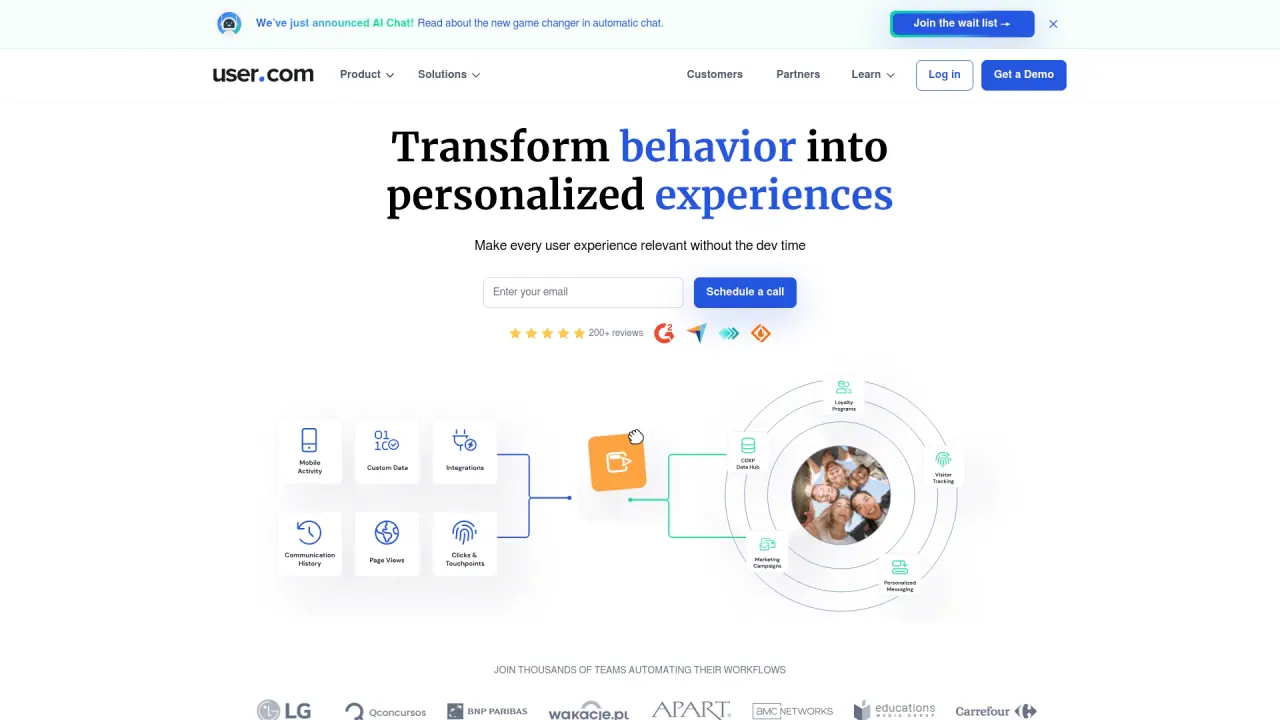
User.com helps you transform behavior into personalized experiences at scale without heavy development time. Key benefits include:
- Personalization at scale: deliver the right message to the right user at the right time.
- Easy Drag & Drop Editor: build and automate workflows without coding.
- Engaging multi-channel campaigns: plan customer journeys across emails, chat, SMS, web push, and more.
- Rich data and integrations: hundreds of app integrations to connect your tools and data.
- Strong security and privacy: GDPR and CCPA compliant, SSL-certified, with regular security testing and auditing.
- Dedicated support and coaching: access expert guidance, one-on-one coaching, and ongoing assistance.
How does User.com help improve engagement and retention?
User.com enables deeper engagement and retention through:
- Timelines and behavior tracking to understand user actions and preferences.
- Dynamic segmentation to target users based on attributes, actions, or funnel stages.
- Multi-channel campaigns that reach users across multiple channels.
- Automation to handle repetitive tasks and deliver timely, consistent messages.
How does User.com ensure data privacy and security?
User.com prioritizes privacy and security with:
- GDPR and CCPA compliance to protect user data and rights.
- SSL-certified data transmission to safeguard data in transit.
- Penetration testing and regular security audits to maintain robust protection.
- An emphasis on security and privacy as core platform principles.
What channels does User.com support for campaigns?
User.com supports multiple channels to reach users where they are, including:
- Chat
- SMS
- Web push notifications
Can teams collaborate on campaigns in User.com?
Yes. User.com offers Easy Team Collaboration with multiple permission levels, allowing you to:
- Build campaigns and automations together
- Create and manage audience lists
- Share insights and collaborate across your team
How does the drag-and-drop editor work?
The Drag & Drop Builder is a customizable automation workspace equipped with:
- A wide range of triggers, actions, and conditions
- Flexible paths and branches to tailor journeys
- An intuitive interface that makes complex workflows achievable without coding
How can I get started with User.com?
Getting started is easy:
- Request a demo to see the platform in action
- Sign up for updates to stay informed about new features and resources
What data can I track and how do custom events work?
User.com provides:
- Timelines and behavior tracking to understand user journeys
- Custom events to capture key user actions and trigger targeted campaigns
- A richer data signal to create more engaging, personalized experiences
Do you offer customer support and coaching?
Yes. User.com offers:
- Dedicated customer support
- Success managers with expert guidance
- One-on-one coaching and ongoing guidance for marketing, sales, and product goals
- Daily and weekly support to help you achieve your objectives faster
What are the pricing options for User.com?
Pricing details include:
- Plans start at $19 per month for up to 500 contacts, 1 product, and 2,000 emails
- Flexible subscription durations with discounts for longer commitments (monthly, quarterly, semi-annual, annual)
- Custom quotes available for larger or more complex needs
Do you provide learning resources and documentation?
Yes. User.com offers comprehensive learning and developer resources, including:
- Knowledge Base
- University
- Blog
- API Docs
- Mobile SDK Docs
- Free Tools
You can access these resources to learn, implement, and extend the platform.