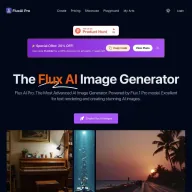
FluxAI Pro
FLUX AI Image Generator
FluxAI Pro: The Advanced Flux AI Generator. Powered by Flux.1 Schnell, Flux.1 Dev and Flux.1 Pro models.
Promoted
 Sidrune AI85% off. Stable Claude API for agent developers. Pay as you go. Invoices & refunds available.
 Pixmax.aiPixmax.ai is an all-in-one AI workspace for videos, visual stories, and marketing content.
 RewindType any X/Twitter handle. Get their year back as a narrated video story. Then ask it anything.
 KurodyneSell the tools from your AI side projects. Listing is free.
 SEOify - Improve your SEO & rankingsBuild links to rank in Google. Improve your DR with links you can start building now.Advertise here270,000+ people visit Dang.ai every month.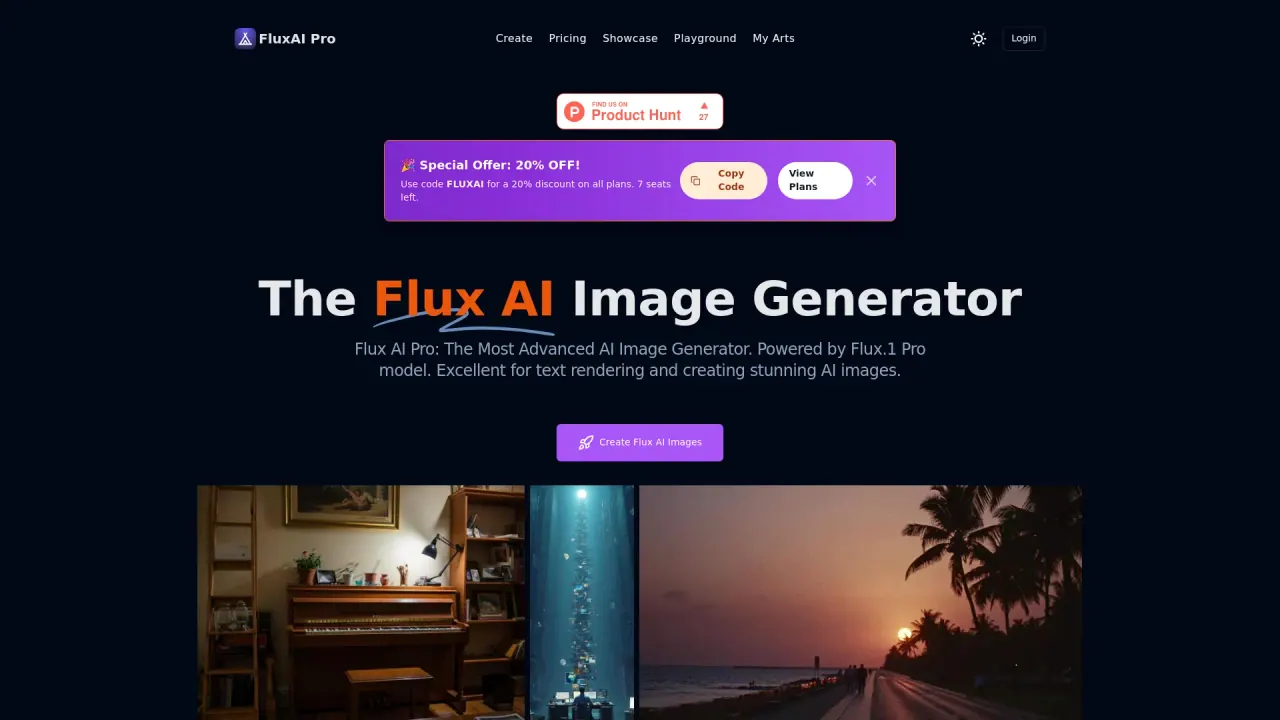
What does FluxAI Pro do?
What is the Flux AI Image Generator?
The Flux AI Image Generator is an advanced AI image generation platform powered by Flux models. It delivers high visual quality and precise prompt following, with a community showcase where users can browse images generated by Flux models.
Which image generation models are available in Flux AI Image Generator?
Flux 2 models include Flux 2 Max, Flux 2 Pro, Flux 2 Flex, Flux 2 Dev, and more. It also supports Flux 1.1 models (Pro, Dev, Schnell) and a range of Flux Lora models for expanded creative options.
How do credits work in Flux AI Image Generator?
Credits are used to generate images. The site lists example costs by Flux 1 models: Flux.1 Schnell at 1 credit, Flux.1 Dev at 10 credits, and Flux.1 Pro at 20 credits. Free users receive 100 free credits upon signing up.
What image sizes and aspect ratios can I generate?
- Square 512x512
- Square HD 1024x1024
- Portrait 4:3 768x1024
- Portrait 16:9 576x1024
- Landscape 4:3 1024x768
- Landscape 16:9 1024x576
Can Flux render readable text within generated images?
Yes. Flux AI Image Generator is designed to render clear, readable text within images, a capability highlighted as Innovative Text Rendering.
Is Flux AI Image Generator suitable for business or professional use?
Yes. The Flux AI Image Generator is designed for personal and commercial use, making it suitable for professional workflows and client work.
Is there a community showcase for Flux AI Image Generator?
Yes. There is a community showcase where users can browse and get inspired by images generated with Flux AI models.
What makes Flux AI Image Generator stand out compared to other image generators?
Flux combines advanced Flux 2 architecture for realism and consistency, up to 4MP photorealistic output, precise prompt adherence, and strong text rendering, along with a comprehensive toolkit (including image upscaler, inpainting, and image-to-prompt capabilities) and a diverse model selection.
Where can I learn more about Flux models and related tools?
Explore Flux 2 models (Max, Pro, Flex, Dev) and Flux Lora options, as well as related Flux tools and showcases, through Flux’s model pages and feature sections.
This listing is claimed
Own FluxAI Pro? Sign in with the email used to claim it to manage this listing, or upgrade to Pro for featured-first placement and a newsletter feature.