
Tability
AI Task Management & Priority Tool
Set and prioritize tasks efficiently with Tability, the AI Task Management & Priority Tool for businesses.
Promoted
 Sidrune AI85% off. Stable Claude API for agent developers. Pay as you go. Invoices & refunds available.
 Pixmax.aiPixmax.ai is an all-in-one AI workspace for videos, visual stories, and marketing content.
 SEOify - Improve your SEO & rankingsBuild links to rank in Google. Improve your DR with links you can start building now.Advertise here270,000+ people visit Dang.ai every month.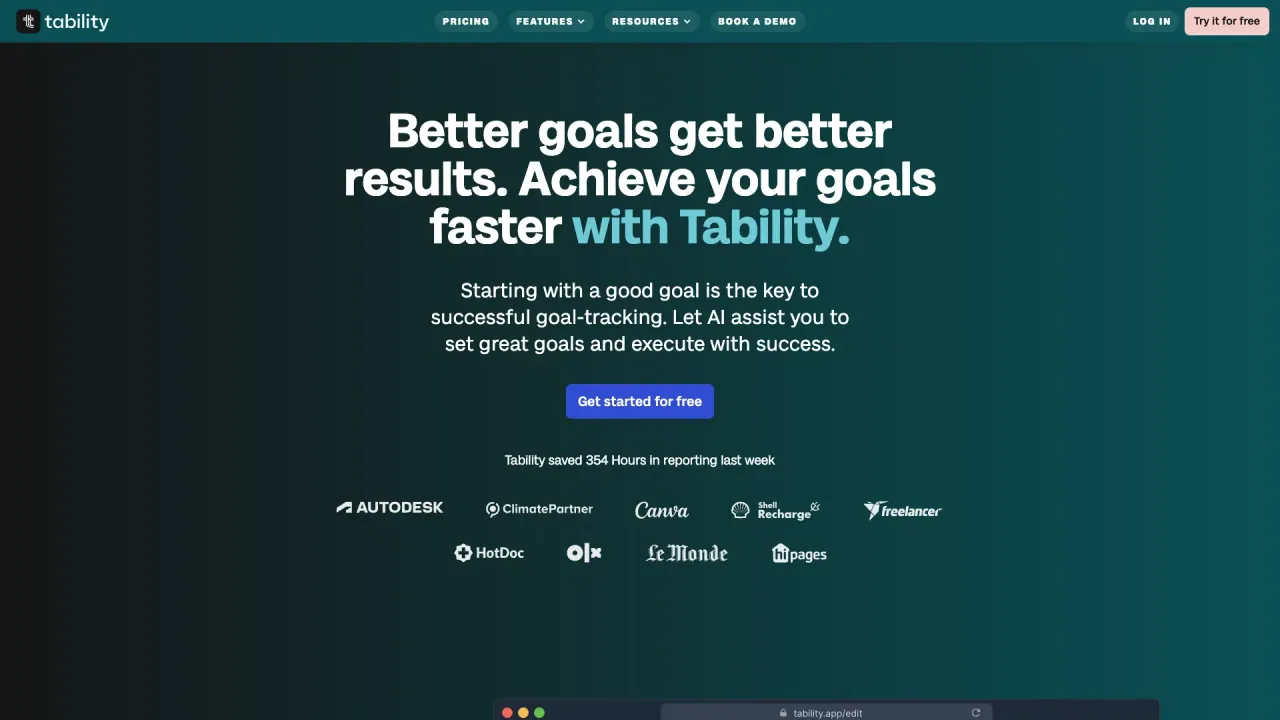
What does Tability do?
What are the key features of Tability for collaboration and goal setting?
Tability helps teams align around OKRs with features like OKR Alignment, Strategy Map, Goal Setting AI, OKR Tracker, Custom Dashboards, Insights, and Standups. It offers one-click reporting with presentation views, automated reminders, and transparent progress updates. Integrations keep your work connected across tools, including Jira, ClickUp, Asana, or Linear, and connections to Microsoft Teams, Slack, Jira, and 20+ other apps.
What is Tabby AI and how does it help with OKRs?
TABBY AI is your personal OKR agent that goes beyond suggestions. It eliminates busywork, keeps goals connected to the real work, and helps your team stay focused and aligned. It supports automated reminders, progress tracking, and seamless integrations with popular work tools, reducing reporting and tracking overhead so teams can act on what matters.
How does Tability automate reporting and reminders to save time?
Tability automates data collection, syncs tasks, builds reports, and shares updates, taking the grunt work out of reporting. Weekly reminders and automated reporting help keep OKRs in focus and enable faster, clearer decision-making.
Which integrations are available with Tability for enhanced connectivity?
Tability integrates with Jira, ClickUp, Asana, and Linear, and can connect with Microsoft Teams, Slack, Jira, and 20+ additional apps. This ensures your strategy stays connected to the tools your team uses every day.
Is there a free trial or free plan to try Tability?
Yes. You can get started for free, try it for free, and there is a free 14-day trial available. You can also book a demo if you prefer to see Tability in action before trying it.
How does Tability protect my data and security?
Tability follows a comprehensive security approach, including:
- Encryption of data in transit and at rest
- Authentication options such as 2FA, Google sign-on, and SAML SSO
- IP and email domain restrictions on certain plans
- Reputable cloud providers (e.g., Heroku, AWS, Netlify, Cloudflare)
- Stripe for secure payment processing
- Regular backups and vulnerability scans
- Aim for high uptime (99.9%) across products
- Separation of monitoring and logging systems from the production environment
Can I customize dashboards and reports in Tability?
Yes. Tability offers custom dashboards and one-click reporting with presentation views, allowing you to tailor how progress is displayed and shared with stakeholders.
How do I get started with Tability?
You can get started for free, try it for free, or book a demo to see how Tability fits your team’s needs.
Is this your tool?
Claim Tability to manage this listing, or upgrade to Pro for featured-first placement and a newsletter feature.