
Bearly
AI Reading, Writing, Creating Tool
Supercharge your Mac workflow with Bearly, the AI Reading, Writing, Creating Tool. Write faster & smarter!
Promoted
 Pixmax.aiPixmax.ai is an all-in-one AI workspace for videos, visual stories, and marketing content.
 RewindType any X/Twitter handle. Get their year back as a narrated video story. Then ask it anything.
 KurodyneSell the tools from your AI side projects. Listing is free.
 Sidrune AI85% off. Stable Claude API for agent developers. Pay as you go. Invoices & refunds available.
 SEOify - Improve your SEO & rankingsBuild links to rank in Google. Improve your DR with links you can start building now.Advertise here270,000+ people visit Dang.ai every month.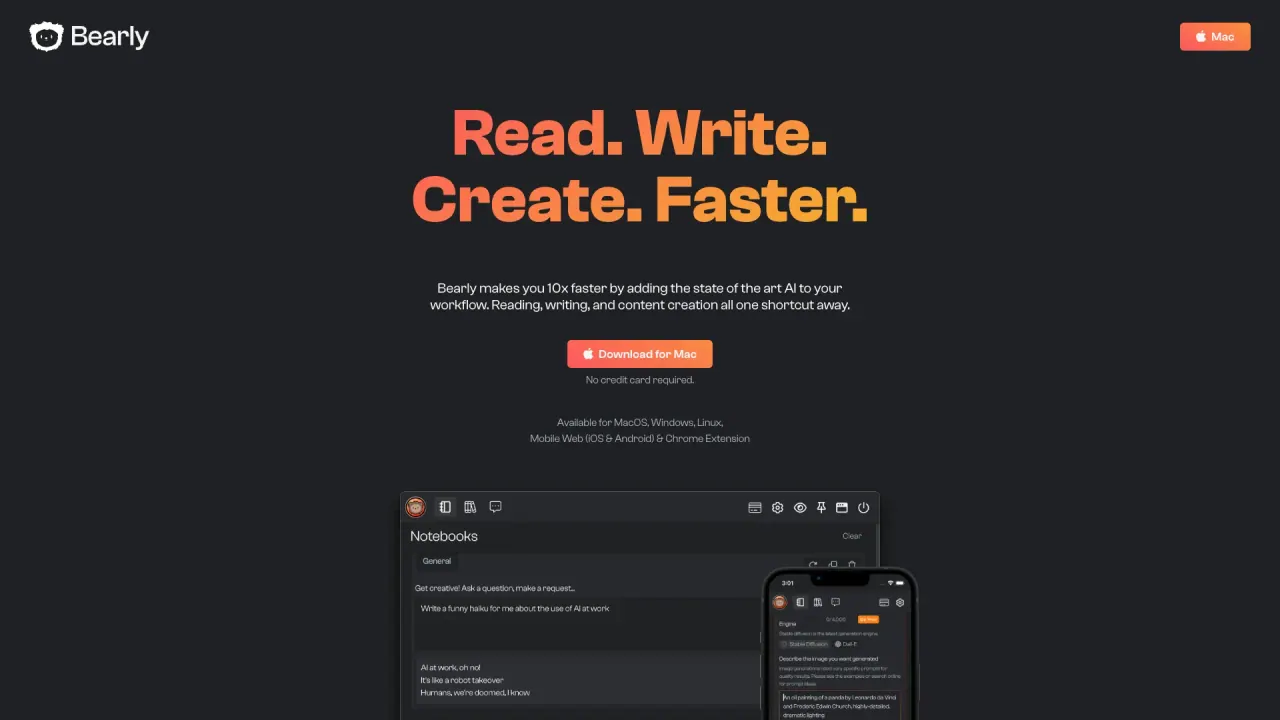
What does Bearly do?
What privacy and security features does Bearly offer?
Bearly is designed around privacy and security at every layer. Key features include:
- Zero logging: Only essential billing metadata is recorded; conversation content is never logged or stored.
- End-to-end encryption: All chats, files, and memories are encrypted with ephemeral session keys for maximum security.
- Query anonymization: Third-party AI providers receive anonymized queries that cannot be linked back to you.
- Key management options: You can use self-managed encryption keys or let Bearly handle secure key management.
- No ads: Bearly provides an ad-free experience with no tracking of your content.
- Controlled infrastructure: All processing occurs on Bearly-managed infrastructure with strong controls.
- Data ownership: Your data belongs to you—and only you.
- Regulatory readiness: Enterprise deployments align with standards like SOC 2, GDPR, and CCPA.
Can Bearly be deployed on my own infrastructure, or is it cloud-based?
Bearly offers flexible deployment options. You can run Bearly on your own infrastructure or opt for Bearly’s managed services for greater control and simplicity.
On which platforms can I use Bearly?
Bearly supports multiple platforms, including Mac, Windows, Linux, and iOS. A Chrome extension is available for easy browser integration, and you can start in the browser as well.
What models and integrations does Bearly support?
Bearly integrates a broad set of capabilities, including:
- Premier models from OpenAI, Anthropic, Grok, Google, Meta Llama, and Mistral.
- Smart Agents for in-depth research, data analysis, and decision support.
- Multimodal capabilities for image generation, transcription, speech-to-text, and text-to-speech.
- Collaborative Canvas for real-time teamwork.
- Secure Code Interpreter and Interactive Artifacts for dashboards and analytics.
- Regular updates with continuous improvements.
- Integrations Marketplace and developer-first integrations, plus the option to use your own API keys or Bearly’s integrated options.
Is Bearly white-labelable for brands and clients?
Yes. Bearly offers Brand & Identity features that let you fully white-label the solution with custom branding, colors, and UI components.
What enterprise features does Bearly offer for teams?
Bearly provides enterprise-grade capabilities, including:
- Dynamic Team Management with granular user and policy controls
- Usage & Budget Control with real-time spend monitoring
- Data Security, Encryption, and compliant data handling
- Regulatory Compliance support (SOC 2, GDPR, CCPA, and other standards)
- Flexible deployment options (self-hosted or managed)
- Extended collaboration with clients, partners, and remote teams
- Brand customization, developer integrations, custom workflows, and shared templates
- An Integrations Marketplace to expand Bearly’s capabilities
How can I integrate Bearly with my tools and workflows?
Bearly supports:
- Custom Workflows to tailor Bearly to your processes
- Developer First Integrations for deep customization
- An Integrations Marketplace with pre-built modules
- API key options (use your own keys or Bearly’s integrated options)
Can Bearly generate meeting minutes and key takeaways?
Yes. Bearly can generate meeting minutes and identify key takeaways by leveraging its language models to summarize discussions and extract crucial points.
How can I get Bearly started or request a demonstration?
You can get Bearly by downloading the app or starting in the browser. For a personalized walkthrough, schedule a demo with Bearly’s experts.
Where can I find pricing information?
Pricing is presented transparently with scalable options, including unlimited users, modules, teams, and agents. See the Pricing page for details, and contact Bearly to discuss enterprise arrangements or a personalized demo.
Is this your tool?
Claim Bearly to manage this listing, or upgrade to Pro for featured-first placement and a newsletter feature.