
Pixora
AI Product Photography
AI product photography in 60 seconds. No prompts. Studio-quality results from phone photos. Free to try.
- Pricing
- Freemium
- Category
- Photography
- Listed
- Jan 14, 2026
- Updated
- May 25, 2026
Promoted
 KurodyneSell the tools from your AI side projects. Listing is free.
 Sidrune AI85% off. Stable Claude API for agent developers. Pay as you go. Invoices & refunds available.
 Pixmax.aiPixmax.ai is an all-in-one AI workspace for videos, visual stories, and marketing content.
 RewindType any X/Twitter handle. Get their year back as a narrated video story. Then ask it anything.
 SEOify - Improve your SEO & rankingsBuild links to rank in Google. Improve your DR with links you can start building now.Advertise here270,000+ people visit Dang.ai every month.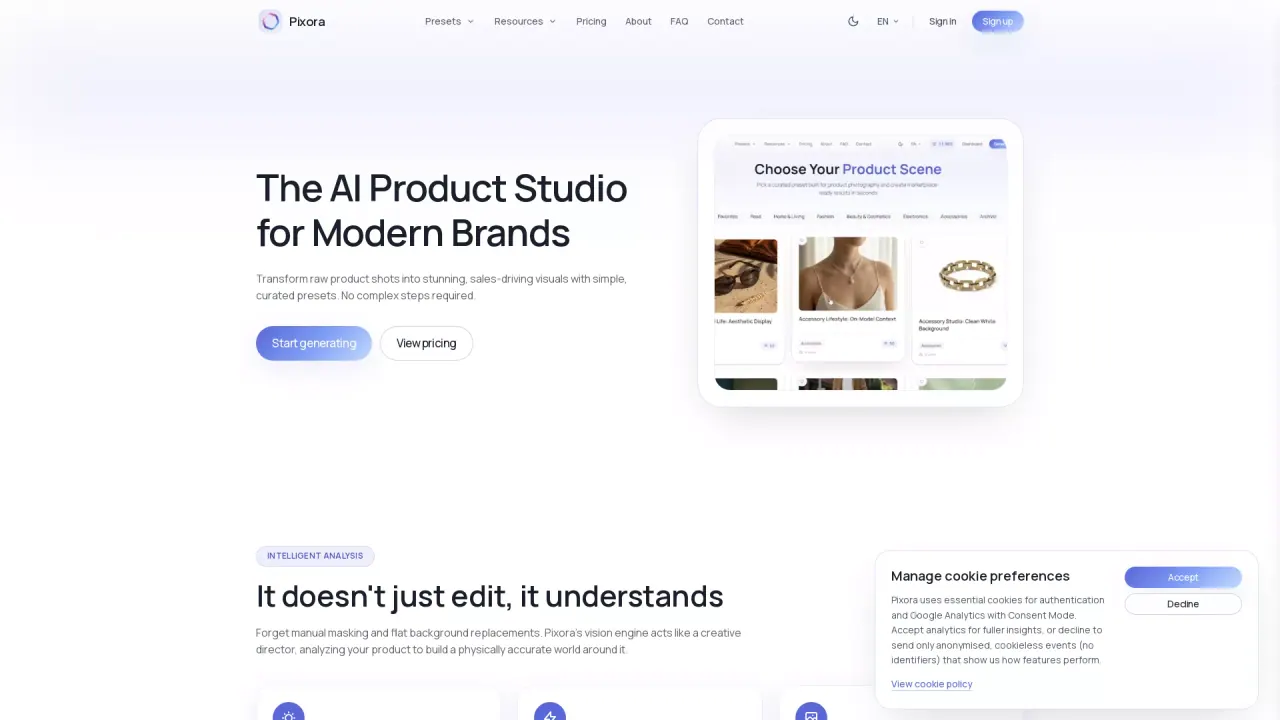
What does Pixora do?
What is the main use case for Pixora?
Pixora transforms basic product photos into professional, marketplace-ready images using AI. Users upload any product photo, select a Smart Preset, and receive studio-quality results in 60 seconds. The AI analyzes product materials and context to generate appropriate lighting, backgrounds, and scenes automatically—no prompts or editing skills required.
Who is the target audience of usepixora.com?
E-commerce sellers on Amazon, Shopify, and Etsy who need professional product images without studio costs. Marketing agencies producing visual content at scale. Small business owners launching products with limited budgets. Dropshippers needing quick product imagery. Real estate agents requiring virtual staging for empty properties.
Can a user use Pixora for free?
Yes. Pixora offers 100 free lifetime credits upon signup. Users can test any preset and generate professional product photos without payment. Pro plan at $9.90/month unlocks 2,000 monthly credits and full preset access with commercial licensing.
How Does Pixora Enhance Product Photography with AI?
Pixora leverages advanced artificial intelligence to transform basic product images into professional-grade visuals. The AI analyzes the material and geometry of the product, determines how light interacts with it, and automatically generates suitable backgrounds and lighting setups, eliminating the need for manual edits or complex prompt writing.
What Types of Presets are Available in Pixora's Library?
Pixora offers a diverse set of curated presets tailored for different product categories. Users can find presets for food, home and living, fashion, beauty, electronics, accessories, and architectural visualization. Each preset is designed to create a specific ambiance, from lifestyle photography to studio-quality images on clean backgrounds.
How Can Pixora Help E-commerce Businesses Save on Photography Costs?
Pixora significantly reduces the costs associated with traditional photo shoots by offering a digital solution that generates high-quality product images in seconds. Users avoid the logistics of booking studios and retouching services. With Pixora, businesses can create thousands of image variations quickly and affordably, focusing their budgets on growth rather than logistics.
This listing is claimed
Own Pixora? Sign in with the email used to claim it to manage this listing, or upgrade to Pro for featured-first placement and a newsletter feature.