
Skylum
AI Powered Photo Editor
Skylum is a photo-editing studio offering AI-powered tools across desktop and mobile, plus an add-on marketplace to expand your creativity.
What does Skylum do?
Skylum curates a range of photo-editing products built around AI-assisted workflows. Whether you want desktop control, portrait-focused retouching, or on-the-go edits, Skylum provides options designed to fit different shooting and editing habits.
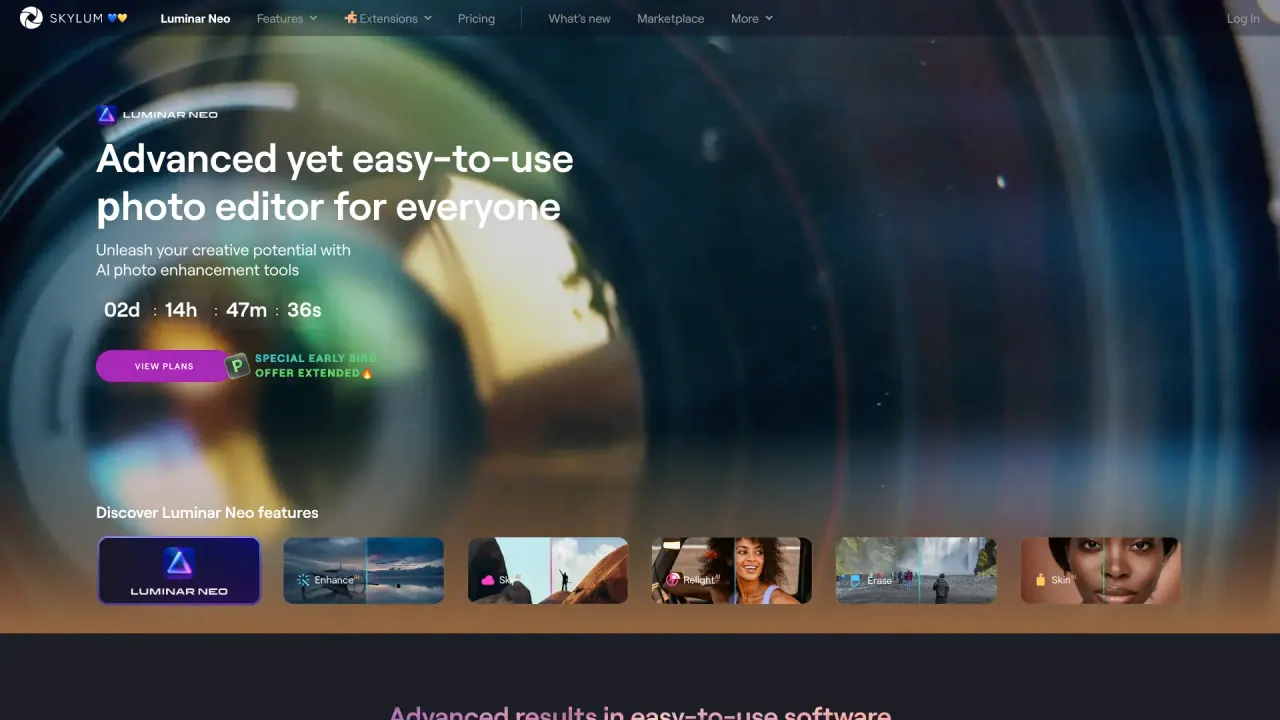
Luminar Neo is positioned as an easy-to-use photo editor with AI-powered controls and a selection of editing tools and effects. It includes features like Sky AI, Face AI, Body AI, and Atmosphere AI, along with tools such as layers, accent-style color/detail balancing, panorama stitching, magic light, focus stacking, background removal, sky replacement, and removal of unwanted elements.
For mobile, Luminar Mobile lets you edit photos on iPhone, iPad, Android, or ChromeOS with a few taps. Aperty is presented as next-gen AI retouching software for professional portrait photographers looking to streamline portrait workflows.
Skylum also offers a Marketplace with 800+ editing add-ons—such as presets, bundles, LUTs, overlays, and skies—along with courses and e-books to support learning and experimentation.
What products does Skylum offer for photo editing?
Skylum offers Luminar Neo, Luminar Mobile, Aperty, and additional online tools, plus a Marketplace of 800+ editing add-ons.
Which Skylum app is best suited for desktop editing?
Luminar Neo is positioned as a desktop-focused photo editor with AI-powered editing controls and tools such as layers, sky replacement, panorama stitching, and background removal.
Can I edit photos on mobile devices with Skylum?
Yes. Luminar Mobile is designed for editing on iPhone, iPad, Android, and ChromeOS.
What is Aperty used for?
Aperty is presented as next-gen AI retouching software for professional portrait photographers, aimed at streamlining portrait editing workflows.
What’s included in the Luminar Marketplace?
The Marketplace includes 800+ add-ons such as presets, bundles, LUTs, overlays, and skies, plus courses and e-books for learning.
How do cookie consent choices work on Skylum’s site?
You can accept all cookies, decline all, or customize consent by toggling purposes and saving settings. You can withdraw your choice at any time via the “Change Choice on Cookies” option in the banner or footer.
Is this your tool?
Claim Skylum to manage this listing, or upgrade to Pro for featured-first placement and a newsletter feature.