
Lightricks
AI Powered Image Generation
AI-Powered Image Generation for Unleashing Creativity
- Pricing
- Free trial
- Category
- Social
- Listed
- Jul 22, 2023
- Updated
- May 25, 2026
Promoted
 Pixmax.aiPixmax.ai is an all-in-one AI workspace for videos, visual stories, and marketing content.
 Sidrune AI85% off. Stable Claude API for agent developers. Pay as you go. Invoices & refunds available.
 SEOify - Improve your SEO & rankingsBuild links to rank in Google. Improve your DR with links you can start building now.Advertise here270,000+ people visit Dang.ai every month.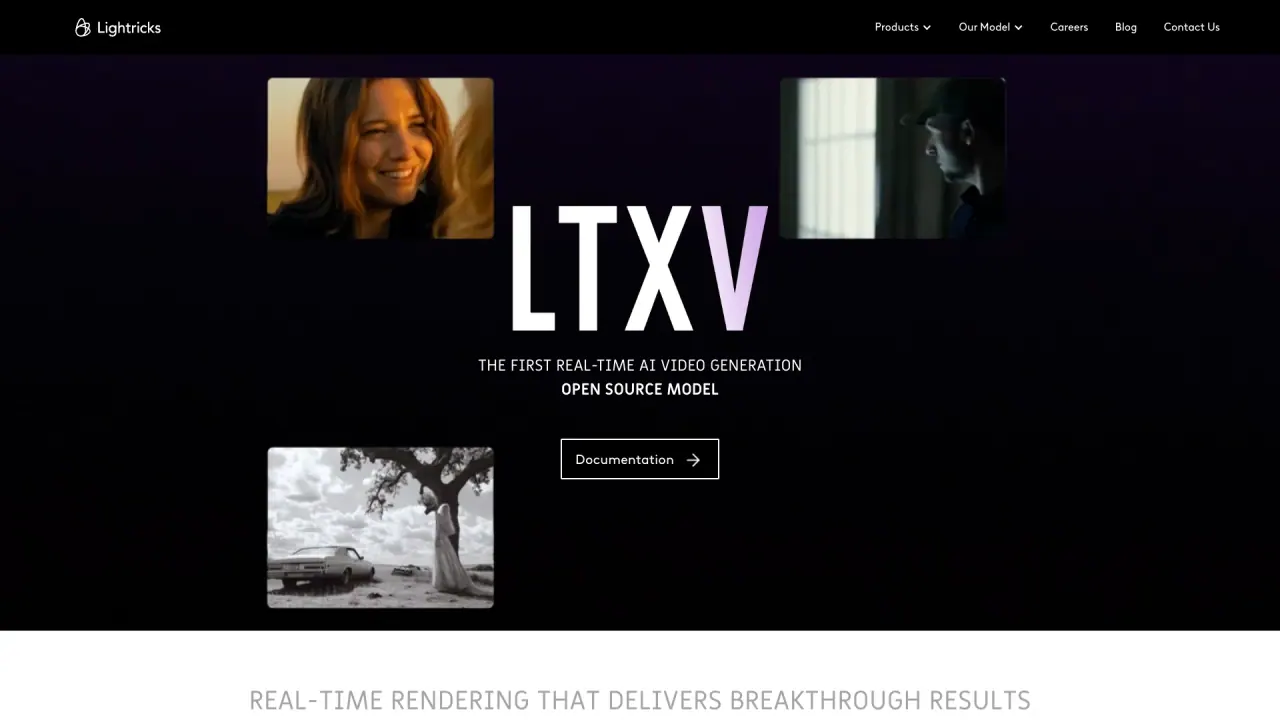
What does Lightricks do?
What is Lightricks' Open Creativity Stack?
Lightricks is building the Open Creativity Stack — an ecosystem of AI tools and models designed to empower creators, studios, and enterprises to move faster, experiment freely, and build without limits. It emphasizes openness, speed, and interconnectedness to enable deployment, integration, and productized solutions across the creative workflow.
What products does Lightricks offer?
Lightricks offers a suite of products including Facetune, LTX-2, LTX, Popular Pays, Videoleap, and Photoleap.
What is LTX-2?
LTX-2 is Lightricks' open-source AI model. It enables generating high-quality video content quickly with full creative control.
What is LTX?
LTX is an AI-powered visual storytelling platform — from concept to delivery in one seamless workflow.
How can Lightricks' AI models be deployed and integrated?
Lightricks’ technology is designed for seamless deployment and integration with trusted third-party partners, the open-source community, and a proprietary API.
How are models turned into products?
Lightricks turns models into products through full vertical integration, ensuring every tool reflects the same creative power at its core.
Is LTX-2 open-source?
Yes. LTX-2 is an open-source AI model.
How much do Lightricks products cost?
Pricing varies by app and plan. For the Boosted app, the yearly plan is $99 billed annually (equivalent to $8.25 per month), and the monthly plan is $14.90 per month.
Where can I find help and policies?
You can access Help Center and policy documents including:
- Terms of Use
- Privacy Policy
- CCPA Privacy Notice
- Refund Policy
- DMCA and DSA Policy
- Data Subject Request
- Acceptable Use Policy
- Trust Center
- Cookie Preferences
- Accessibility
How can I join the team or get in touch?
Join the Creative Revolution — explore open positions, or get in touch.
Does the Lightricks site offer accessibility features?
Yes. The site includes an accessibility system with keyboard navigation and screen-reader support, including controls such as pressing Control-F11 to adjust for visual accessibility and Control-F10 to open the accessibility menu.
Where can I learn more about Lightricks?
Learn more through the Help Center and the listed policies and resources (Terms, Privacy, etc.), or contact the team via the site.
Is this your tool?
Claim Lightricks to manage this listing, or upgrade to Pro for featured-first placement and a newsletter feature.