Nokemon
AI Pokemon Generator
Create captivating Fakemon effortlessly with our AI Pokemon Generator.
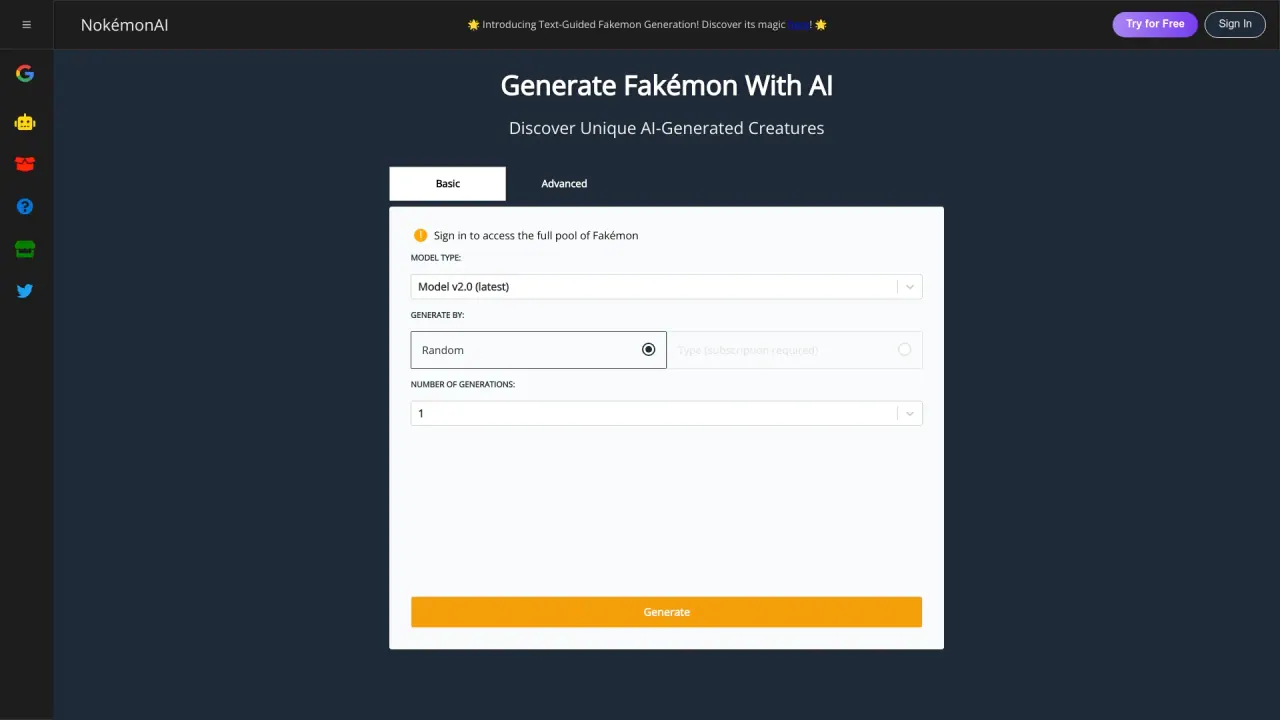
What does Nokemon do?
What steps are needed to sign in to NokémonAIUltimate?
To sign in to NokémonAIUltimate, use the platform's sign-in interface and enter credentials, typically involving an email and password, to log in and begin generating your Fakémon.
What is shown in the AI Quick Picks section, and how can I use it to explore Fakémon type combinations?
AI Quick Picks presents pre-generated Fakémon designs across different type combinations. You can view options like All Types and see example pairings such as Dark/Flying, Dark/Electric, Dark/Fire, and Dark/Dragon, with a Discover more option to view additional designs.
Which Fakémon type combinations are demonstrated in the AI Quick Picks?
Examples shown include Dark/Dragon, Dark/Flying, Dark/Electric, and Dark/Fire.
What do the example Fakémon descriptions look like?
Descriptions accompany each example, such as:
- A sugar glider, with a glossy, midnight blue body and silver highlights.
- A dark hound, with shadowy onyx fur and electric blue glowing veins.
- A baby bat, with sleek black fur and fiery red eyes.
- A snake, with shadowy scales that blend seamlessly with the night.
How can I access more AI-generated Fakémon ideas beyond the initial set?
Click Discover more to view additional AI-generated Fakémon.
What does the All Types option mean in AI Quick Picks?
All Types shows Fakémon across every type combination, giving you a broader set of designs to explore.
Is this your tool?
Claim Nokemon to manage this listing, or upgrade to Pro for featured-first placement and a newsletter feature.