
AutoenhanceAI
AI Photo Editor for Real Estate
Enhance real estate properties with AI photo editing. AI Photo Editor for Real Estate.
Promoted
 Sidrune AI85% off. Stable Claude API for agent developers. Pay as you go. Invoices & refunds available.
 Pixmax.aiPixmax.ai is an all-in-one AI workspace for videos, visual stories, and marketing content.
 SEOify - Improve your SEO & rankingsBuild links to rank in Google. Improve your DR with links you can start building now.Advertise here270,000+ people visit Dang.ai every month.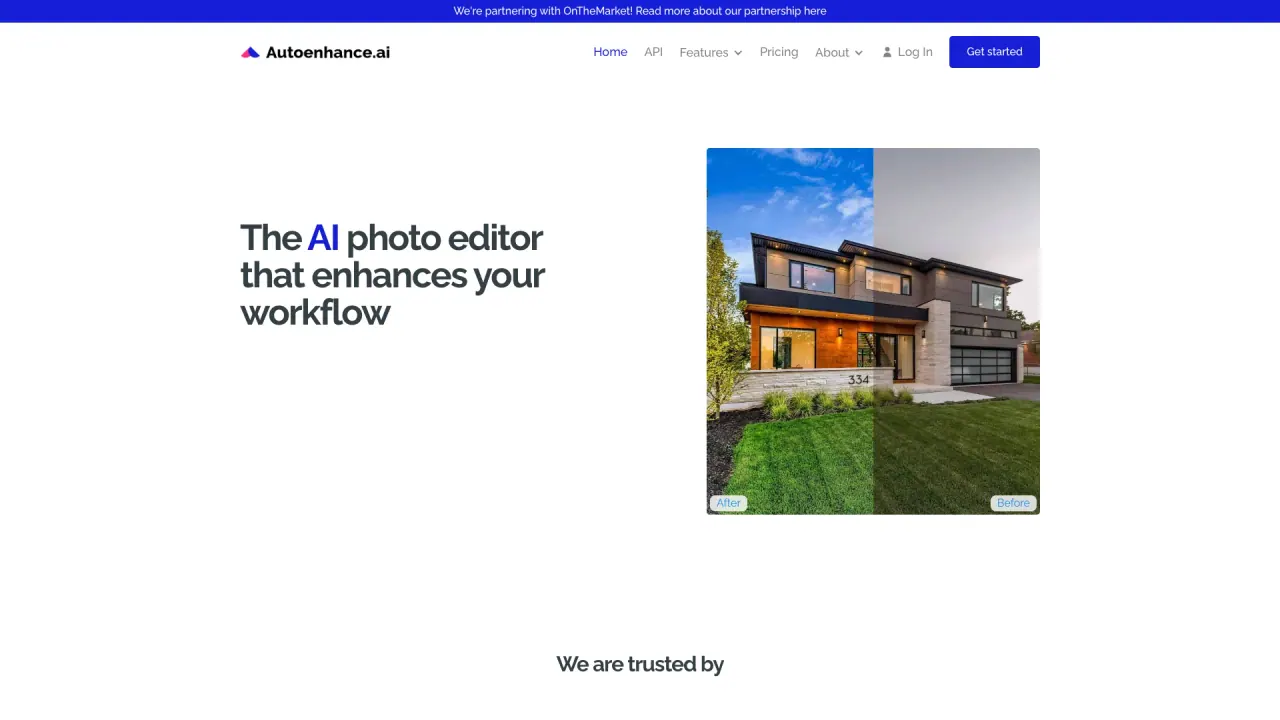
What does AutoenhanceAI do?
What features does Autoenhance.ai offer for real estate photos?
Autoenhance.ai provides a comprehensive set of AI-powered edits for real estate visuals, including:
- HDR merging to balance exposures
- Window pulling with precise masking to reveal outside views
- Sky replacement for brighter, natural-looking skies
- White balance adjustment to reflect natural colors
- Perspective correction to straighten interiors and exteriors
- Image relighting to balance brightness, highlights, and shadows
- RAW support to upload RAW files directly
- Auto privacy to blur sensitive details (e.g., license plates, portraits)
- Color correction for targeted color accuracy
- 360 enhancements to improve 360-degree content
How does Autoenhance.ai help real estate listings?
Autoenhance.ai edits property images quickly and consistently, delivering high-quality results at scale. This speeds up listing workflows and reduces manual editing. It can be integrated into existing data flows via its API to automate image processing.
How long does it take to get enhanced images?
You can receive your first enhanced images within minutes.
Do I need an account to try Autoenhance.ai?
No account is required to try Autoenhance.ai. You can get started for free.
Do you support RAW files?
Yes. Autoenhance.ai supports RAW files; you can upload RAW files directly.
What is Auto Privacy?
Auto privacy automatically blurs sensitive details like license plates and family portraits, protecting privacy without compromising image quality.
What is Sky Replacement?
Sky Replacement automatically transforms overcast or dull skies into bright, inviting skies to improve the image appeal.
What is White Balance and how is color handled?
White balance is automatically adjusted to reflect natural colors, yielding consistent and accurate color tones across edits.
What is Perspective Correction?
Perspective Correction straightens images to produce a balanced, natural view of interiors and exteriors.
What is Image Relighting?
Image Relighting adjusts brightness, highlights, and shadows to create a well-lit, dynamic image.
What is Window Pulling?
Window Pulling detects windows and applies a precise mask to reveal the outside view for clearer interiors and exteriors.
Is there an API and how can I integrate Autoenhance.ai?
Yes, Autoenhance.ai offers an API to integrate into your existing workflows and automate image processing.
Who is Autoenhance.ai for?
Real estate photographers, real estate media companies/agencies, and brokerages.
How can I get started or request a demo?
Get started for free, watch a demo, or book a call with Autoenhance.ai’s team (Head of Growth Josh Mais in North America or CEO Jamie McInally in Europe).
Where is Autoenhance.ai based and how can I contact you?
Autoenhance.ai is based in London. Address: 8 Devonshire Square, London, EC2M 4PL. You can reach out via the site’s Get started option, the Help Center's Contact Us button, or via LinkedIn.
Is this your tool?
Claim AutoenhanceAI to manage this listing, or upgrade to Pro for featured-first placement and a newsletter feature.