
LightningAI
AI Lightning Platform
Supercharge your AI projects with LightningAI's lightning-fast AI platform
- Pricing
- Free trial
- Category
- No Code
- Listed
- Jul 22, 2023
- Updated
- May 25, 2026
Promoted


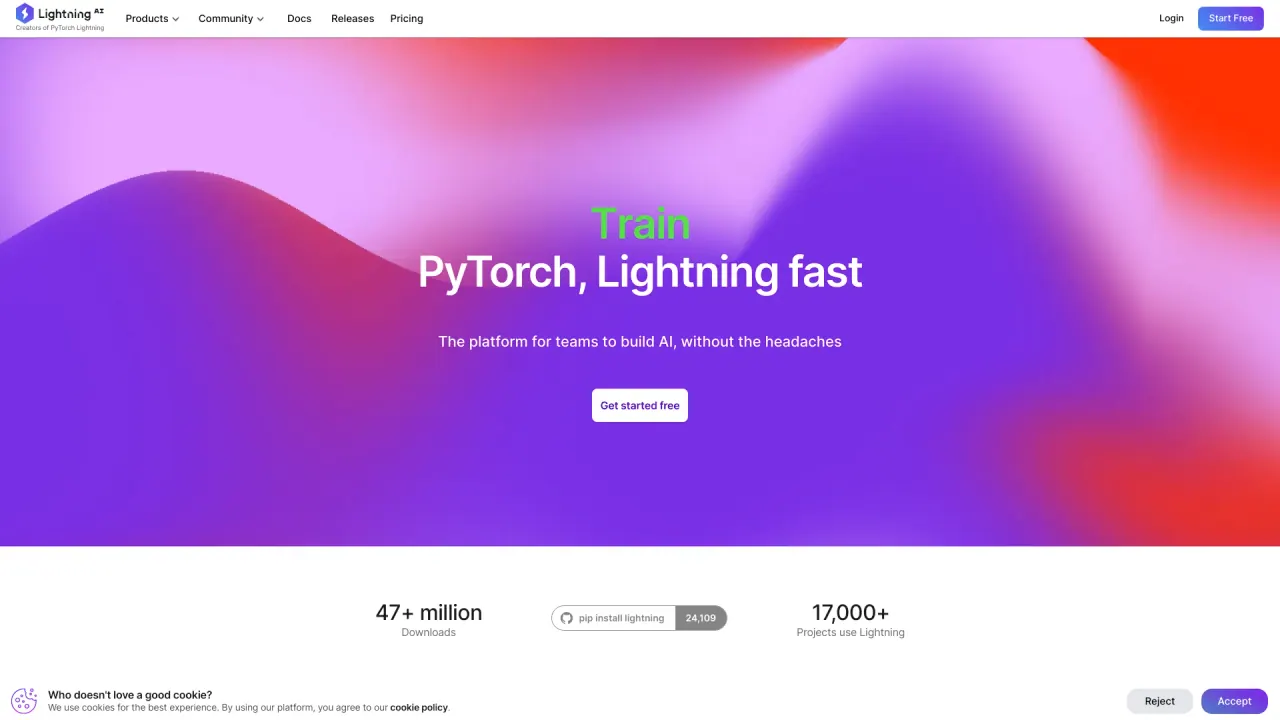
What does LightningAI do?
What is Lightning AI and what does it offer?
Lightning AI is the AI cloud for developers and AI teams that makes it easy to build and deploy lightning-fast models. It provides AI Studio (a collaborative GPU cloud workspace), AI notebooks (persistent GPU notebooks), GPU clusters (managed training and inference clusters with SLURM, Kubernetes, or multi-cloud setups), and Inference (pay-per-token APIs, hosting custom models, or letting Lightning handle hosting and serving). It also offers templates to help you start AI projects quickly.
What is Lightning AI Studio and what can I do there?
AI Studio is a collaborative GPU cloud workspace where AI helps you debug, train, and run inferences. It includes persistent GPU notebooks and managed GPU clusters for training and inference, all accessible in a browser.
What compute options and cloud integrations does Lightning AI support?
- Compute: GPU clusters for training and inference.
- Cloud providers: AWS, GCP, and Azure for running compute tasks.
- Data sources: S3, Snowflake, and BigQuery.
- You can connect your own cloud accounts and data sources, or use Lightning AI’s default cloud/data sources.
- It supports running on your own stack (Kubernetes or Slurm) and offers elastic multi-cloud portability.
Can I bring my own cloud and data sources?
Yes. Lightning AI supports bringing your own cloud accounts and data sources and can run on your own infrastructure (Kubernetes or Slurm). You can also use Lightning AI with your AWS credentials for Lightning Apps hosted in your own cloud account.
How does pricing work and what is included in the free tier?
- Pricing is per GPU-hour and varies by GPU model; compute and storage are billed by the second.
- Available GPUs include: T4, L4, L40S, RTXP 6000, A100 (40 GB), A100 (80 GB), H100 (80 GB), and H200 (141 GB).
- Each GPU has a listed cost per hour and a monthly allowance of free hours, e.g. T4 has 75 free hours/month, L4 31 hours, L40S 5 hours, RTXP 6000 2 hours, A100 40 GB 10 hours, A100 80 GB 5 hours, H100 80 GB 5 hours, H200 141 GB 3 hours.
- Notes: VRAM and price are per-GPU and billed by the second; there is a separate note about free GPU hours/credits.
- Additional cost-control features include real-time cost tracking, budgets by team or project, and autosleep for idle compute.
How do I get started with Lightning AI?
- Sign up for a free account and verify your email.
- Connect your cloud account (AWS, GCP, or Azure) and data sources (S3, Snowflake, BigQuery) or use Lightning AI defaults.
- Install PyTorch Lightning locally with either pip install lightning or conda install lightning.
- Create a PyTorch Lightning module (subclass lightning.LightningModule) and implement methods like training_step and configure_optimizers or use pre-built models from the Lightning Hub.
- Train in the cloud with the Lightning Trainer, choosing GPUs, number of nodes/workers, and advanced features (automatic mixed precision, fault tolerance, gradient accumulation).
- Deploy your model as a REST API with the Lightning Deployer, choose region and replicas, and monitor performance.
- For full-stack AI products, explore Lightning Apps (start from templates or build from scratch).
What deployment options exist for models and full-stack AI products?
- Model APIs: pay-per-token API access to models.
- Lightning Deployer: deploy models as REST APIs with configurable region and replicas.
- LitServe: private API hosting for models (e.g., private endpoints or private Hugging Face-style deployments).
- Lightning Apps: build and deploy full-stack AI products (e.g., stable diffusion servers, RAG apps, etc.).
What templates are available in Lightning AI Studio?
You can start from templates for a variety of use cases, including RL agents, chatbots, AI apps, inference workflows, training templates, and scientific workflows. The Studio gallery showcases many templates (e.g., Clawdbot and other starter projects) to help you jump-start your work quickly.
What security and compliance features does Lightning AI provide?
- Compliance: SOC 2, HIPAA, GDPR.
- Private cloud and VPC support.
- Encryption at rest and in transit.
- Single sign-on (SSO) with role-based access control (RBAC).
- Audit logs and fine-grained data access controls.
- Real-time cost tracking and autosleep for idle compute.
Can I manage costs and budgets in Lightning AI?
Yes. Lightning AI provides real-time cost tracking, the ability to set budgets by team or project, and autosleep idle compute to help you control spending.
Where can I learn more or get help?
- Explore the Lightning AI Docs for detailed guidance.
- See pricing and request a demo if you want a walkthrough.
- Access information about subprocessor programs and privacy terms.
- Community and support channels are available (e.g., community forums, GitHub).
Is this your tool?
Claim LightningAI to manage this listing, or upgrade to Pro for featured-first placement and a newsletter feature.