
Image to Prompt
AI Image to Prompt
Upload your image, and it will be convert image to prompt in just seconds.
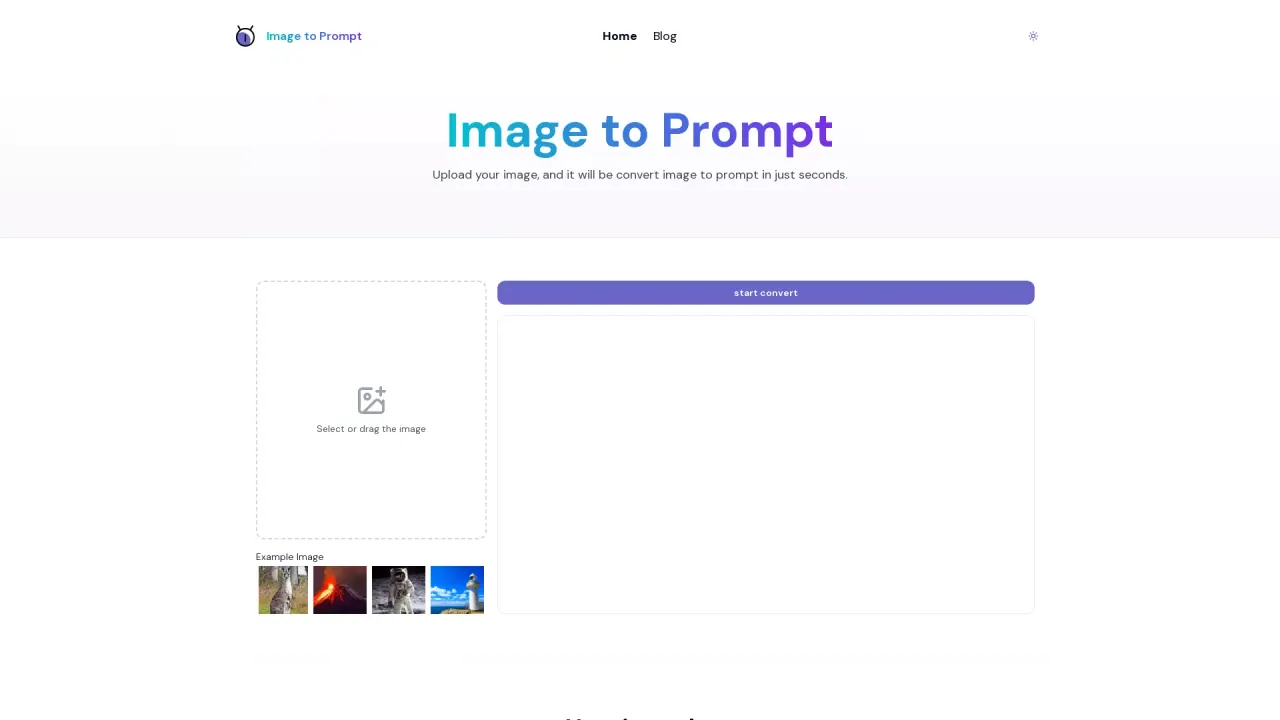
What does Image to Prompt do?
What is Image to Prompt?
Image to Prompt converts your uploaded images into AI prompts that you can use with image-generation models. It’s free, unlimited, and requires no login.
How do I convert an image to a prompt?
- Select or drag your image into the tool.
- Click the Start Convert button.
- The generated prompt appears in the output box, and you can copy it for use with other AI tools.
What image formats are supported and what kind of images work best?
Supported formats include JPEG and PNG. For best results, upload clear images with well-defined subjects to generate more accurate prompts.
On which platforms can the generated prompts be used?
The prompts can be used on Flux1, Stable Diffusion, and Midjourney.
Will my uploaded images be saved or shared?
No. Our servers do not store uploaded images; they are deleted automatically after the prompt is generated.
Is Image to Prompt free and do I need to log in?
Yes, Image to Prompt is free to use with unlimited generations, and no login is required.
Are there any generation limits?
No. Generations are unlimited.
What AI model options are available and what are they optimized for?
- General Prompt: General prompt for all models.
- Nano Banana: Optimized for Nano Banana image generation.
- Flux: Optimized for Flux AI models.
- Midjourney: Tailored for Midjourney generation with Midjourney parameters.
- Stable Diffusion: Formatted for Stable Diffusion models.
Model Speed options:
- Fast: quicker generations with stable quality.
- Advanced: higher quality and more detailed results.
What language are prompts generated in, and can I change the language?
Prompts are best supported in English. The interface provides an English output language and major models offer the strongest support for English prompts. You can select English as the output language.
This listing is claimed
Own Image to Prompt? Sign in with the email used to claim it to manage this listing, or upgrade to Pro for featured-first placement and a newsletter feature.