
Gptplus
No longer active
AI Communication Tool
Accurate and effective AI answers for writing, translation, code analysis, and QA with Gptplus - the ultimate AI communication tool.
Gptplus is no longer available
- Listed
- Jul 22, 2023
- Shut down
- May 5, 2026
Promoted


What does Gptplus do?
What is GPTPLUS and what can it do in my browser?
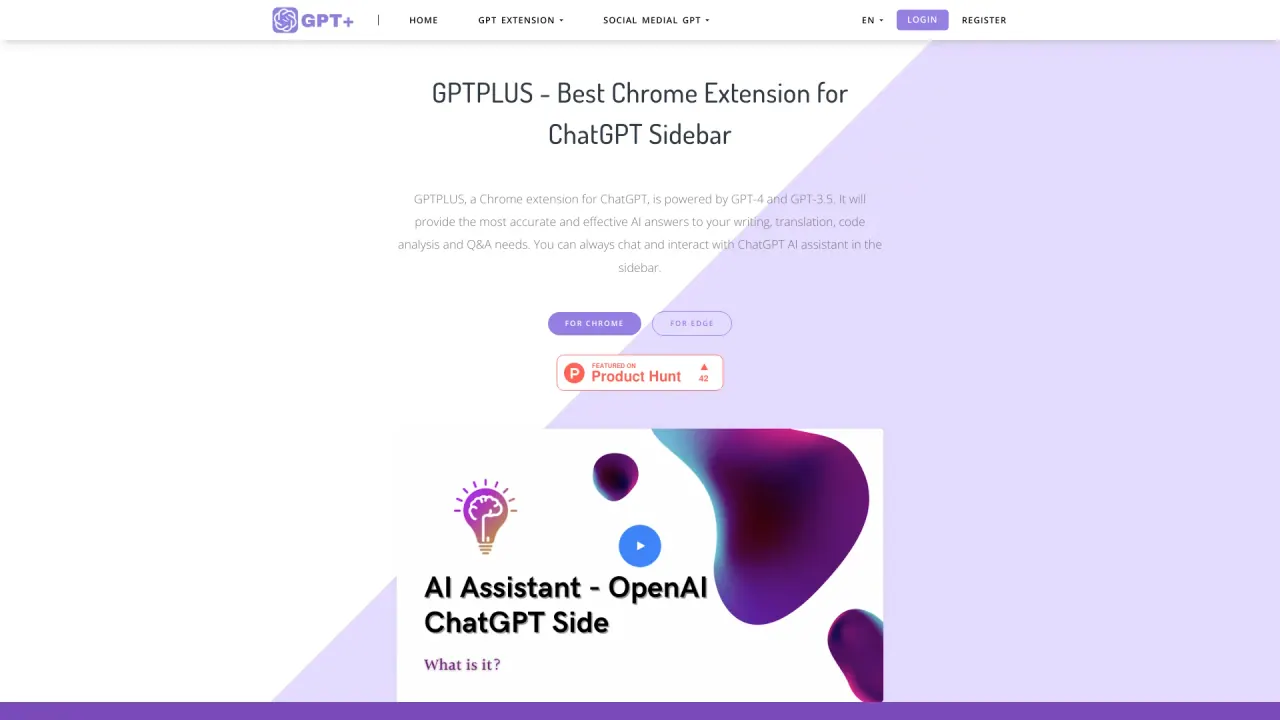
GPTPLUS is a Chrome and Edge extension that adds an OpenAI ChatGPT-style sidebar to your browser. It is powered by GPT-4 and GPT-3.5 and offers writing optimization, translation, code analysis, and Q&A capabilities. It lets you chat with ChatGPT in the sidebar, process text with a single click, and use a library of prompts (20+) or add your own prompts to tailor answers. It also supports translating all languages into your native language with a natural tone and provides a path to more advanced features via premium plans.
How do I install GPTPLUS and start using it?
Install AI Assistant - OpenAI ChatGPT SideBar from the Chrome Web Store or Edge Add-ons. After installation, open the ChatGPT sidebar in your browser, choose or create prompts, then you can:
- Select text on any page and process it with one click
- Chat with ChatGPT in the sidebar anytime
- Keep a record of your chats for later reference
Which browsers are supported by GPTPLUS?
GPTPLUS supports Chrome and Edge browsers.
Does GPTPLUS offer a free tier and premium plans?
Yes. GPTPLUS can be used for free with a certain number of free uses per day. For more advanced features and higher usage, premium plans are available.
How many prompts and templates does GPTPLUS provide, and can I add my own prompts?
GPTPLUS includes a library of prompts (20+ prompts) to improve answers, and you can add your own custom prompts to tailor responses to your needs.
How does one-click text processing work?
You can select text on any webpage and process it with a single click in the browser, enabling quick translation, optimization, interpretation, and other processing tasks.
Can I translate text with GPTPLUS, and which languages are supported?
GPTPLUS provides translation capabilities and can translate all languages into your native language while preserving a natural tone.
Does GPTPLUS support GPT-3.5 and GPT-4?
Yes. GPTPLUS is powered by both GPT-4 and GPT-3.5.
Can I keep a record of my chats in GPTPLUS?
Yes. You can keep a record of your chats and resume conversations at any time.
How do I get help if I run into problems?
If you encounter issues, you can contact GPTPLUS support via the "Contact Us" page.
What about my privacy and data protection?
GPTPLUS provides a privacy policy and terms of use. For detailed information on privacy protections, please review the Privacy Policy and Terms of Use.
What are the basic steps to start using GPTPLUS?
- Add the extension to your browser from the Chrome Web Store or Edge Add-ons.
- Use the prompts to ask questions (you can choose from prompts or add your own).
- Select text on a page to process it with one click.
- Chat with ChatGPT in the sidebar anytime and keep a chat history.