
Autoretouch
AI Bulk Image Editor
autoRetouch: AI Bulk Image Editor for flawless and efficient product image editing.
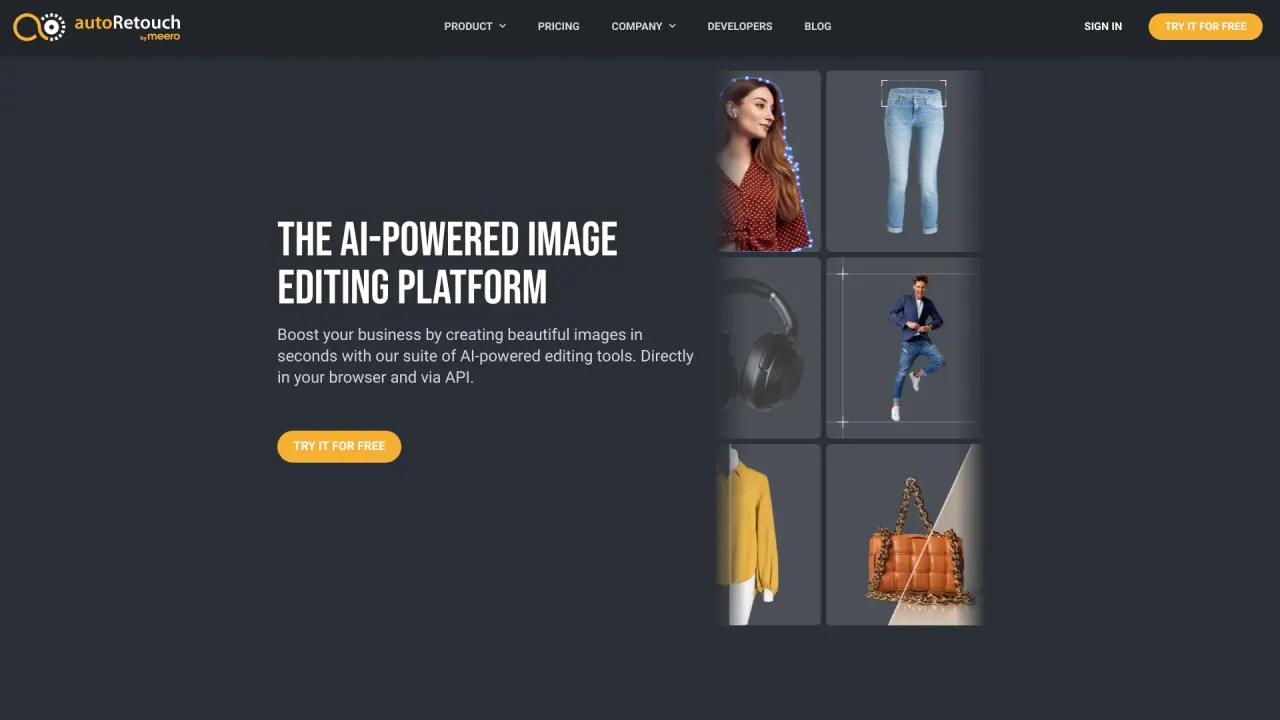
What does Autoretouch do?
What is Autoretouch and what does it do?
Autoretouch is your AI fashion studio for creating and editing high-quality images at scale. It helps you produce fashion visuals faster and more cost-effectively with AI-powered editing, AI models, AI video, and Studios, backed by human quality assurance to ensure brand-style accuracy.
What solutions does Autoretouch offer?
- AI MODELS: Transform ghosts and flatlays into ultra-realistic on-model imagery.
- AI VIDEO: Bring static images to life with AI-powered fashion videos.
- AI EDITING: Automate your entire post-production workflow with AI.
- STUDIOS: Your one-stop shop for professional fashion photoshoots.
How do Autoretouch's AI models help with fashion imagery?
They transform ghost mannequins and flatlays into ultra-realistic on-model imagery, helping you achieve consistent, high-quality product visuals at scale.
What is AI Video used for?
AI Video lets you convert static product imagery into engaging fashion videos, enhancing multi-channel storytelling.
What is AI Editing and what tasks can it handle?
AI Editing automates your entire post-production workflow, enabling fast, consistent edits across large image sets while aligning with brand standards.
What are Studios?
Studios are your one-stop shop for professional fashion photoshoots, delivering studio-quality visuals within your workflow.
How does Autoretouch work?
Autoretouch emphasizes:
- FAST: Get products online faster and accelerate sales by reducing manual edits or reshoots.
- 100% QUALITY: Every visual goes through human quality assurance to meet brand standards.
- COST-EFFECTIVE: Significantly cut production costs through AI-driven automation.
How can Autoretouch help my e-commerce visuals?
- Standardizing supplier content with AI-powered editing workflows.
- Reducing production costs by leveraging AI models instead of traditional shoots.
- Optimizing multi-channel output with platform-ready visuals tailored to each sales channel.
What editing features are included?
- Background Removal
- Shadow Creation
- Face Cropping
- Tones and Colors Harmonization
- Background Cleaning and Replacement
- Skin Retouching
- Reframing and Resizing
- Fabric Swatch Extraction
- Ghost Mannequin Creation
- Multiple Export Settings (high-resolution images, PSD, and multi-layered TIFF)
What export formats does Autoretouch support?
Multiple export options include high-resolution images, PSD, and multi-layered TIFF files.
How fast can Autoretouch process images and deliver results?
Autoretouch can process large volumes quickly, with claims of over 50,000 images per day and turnaround times as quick as 5 minutes.
Does Autoretouch offer an API or plugins?
Yes. Autoretouch provides API access and plugins for popular e-commerce platforms to integrate into your workflow.
Who uses Autoretouch?
Leading fashion brands and marketplaces, including Farfetch, use Autoretouch to enhance production capabilities and streamline the creation of consistent visuals.
How do I get started with Autoretouch?
Request a demo to see how the platform fits your workflow, then explore AI Models, AI Video, AI Editing, and Studios within the interface.
What about pricing?
Pricing details are not published publicly. After a demo, you can obtain a quote based on the chosen workflow and your usage. For bespoke needs or large volumes, contact the sales team for options.
What image types is Autoretouch best suited for?
Autoretouch is primarily designed for fashion and e-commerce product imagery. Results may vary for non-fashion categories or non-product images.
Is this your tool?
Claim Autoretouch to manage this listing, or upgrade to Pro for featured-first placement and a newsletter feature.