
Albato
No Code Workflow Automation AI
Albato: No-Code Workflow Automation AI Rewriting Efficiency
- Listed
- Aug 4, 2023
- Updated
- May 25, 2026
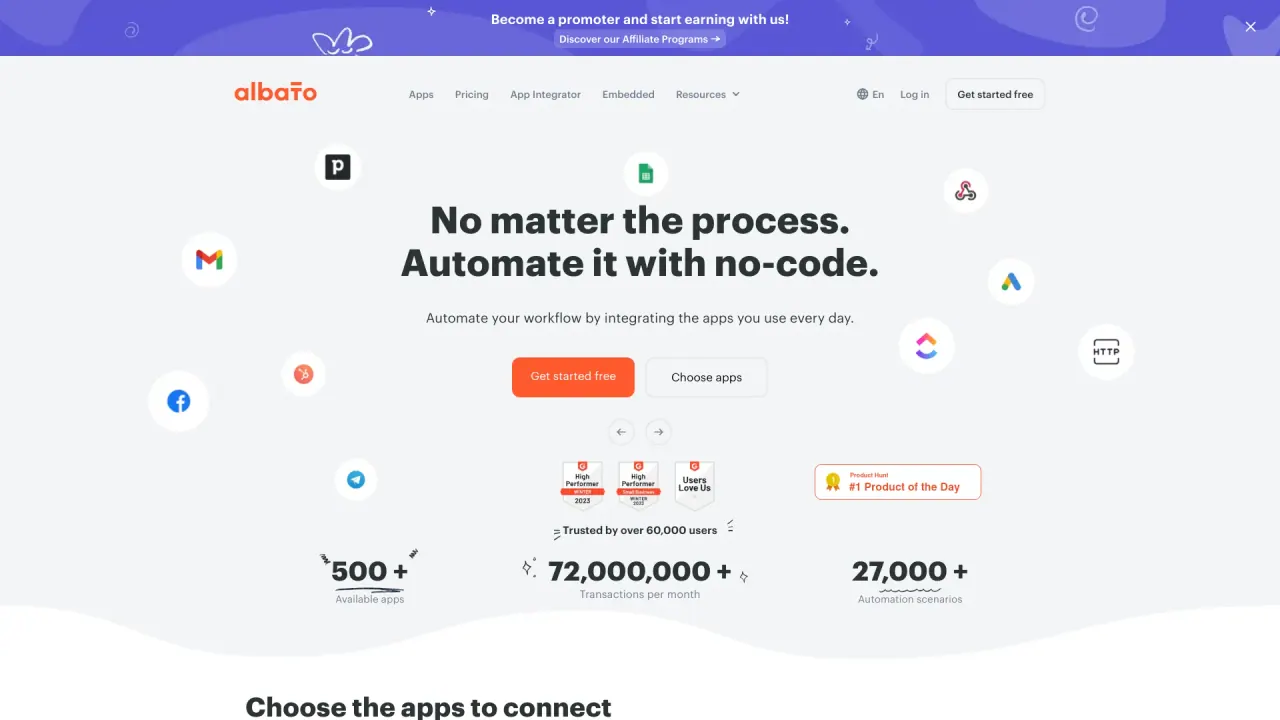
What does Albato do?
What is Albato Embedded?
Albato Embedded is an embedded iPaaS that lets you offer native, AI-powered, one-click integrations to your SaaS customers. You can embed integrations via iFrame or headless API in weeks, not months, helping you expand value without heavy in-house development.
What are connectors?
An API connector is a set of methods needed to integrate with a specific cloud app. A connector enables exchanging data between your product and a third-party app. Albato offers a library of 1,000+ ready-to-use API connectors.
What are Solutions?
Solutions are a feature that lets you group integrations by each customer’s use cases (e.g., CRM, e-commerce, email marketing). Customers get pre-packaged “integration kits” geared to their needs.
What are transactions?
A transaction counts when Albato successfully moves or modifies data within your automations. For example, creating a deal in Salesforce counts as one transaction. Triggers that poll for data changes are not charged as transactions. Transaction-based billing is often more cost-effective than per-API-call pricing.
Do I get charged each time my customers use native integrations?
You’re billed based on either the number of active integrations (connectors) or the number of active users who use native integrations. The total number of workflows and workflow steps for each integration or active user is unlimited.
What happens if I go over my monthly transaction limit?
If you exceed your limit, you can purchase additional transactions. If you consistently exceed the base limit, we can increase it for a recurring fee.
Can I pass the integration costs on to my customers?
Yes. It’s up to you how you monetize integrations—you can offer them for free, charge based on usage, or include them as a feature in higher plans to encourage upgrades.
Can I allow my customers to set up custom automations?
Yes. Albato can enable an automation builder for your end users so they can construct new workflows with available apps, triggers, actions, and data points.
What do I need to get started with Albato Embedded?
- Fill out a brief describing your use cases and requirements.
- Agree on the apps to embed, pricing, and SLA; sign the Albato licensing agreement.
- Albato builds API connectors for your app with triggers, actions, data points, etc. Your app must have an accessible API with clear documentation.
- Set up integration templates tailored to your customers’ needs.
- Configure the iFrame UI for your integrations.
- Receive initial training and onboarding for your team.
- Publish the embedded integrations for your customers.
Can you set up Single Sign-On (SSO) for embedded integrations?
Yes. SSO can be set up for your application. However, users will still need to authenticate and connect their accounts for the third-party apps that Albato integrates.
What about data privacy and security?
- Data is encrypted in transit (TLS) and at rest (AES-256).
- Data storage is in AWS servers in the USA.
- Access to data is restricted to a limited number of authorized employees for troubleshooting and backups.
- A GDPR opt-out option exists; a Data Processing Agreement (DPA) is available upon request.
- See the privacy policy for details.
Can you white-label embedded integrations?
Yes, on higher subscription plans. The process includes creating authentication apps for each connector (subject to third-party review). We can replace Albato branding at the connector authentication step. For a faster route, you can use Integration Hub (gray-label auth app) while you build your branded experience.
How long does it take Albato to implement native integrations?
Implementation time depends on the number of apps and customization. Typical timelines are 4–8 weeks, with some scenarios taking up to 30–45 days for go-live.
Why do I need embedded integrations if I can just use Zapier instead?
Embedded integrations provide a seamless, in-app experience without forcing users to leave your product, sign up for another tool, or deal with Zapier’s limitations. Native integrations reduce learning curves, avoid extra tools, and offer dedicated support for you and your customers.
Will I have to enable Albato integrations for each of my customers manually?
No. We create new users automatically and enable native integrations for them.
What is the Bulk data migration feature?
Bulk data migration moves historical data in bulk between systems. It’s useful for migrating contacts, analytics, audiences, or subscription lists to or from third-party apps as part of onboarding or consolidation.
How many apps/integrations does Albato have?
Albato offers 1,000+ ready-to-use integrations and AI apps in its library.
What are the key features of Albato for automation and integration?
- Intuitive no-code interface for building automations
- 1,000+ ready-to-use integrations and AI apps
- Internal utilities like Delays, Find and Replace, JSON Parser, and Date/Number Formatting
- App Integrator for adding custom apps
- Dedicated support and engineers to troubleshoot connections
- SOC 2 Type II compliant with data security and privacy safeguards
What are the popular app integrations available on Albato?
- Telegram + OpenAI
- Google Sheets + BigQuery
- Trello + Google Calendar
- Webflow + Shopify
- Monday.com + Toggl
- Synthesia + Google Sheets
- Shopify + Writesonic
Is there a free trial?
Yes. Albato offers a free trial to explore its capabilities.
How can I schedule a demo or get pricing information?
You can schedule a demo or check pricing via the site’s demo request options (e.g., “Get a demo” or “Let’s talk”).
Is this your tool?
Claim Albato to manage this listing, or upgrade to Pro for featured-first placement and a newsletter feature.