
Oka Apps
Free Mac And Ios AI Utility Apps
Discover Free Mac And iOS AI Utility Apps: Enhance productivity, manage files, record/edit videos & more with Oka Apps. Exclusively on the App Store.
- Listed
- Aug 4, 2023
- Updated
- May 25, 2026
What does Oka Apps do?
What is the best free screen recorder for Mac provided by Oka Apps?
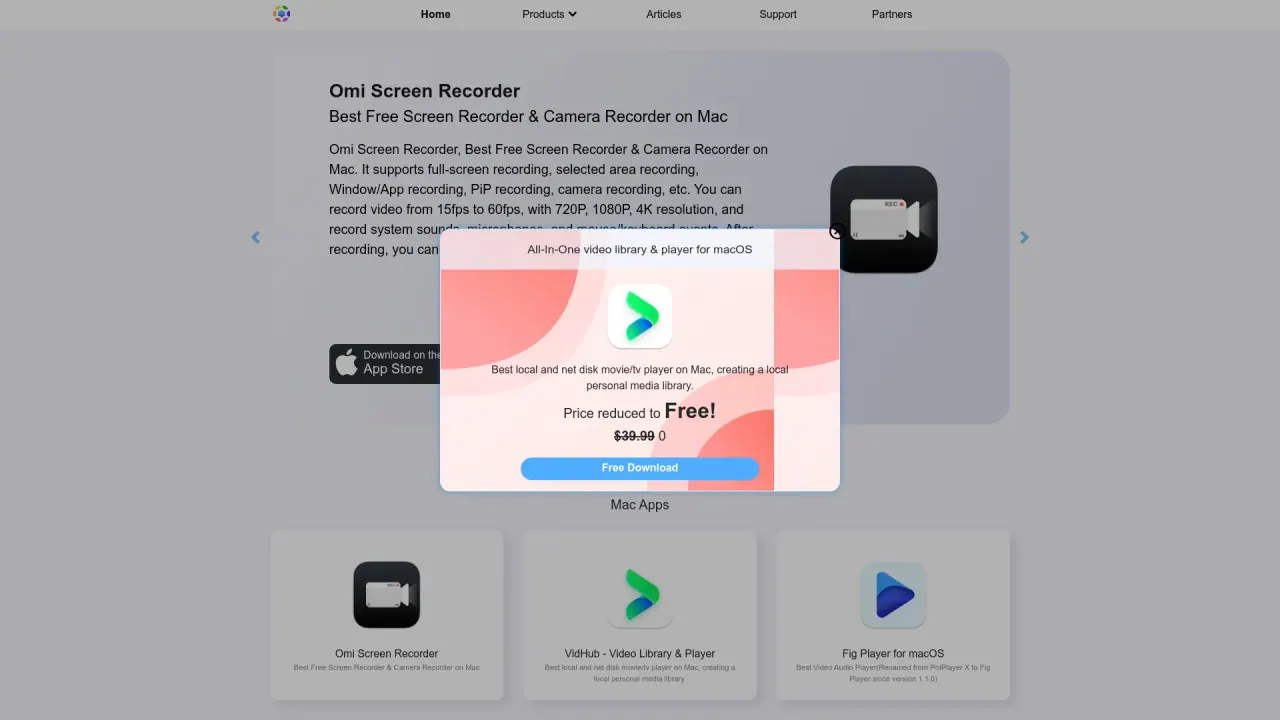
Omi Screen Recorder is described as the best free screen recorder for Mac. It supports full-screen recording, selected area recording, Window/App recording, PiP recording, camera recording, and more. It can record at 15fps–60fps with resolutions up to 4K, capture system sounds and microphone audio, and record mouse/keyboard events. After recording, you can also edit the video before exporting.
What is VidHub and what can it do for my video library?
VidHub is described as an all-in-one video library and player for iOS, macOS, and tvOS. It helps you organize and stream your videos, discover and play them, and mount major cloud drives for effortless resource management to handle large media collections.
Are there free solutions for encrypting files available through Oka Apps?
Yes. File Zip and Encryptor is offered as a free Mac tool for file encryption and decryption, helping you securely manage your data.
What other Mac/iOS utilities does Oka Apps offer?
Oka Apps provides a range of Mac/iOS tools, including:
- Oka Unarchiver: Free Mac unarchiver for extracting files
- Omi NTFS Disk Pro: Free Mac NTFS disk manager to read/write NTFS disks
- Oka To Do for Mac: Free task manager and reminder
- F-Vault: Hide secret files, videos, and photos on Mac
- WindoWizard: Free window manager and split-screen/tiling tool
- Oka Mirror for Roku: Free Mac mirror to Roku TV/stick/Express
- Oka Mirror for Samsung TV: Free Mac mirror to LG/Samsung/Sony TVs
- Oka Mirror for Chromecast: Free Mac mirror to Chromecast
- Oka Mirror for any device: Watch Mac screen on any device with no latency via web browser
- Color Folder Master: One-click folder color customization
- WiFi Speed Test: Free Mac WiFi speed test app
- X-Disk: Mac USB and external disk monitor
- xBrowser: Open any URL in Chrome from Mac
How can I mirror my Mac screen to a TV or other devices using Oka Apps?
Oka Mirror products let you mirror from Mac to various devices, including Roku, Samsung/LG/Sony TVs, Chromecast, and any device via a web browser. The site describes options to watch your Mac screen on different devices with low latency, including dedicated Oka Mirror apps for specific devices and a general “mirror to any device” option.
How do I get support or contact Oka Apps?
Support is available via the site’s Support section and the footer links. The footer includes Terms of Use, Privacy Policy, Contact, and Partners, which provide access to help and updates.
How do I learn about installing or uninstalling Omi Screen Recorder Audio Driver?
The site’s Hottest Articles include “How to install/uninstall Omi Screen Recorder Audio Driver.” See the Support area or the Articles list for the step-by-step guidance.
What should I know about pricing and downloads for Oka Apps?
Pricing varies by product. The site shows Free Download availability for many apps, and mentions promotions such as Free Trial in some places. For exact pricing and what’s included, check the individual product pages.
Are there any trust or safety concerns I should be aware of when using Oka Apps?
The site includes a limitations section that notes concerns about trustworthiness, including a low trust score and other cautionary points. Users should exercise caution and perform their own due diligence when using the tools.
Where can I find official information and updates about Oka Apps?
Official information and updates are available via the site’s main sections: Home, Products, Articles, and Support. The footer also provides access to Terms of Use, Privacy Policy, Contact, and Partners.
Is this your tool?
Claim Oka Apps to manage this listing, or upgrade to Pro for featured-first placement and a newsletter feature.