
Guidenco
No longer active
AI Travel Planner
Effortlessly plan your dream vacation with Guidenco, the AI travel planner
Guidenco is no longer available
- Listed
- Mar 29, 2026
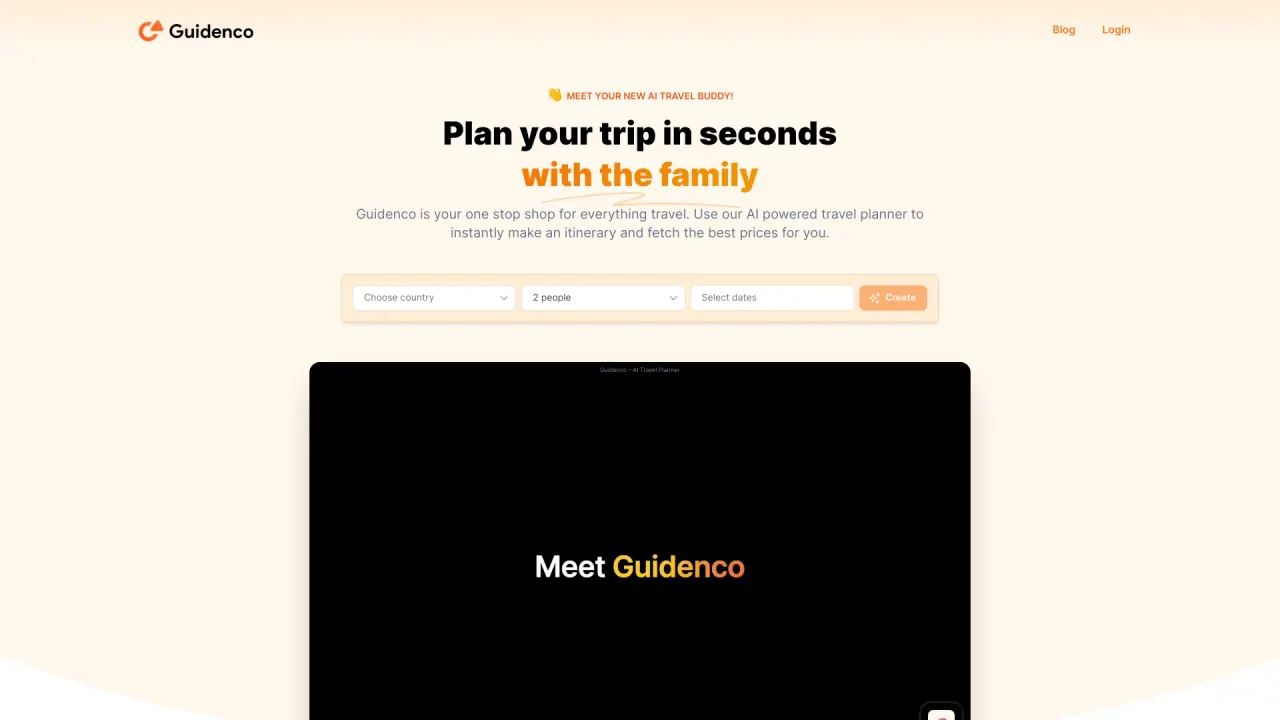
What does Guidenco do?
What is Onvo AI and what problem does it solve?
Onvo AI provides embeddable, AI-powered dashboards and analytics that you can add to your product or app. Create beautiful dashboards using simple AI prompts—without writing code or SQL—to reduce customization backlogs, save engineering time, and deliver native-looking analytics to your users.
Can I embed Onvo AI dashboards into my product?
Yes. Onvo AI dashboards are designed to be embedded and white-labeled. You can customize branding (colors, logos, domain, layout) and deliver a seamless, native experience for your customers while Onvo handles the AI and analytics behind the scenes.
Do I need to write code to create dashboards?
Not at all. You can build dashboards with AI prompts and visualizations. You can also write custom SQL queries if you need precise views, or let AI generate them automatically from prompts for faster iteration.
Can I customize branding and make dashboards look like my product?
Yes. Onvo AI dashboards are fully customizable for your product experience, including branding, color schemes, logos, domain, and layout, so they feel native to your product.
How does data access control work and how is data privacy ensured?
You can manage access at the query level, restricting or personalizing data using variables like {{session.userID}} or {{session.startDate}} so each user only sees relevant information. Onvo supports multi-tenant data isolation and secure sharing of dashboards, with data siloed between dashboards for privacy.
What data sources can I connect to Onvo AI?
You can connect a variety of data sources, including SQL and NoSQL databases, Excel files, Google Sheets, and custom API endpoints. Onvo offers a library of SDKs and APIs to build dashboards natively and consolidate data from multiple systems.
Can AI generate SQL queries for dashboards?
Yes. You can write custom SQL views to track the metrics you need, or use AI to generate queries automatically from prompts, giving you faster insights without sacrificing control.
Can I schedule dashboards and set up automations?
Yes. Onvo supports conditional scheduling and automations to trigger reports, alerts, or notifications based on live data conditions, helping your team stay informed in real time.
What are the pricing plans and what do they include?
Pricing plans are available monthly and discounted yearly options are shown with a 15% discount when billed yearly. Current plans include:
- Startup: $169/mo (monthly). Features include unlimited dashboards, unlimited reports, 2 admin roles, 50 embed users, up to 5 datasources per dashboard, API + SDK, standard integrations, and standard support.
- Growth: $424/mo (monthly). Features include unlimited dashboards, unlimited reports, 10 admin roles, 250 embed users, up to 15 datasources per database, API + SDK, standard integrations, automation, custom LLM, feedback logs, fine-tuned AI, custom integration, and premium support.
- Enterprise: Custom pricing. Features include unlimited dashboards, unlimited reports, 10+ admin roles, 250+ embed users, 15+ datasources per dashboard, API + SDK, standard integrations, automation, custom LLM, feedback logs, fine-tuned AI, custom integrations, On-Premise, and premium support.
All plans include access to SDKs & APIs, plug-and-play integrations, and secure sharing of dashboards.
Is self-hosted or on-premise deployment available?
Yes. The Enterprise plan includes an On-Premise option, suitable for large-scale deployments or environments that require self-hosting.
What AI model options do I have?
Onvo AI is LLМ-agnostic. You can assign different models to different agents, connect your own self-hosted LLM for added privacy and security, and set custom AI instructions while building dashboards.
What languages does the UI support?
The platform offers a multilingual interface with 30+ languages supported.
Can I export dashboards or share reports in different formats?
Yes. Dashboards can be shared across devices and formats, including PDF, Excel, and PowerPoint, with responsive layouts and export options built in.
What development tools are available (SDKs and APIs)?
Onvo provides a production-ready set of SDKs and APIs to build and embed dashboards, enabling you to ship faster within your product.
How do I get started with Onvo AI?
You can request access, book a demo, or read the documentation to begin integrating Onvo AI dashboards into your product.
Can I manage versions of dashboards like Git branches?
Yes. Onvo supports managing copies of dashboards with version-like branching to help you experiment and roll out changes safely.
What makes Onvo AI suitable for non-technical users?
Onvo’s AI-driven prompts and no-code approach enable non-technical users to explore data, generate insights, and customize views without relying on the data team for every change. Shared access with appropriate permissions makes self-service analytics accessible to clients and non-technical teammates.