
Petalica Paint
AI Colorization Tool
Petalica Paint: The AI colorization tool - effortlessly brings your sketches to life.
Promoted
 Sidrune AI85% off. Stable Claude API for agent developers. Pay as you go. Invoices & refunds available.
 Pixmax.aiPixmax.ai is an all-in-one AI workspace for videos, visual stories, and marketing content.
 RewindType any X/Twitter handle. Get their year back as a narrated video story. Then ask it anything.
 KurodyneSell the tools from your AI side projects. Listing is free.
 SEOify - Improve your SEO & rankingsBuild links to rank in Google. Improve your DR with links you can start building now.Advertise here270,000+ people visit Dang.ai every month.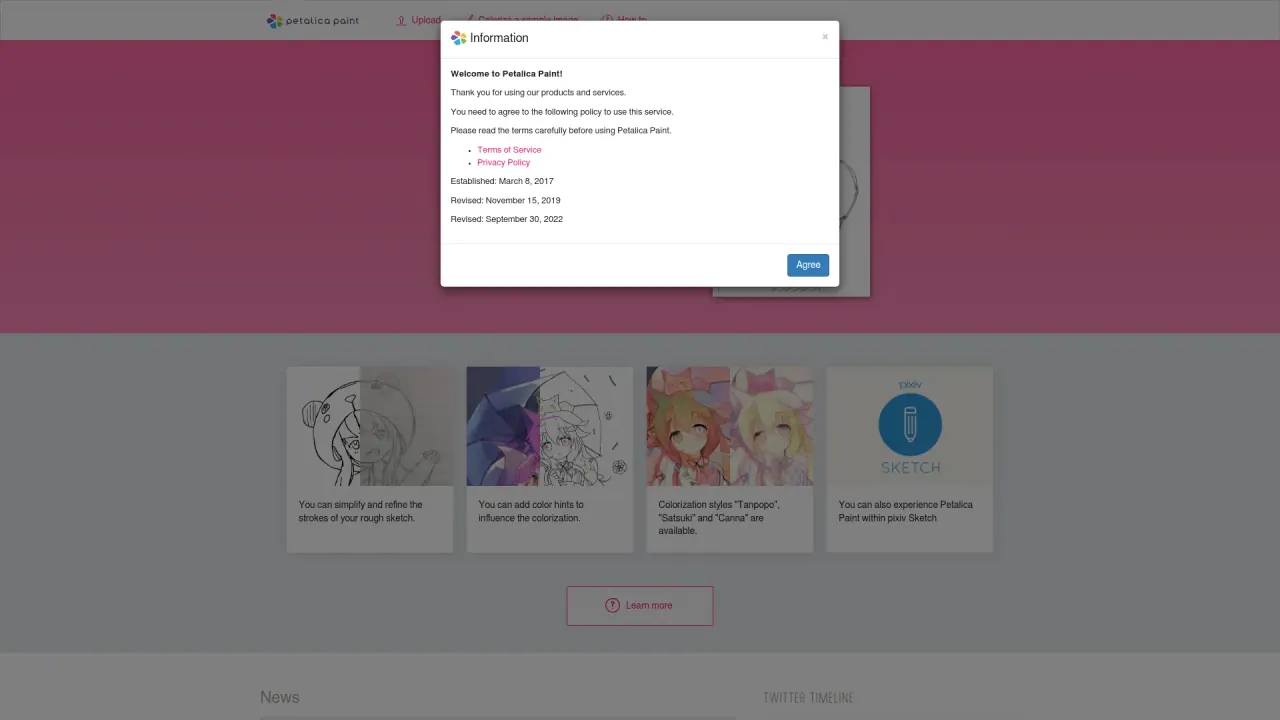
What does Petalica Paint do?
When will Petalica Paint be terminated and what happens after termination?
Petalica Paint will be discontinued on July 31, 2025, at 4:00 PM Japan Standard Time. After the termination date, all services will become unavailable. If you have questions or concerns about the service termination, please use the inquiry form available on the site.
Where can I access Petalica Paint now, and what are the current terms?
The service is provided at the new URL https://petalica.com. The terms have been revised to allow commercial use as long as you agree to them. The service name changed from PaintsChainer to Petalica Paint, and the operating company changed from Preferred Networks, Inc. to pixiv Inc. as of November 15, 2019; the change may partially affect the Terms of Service and Privacy Policy, but the core service remains the same. No action is required from users to continue using the service content.
What is Petalica Paint and how is it related to PaintsChainer?
Petalica Paint is the renamed service that originated as PaintsChainer. Three years after its launch, the name was changed to Petalica Paint. The operating company also changed from Preferred Networks, Inc. to pixiv Inc. The service’s core features remained, with updates such as new painting styles and tools.
What painting styles are available in Petalica Paint?
Petalica Paint offers three colorization styles:
- Tanpopo
- Satsuki
- Canna (noted for shading and lighting)
What is Sketch Simplification in Petalica Paint?
Sketch Simplification is a tool that allows you to extract and refine the strokes of your rough sketches, giving you cleaner input for colorization.
How do I colorize a sketch with Petalica Paint?
- Upload your sketch image to the Petalica Paint website.
- Choose a colorization style: Tanpopo, Satsuki, or Canna.
- Optionally add color hints to influence the colorization.
- If needed, simplify and refine the strokes.
- Click to automatically colorize your sketch.
How can I use Petalica Paint with pixiv Sketch?
- Log in to pixiv Sketch.
- Access Petalica Paint within the pixiv Sketch environment.
- Upload your sketch and follow the usual steps to colorize it.
- Share your colorized artwork with the pixiv Sketch community.
Is Petalica Paint free to use, and do I need an account?
Petalica Paint is freely accessible with no fees and, in general, no registration or account creation required. However, if you want to share and discover illustrations via pixiv Sketch, you must have a pixiv account. The service is operated under pixiv Inc.
Have there been changes to terms or privacy due to the operator change?
The operator change announcement notes that Terms of Service and Privacy Policy may be partially updated, but the core contents of the service did not change, and no specific user procedures are required. It’s advisable to review the Terms of Service and Privacy Policy for any updates.
Is this your tool?
Claim Petalica Paint to manage this listing, or upgrade to Pro for featured-first placement and a newsletter feature.