
LeadsPicker
AI Business Automation Tool
Revolutionize repetitive tasks with Leadspicker, the ultimate AI business automation tool.
- Listed
- Aug 4, 2023
- Updated
- May 25, 2026
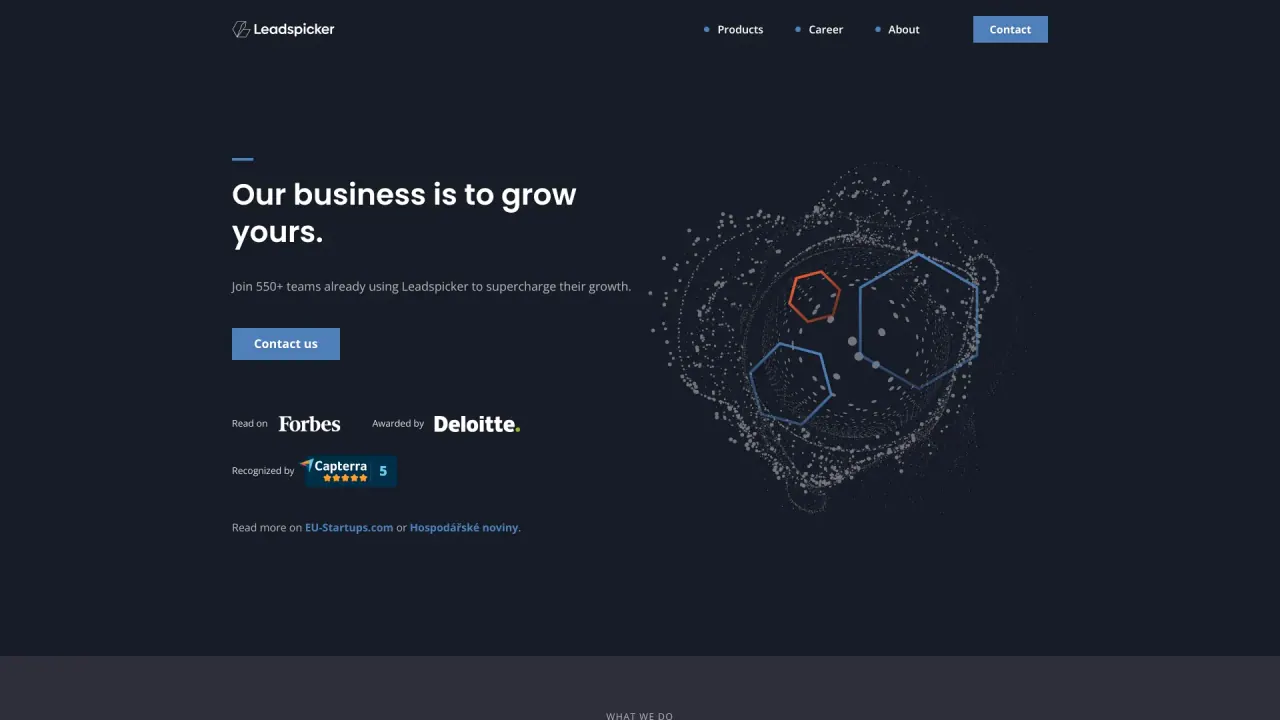
What does LeadsPicker do?
Can I use Leadspicker for LinkedIn outreach and email outreach?
Yes. Leadspicker supports both LinkedIn outreach and email outreach. You can create unified campaigns that move across LinkedIn and email—combining connection requests, direct messages, InMails, and emails into a single journey, with all replies shown in a unified inbox.
What are the key features of Leadspicker for enrichment and automation?
- Magic Columns: AI-powered columns enrich your lead list with job titles, emails, LinkedIn activity, icebreakers, company insights, and personalization ideas.
- Automation Robots: Use real-time signals like job posts, profile visits, or post comments to launch hyper-relevant outreach. Robots can also generate one-time lead databases, even without signals.
- Chrome extension: Streamline prospecting by adding leads to outreach campaigns from LinkedIn or job portals with one click, gathering verified contact details and launching automated sequences directly from your browser. The extension operates within LinkedIn’s guidelines.
- Multichannel campaigns across LinkedIn and email, powered by AI-driven workflows.
Is Leadspicker safe to use?
Yes. Leadspicker automates more than 95% of LinkedIn actions using its own infrastructure, which helps avoid relying on your personal accounts. The platform emphasizes following the guidelines of the platforms it works with to reduce the risk of restrictions.
Do you provide mailboxes, or do I need to connect my own?
It’s advisable to use your own inbox. Leadspicker supports Gmail and Outlook inboxes; inbox services are also available upon request. To inquire about this service, contact via the chat bubble.
What payment methods does Leadspicker accept?
Leadspicker accepts all major credit cards for instant subscription activation. If you need to pay by invoice, you can contact info@leadspicker.com to arrange invoice payment.
Can I cancel my subscription anytime?
Yes. You can cancel from the Billing section in your account settings. Your subscription remains active until the end of the current billing cycle.
Can I connect multiple accounts in Leadspicker?
Yes. You can connect multiple LinkedIn and email accounts. Go to Settings to add additional accounts and manage campaigns across different profiles.
Can I use Leadspicker for free?
Yes. Leadspicker offers a free trial to explore the platform, and the free plan includes access to key functionalities. You can upgrade anytime to unlock more advanced options.
What are the pricing plans and what’s included?
- Ultimate Plan (Monthly): $99.90 per month. Includes email outreach automation, management of up to 10 email accounts, LinkedIn automation, access to sales triggers and AI-driven workflows, and integration capabilities with other tools.
- Ultimate Yearly Plan: $80 per month, billed annually at $960. Includes unlimited email accounts, LinkedIn automation, sales triggers and AI workflows, and integration capabilities.
- Enterprise Plan: Custom pricing. Includes customization options tailored to larger businesses, plus email outreach automation, unlimited email accounts, LinkedIn automation, sales triggers and AI workflows, and integration capabilities.
Is there a Chrome extension?
Yes. Leadspicker offers a Chrome extension to add leads to campaigns from LinkedIn or job portals, gather verified contact details with one click, and launch automated sequences. The extension operates within LinkedIn’s guidelines.
What about email deliverability features?
Leadspicker includes a domain health check to help ensure proper email setup, and it integrates with WarmupInbox for email warm-up to improve inbox placement.
Where can I get help or support?
You can access the Help Center for support and resources. The site also highlights webinars and customer success resources for guidance.
Where can I read Leadspicker’s privacy policy?
Privacy policy is available through the site’s privacy-related pages (privacy policy and data processing sections are listed in the site navigation).
What cookies does Leadspicker use and how can I manage them?
We use cookies to collect and analyze information on site performance and usage, to provide social media features, and to enhance and customize content and advertisements. You can use the cookie settings to learn more, deny all cookies, or allow all cookies.
Is this your tool?
Claim LeadsPicker to manage this listing, or upgrade to Pro for featured-first placement and a newsletter feature.