
WhatsApp MCP by TimelinesAI
Verified
AI Sales Tools & Assistants
WhatsApp MCP by TimelinesAI connects your WhatsApp inbox to AI assistants so you can triage, reply, and route chats from prompts.
- Pricing
- Free trial
- Category
- Sales
- Listed
- Oct 15, 2026
- Updated
- Nov 2, 2026
Promoted
 Pixmax.aiPixmax.ai is an all-in-one AI workspace for videos, visual stories, and marketing content.
 AI Checker PlusAI detector that highlights which passages AI wrote. Free check, no sign-up. Plagiarism too.
 RewindType any X/Twitter handle. Get their year back as a narrated video story. Then ask it anything.
 KurodyneSell the tools from your AI side projects. Listing is free.
 Sidrune AI85% off. Stable Claude API for agent developers. Pay as you go. Invoices & refunds available.
 SEOify - Improve your SEO & rankingsBuild links to rank in Google. Improve your DR with links you can start building now.Advertise here270,000+ people visit Dang.ai every month.
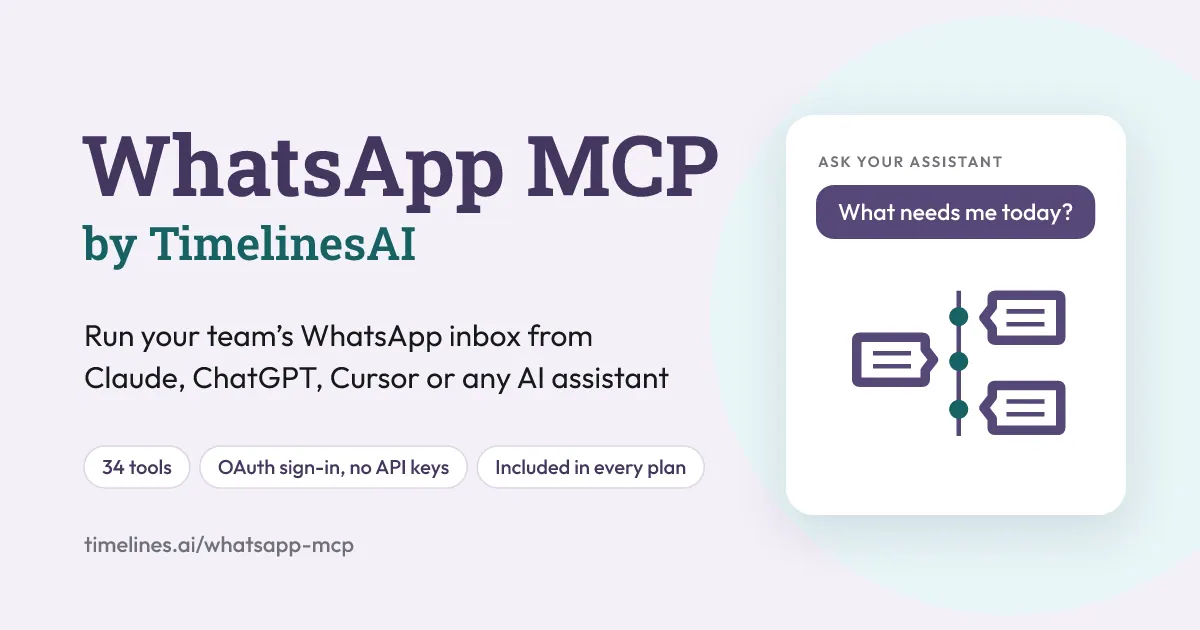
What does WhatsApp MCP by TimelinesAI do?
WhatsApp MCP by TimelinesAI lets you connect your team’s WhatsApp inbox to an AI assistant so you can manage real conversations directly from plain-language prompts. After you connect with your TimelinesAI login, you can ask for things like a daily overview of what needs attention, which chats haven’t received replies for a specific time window, or summaries of customer questions.
It’s more than visibility: the assistant can take actions in your WhatsApp inbox such as replying, reacting, labeling, opening or closing chats, and assigning conversations to teammates. These actions run under your role’s permissions, so everyday team workflows stay consistent.
WhatsApp MCP supports WhatsApp numbers connected via QR code and WhatsApp Business API numbers, including approved message templates. It’s designed for teams that want centralized inbox management across multiple numbers without managing a separate dashboard.
WhatsApp MCP is included in every TimelinesAI plan at no extra charge. You can start with a 10-day free trial (no credit card required). Plans begin at $35 per seat per month.
What does WhatsApp MCP do for my inbox?
It connects your WhatsApp inbox to an AI assistant so you can triage and summarize chats, then take actions like replying, labeling, and routing conversations to teammates using prompts.
Which AI tools can I connect WhatsApp MCP to?
WhatsApp MCP can be used with Claude, ChatGPT, Grok, Gemini, Cursor, and any MCP client you want to run.
Do I need API keys or a WhatsApp Business API to get started?
No API keys are required. It supports both QR-connected WhatsApp numbers and WhatsApp Business API numbers (with approved message templates).
Can the AI actually send messages to my customers?
Yes. When you prompt for actions like replying, WhatsApp MCP can send messages using your WhatsApp connection and your permissions.
How does the setup work?
Connect once with your TimelinesAI account and then start prompting your AI assistant. You can also set it up by scanning a QR code to add the connector.
Is WhatsApp MCP included in my plan, and is there a trial?
Yes—WhatsApp MCP is included in every TimelinesAI plan at no extra charge. You can start a 10-day free trial with no credit card required; plans begin at $35 per seat per month.
This listing is claimed
Own WhatsApp MCP by TimelinesAI? Sign in with the email used to claim it to manage this listing, or upgrade to Pro for featured-first placement and a newsletter feature.