
Beautiful
AI Presentation Generator Software
Design beautiful and professional decks effortlessly with Beautiful, the AI Presentation Generator software.
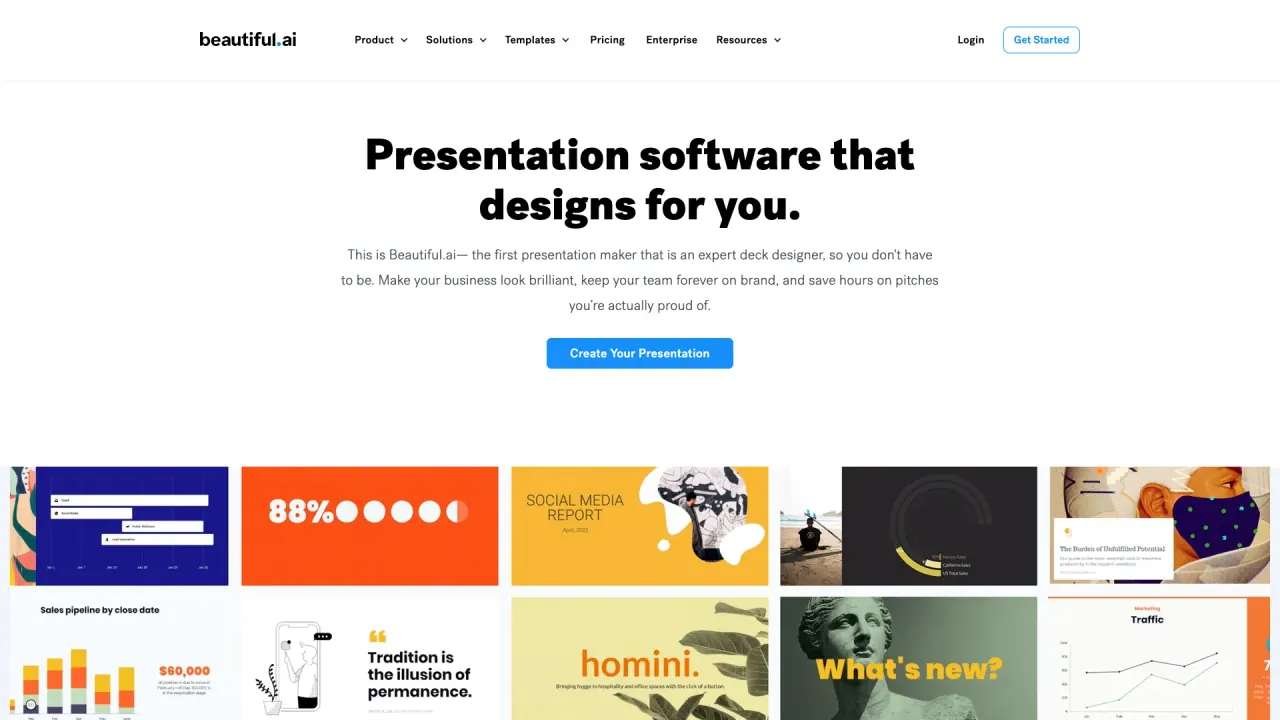
What does Beautiful do?
How much does Beautiful.ai cost, and what’s included?
Pricing starts at $12 per month (billed annually) and offers plans for individual users, small teams, and enterprises. Every plan includes unlimited AI content creation, access to all Smart Slide templates, AI-powered slide design, and ready-to-use presentation templates for business presentations, lectures, meetings, and marketing decks.
Is there a free trial, and how long does it last?
Yes. Beautiful.ai offers a 14-day free trial with unlimited access to all features: generate content with AI, edit layouts, customize themes, and share presentations with your audience.
How is Beautiful.ai different from free AI PowerPoint generators?
Beautiful.ai combines AI-driven design with professional design rules to deliver polished, work-ready presentations. Key distinctions include:
- AI slide maker that drafts slides in seconds
- Design automation with layouts, templates, icons, and themes
- Interactive presentations with animations, multimedia, and video options
- Collaboration tools for teams to refine and edit decks together
- Integrations with interoperable tools like PowerPoint, Google Slides, Slack, Dropbox, Salesforce, and Webex
- Export options to PPT, PPTX, PDFs, and JPEGs
How does the AI work in Beautiful.ai for slide design and content creation?
The platform uses generative AI and machine intelligence to automate design decisions. Features include:
- AI Presentation Maker: create presentations from a text prompt
- AI Image Generation for slides: produce AI-generated visuals that match your narrative and brand
- AI Writing Assistant for slides: generate, refine, or summarize text
- Automation: intelligent slides adapt layouts, spacing, fonts, and colors for professional results
Can I use my own images, videos, or AI-generated graphics in decks?
Yes. You can upload logos, photos, videos, or other brand assets. You also have access to a library of templates, stock images, videos, icons, and fonts to customize your slides.
Can I export or present offline?
Yes. You can download presentations and present offline using a desktop player. Export options include:
- PPT and PPTX for Microsoft PowerPoint
- Google Slides for team collaboration
- PDFs
- JPEGs
Does Beautiful.ai support collaboration for teams, and what are Team Plan features?
Yes. Beautiful.ai is designed for team collaboration with features like shared slide libraries and collaborative workspaces. The Team Plan offers universal updates across decks, centralized branding control, and access to shared assets and branding elements to keep presentations cohesive.
What is Smart Slides and how do they help?
Smart Slides automatically handle design, layout, and spacing as you add, edit, or remove content. This design automation eliminates the need to manually adjust formatting, helping you stay focused on your message.
How does Beautiful.ai help me stay on brand across presentations?
Beautiful.ai provides:
- Themes & Styling: presentation themes and slide templates with customizable text, fonts, colors, icons, and backgrounds
- Brand controls and centralized branding (Team Plan)
- Locked Slides to protect key information, with updates across shared decks when changes are approved
- Centralized control over branding elements to ensure consistency across teams
What formats and export options are available?
Export options include:
- PPT and PPTX (PowerPoint)
- Google Slides
- PDFs
- JPEGs
What integrations with other tools does Beautiful.ai offer?
Beautiful.ai works with tools you already use, including:
- PowerPoint
- Google Slides
- Slack
- Dropbox
- Monday.com
- Salesforce
- Webex
Does Beautiful.ai use ChatGPT or other large language models?
Yes. The AI-powered features are driven by advanced large language models that help generate content, draft slides, and refine text or visuals, all within the platform.
What types of templates and themes are available?
Beautiful.ai offers curated AI presentation templates for a variety of use cases, including pitch decks, QBRs, marketing campaigns, lectures, and more. Themes & Styling and a library of slide layouts help you design consistently.
Is there enterprise-grade branding and permissions for teams?
Yes. The Team Plan provides centralized branding control, shared asset libraries, and universal updates across decks. It also supports centralized management of branding elements and permissions to maintain consistency at scale.
What security measures does Beautiful.ai use to protect my data?
Beautiful.ai uses industry-standard encryption and authentication technologies to safeguard data. It stores assets with Google Firebase, a SOC-3 compliant service. Internal access to user data is restricted to key personnel who need it for development and maintenance, and data isn’t shared with third parties for marketing. You can also opt out of usage tracking in account settings.
Is this your tool?
Claim Beautiful to manage this listing, or upgrade to Pro for featured-first placement and a newsletter feature.