
GitSeek
No longer active
Transform Codebase to Prompt
Copy the Code You Need from Any Repo for Your AI Tools.
GitSeek is no longer available
- Pricing
- Freemium
- Category
- Development
- Listed
- Feb 21, 2025
- Shut down
- Oct 4, 2026
Promoted
 Sidrune AI85% off. Stable Claude API for agent developers. Pay as you go. Invoices & refunds available.
 Pixmax.aiPixmax.ai is an all-in-one AI workspace for videos, visual stories, and marketing content.
 AI Checker PlusAI detector that highlights which passages AI wrote. Free check, no sign-up. Plagiarism too.
 RewindType any X/Twitter handle. Get their year back as a narrated video story. Then ask it anything.
 KurodyneSell the tools from your AI side projects. Listing is free.
 SEOify - Improve your SEO & rankingsBuild links to rank in Google. Improve your DR with links you can start building now.Advertise here270,000+ people visit Dang.ai every month.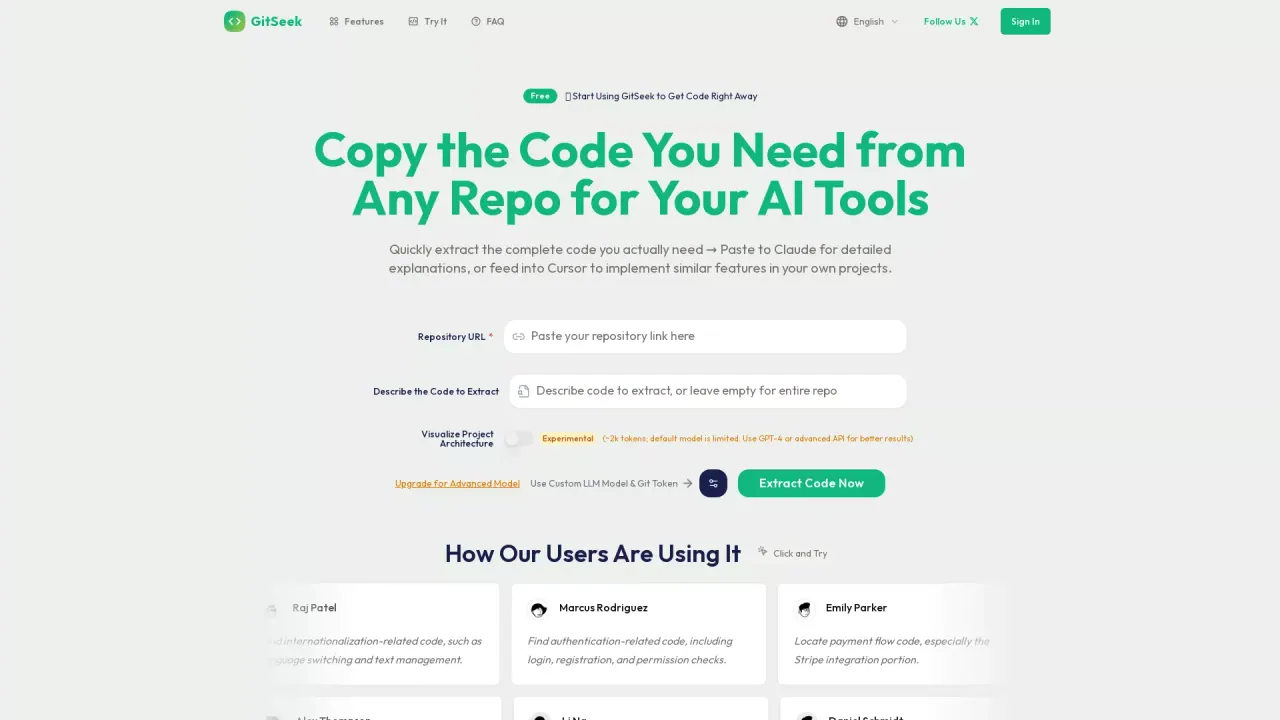
What does GitSeek do?
What is GitSeek?
GitSeek extracts the code you need from any repository, ready to copy into AI tools like Claude or Cursor. It retrieves entire, relevant files to ensure you don’t miss critical details, and it visualizes project architecture for quick understanding and reuse.
How does GitSeek work?
Describe what you’re looking for in plain language and GitSeek’s AI-powered search identifies the most relevant, complete files. You can copy complete code sections directly into Claude, Cursor, or other AI tools, with automatic formatting to fit your environment. It also generates a clear directory tree and architecture diagrams to help you grasp the project structure.
Is GitSeek safe to use with private repositories?
Yes. GitSeek fully supports private repositories. Your GitHub token is encrypted during analysis and deleted immediately afterward. The downloaded repository is promptly destroyed after processing, and only non-repository data (e.g., usage counts) is recorded.
What happens to my repository after analysis?
Your GitHub token is encrypted during analysis and deleted immediately after. The downloaded repository is destroyed promptly after processing. We only record non-repository data like usage counts, ensuring your code and credentials remain private.
What are the benefits of upgrading to GitSeek Pro?
- Access to premium AI models (e.g., GPT-4, Claude-3) for more accurate results
- 500 extractions per month
- Faster response times
- Priority technical support
- API access for automation
What is included in the Free plan?
Free includes full feature access with no feature limits, plus:
- 5 daily extractions with the slow model
- Unlimited usage if you configure your own API key
- Project architecture visualization
- LLM-friendly code extraction
How many extractions do I get with Free and with Pro?
- Free: 5 daily extractions with the slow model; unlimited usage if you provide your own API key
- Pro: 500 extractions per month, with access to premium AI models and faster performance
What AI tools can I copy code to?
You can copy complete code sections directly into AI tools such as Claude or Cursor. GitSeek also formats code for seamless use in these environments.
Do you offer API access, and is MCP deployment supported?
Yes. API access is included with Pro, enabling automation workflows. MCP Server deployment is upcoming, with plans to support MCP deployments in the future.
Not getting ideal results? How can I improve them?
If the AI output isn’t meeting expectations, try using a more powerful model (e.g., GPT-4) for better performance. We also mention options like SiliconFlow Cloud for additional tokens or using any provider compatible with the OpenAI API.
How do I upgrade to Pro?
Upgrading to Pro is available from the pricing page. Pro unlocks premium AI models, more extractions per month, faster responses, and API access.
What is your refund and cancellation policy?
We do not offer refunds for subscription payments, but you can cancel anytime and continue using the service until the end of your current billing period. If you have billing questions or special circumstances, contact support at support@mail.gitseek.dev.