
Formularizer
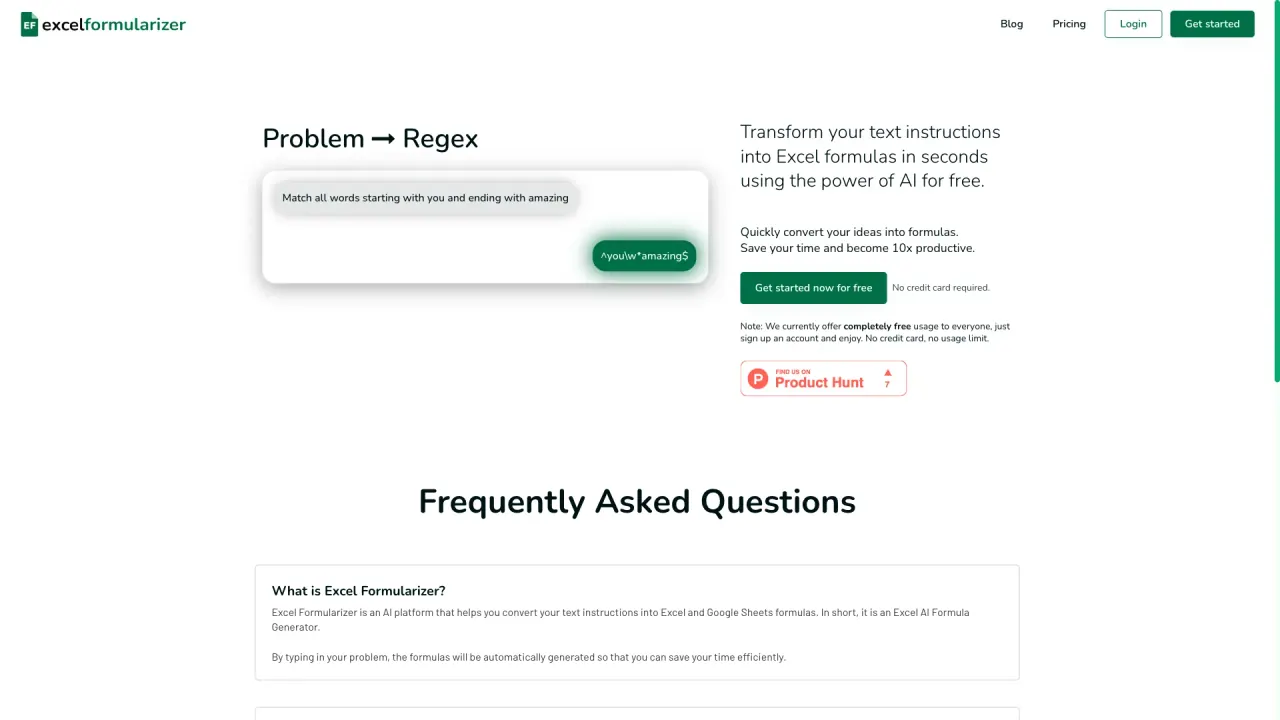
Text to Excel Formula AI Tool
Generate Excel formulas from text instantly with this powerful AI tool.
What does Formularizer do?
How do free credits work in Formularizer?
Sign up and get 50 free credits every month. A 3-credit starter is also available to try out. There is mention of upgrading for more advanced capabilities if you need more than the free credits.
What assistants does Formularizer offer and what do they do?
Formularizer offers four assistants:
- Formula Assistant: generate and explain Excel and Google Sheets formulas.
- SQL Assistant: generate and explain SQL queries.
- Regex Assistant: generate and explain regular expressions.
- Script Assistant: generate and explain scripts in Excel VBA and Google Apps Script.
What does the Formula Assistant do and how do I use it in Excel or Google Sheets?
The Formula Assistant generates formulas from natural language descriptions and can explain existing formulas. In Formula Assistant, you can:
- Choose Generate to create a formula from your description.
- Choose Explain to understand a formula you entered.
- Select the platform (Excel or Google Sheets) and enter your description or formula.
What platforms does Formula Assistant support?
Formula Assistant supports Excel and Google Sheets for formulas. You can choose the platform version you’re using when you work with formulas.
What can I use the other assistants for (SQL, Regex, Script)?
- SQL Assistant: generate and explain SQL queries.
- Regex Assistant: generate and explain regular expressions.
- Script Assistant: generate and explain scripts in Excel VBA and Google Apps Script.
How can I improve accuracy when using Formularizer?
Add some sample data to improve accuracy. You can do this by clicking the three dots on the left of the input box.
How do I get started with Formularizer?
From the home screen, choose an assistant to begin (Formula, SQL, Regex, or Script). You’ll likely want to sign up to access the free credits and speed/accuracy improvements.
What are the Mode and Platform options in Formularizer?
- Mode (for Formula Assistant): Generate to create a formula from your description; Explain to understand an existing formula.
- Platform: Choose the platform version you are using (e.g., Google Sheets for formulas).
Is this your tool?
Claim Formularizer to manage this listing, or upgrade to Pro for featured-first placement and a newsletter feature.