SiteGPT
AI Support Bots List
A customer support chatbot that answers visitors using a knowledge base trained on your site content.
- Category
- Support
- Listed
- Nov 1, 2026
- Updated
- Nov 1, 2026
Promoted
 Pixmax.aiPixmax.ai is an all-in-one AI workspace for videos, visual stories, and marketing content.
 AI Checker PlusAI detector that highlights which passages AI wrote. Free check, no sign-up. Plagiarism too.
 RewindType any X/Twitter handle. Get their year back as a narrated video story. Then ask it anything.
 KurodyneSell the tools from your AI side projects. Listing is free.
 Sidrune AI85% off. Stable Claude API for agent developers. Pay as you go. Invoices & refunds available.
 SEOify - Improve your SEO & rankingsBuild links to rank in Google. Improve your DR with links you can start building now.Advertise here270,000+ people visit Dang.ai every month.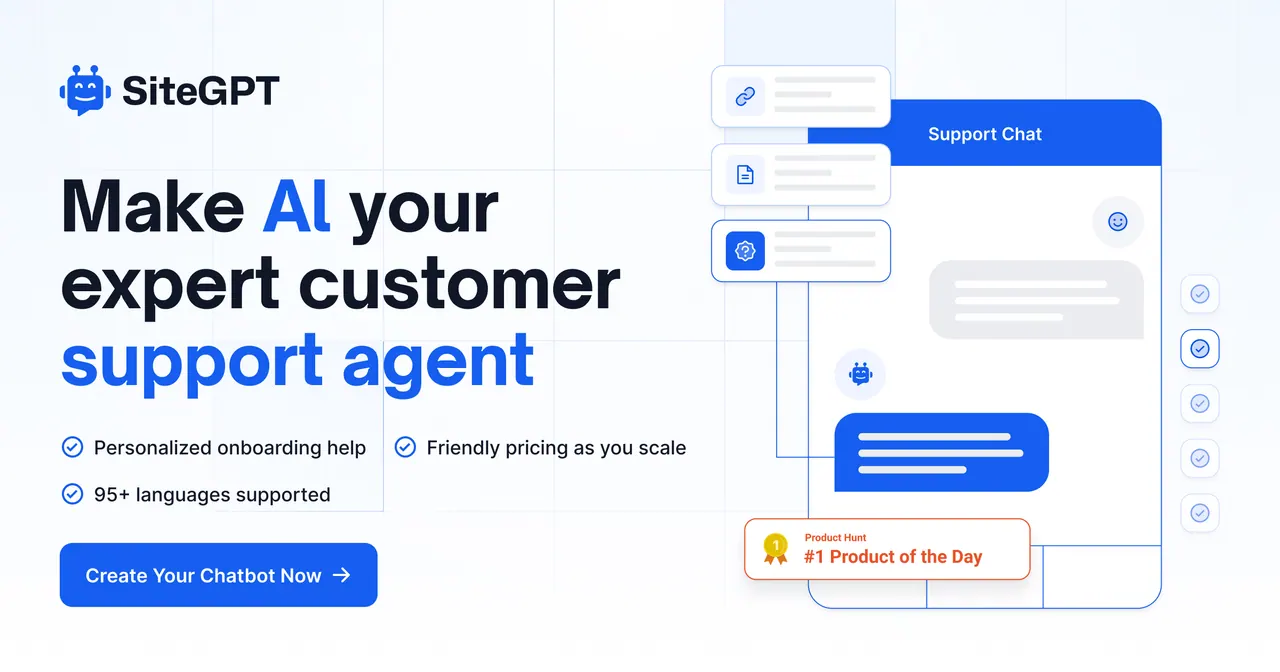
What does SiteGPT do?
SiteGPT lets you create a personalized AI customer support agent that answers visitors with knowledge drawn from your own content. Instead of generic responses, it trains on the material you provide—like website URLs or sitemaps—so the chatbot can respond in the context of your product, policies, and help content.
You can bring training data in several ways: sync a URL or sitemap, upload text-based files (such as CSV/TXT/PDF/DOCX/PPTX/MD), or connect sources including Notion, Google Drive, Dropbox, OneDrive, Box, and GitHub. Once trained, you embed the chatbot on your site using the provided embed code or link directly to its unique URL. You can also add quick prompts to help users start conversations, and use real chat history feedback to improve the assistant over time.
SiteGPT supports a hybrid workflow for coverage and quality. It can escalate to a human agent seamlessly when the conversation requires a live touch. It also captures lead details from interested visitors, and provides analytics to show what visitors ask most, how the bot performs, and what questions it still can’t answer—so you can refine training.
Pricing is available via plans with a 7-day free trial (cancel anytime). For scaling and continued accuracy, automatic content syncing can update your chatbot’s knowledge on a monthly, weekly, or daily basis depending on the plan. Security includes SOC 2 Type II examination, GDPR certification, and HIPAA assessment, with encryption, access controls, and data not used to train AI models.
Can I train SiteGPT without web pages or files by adding text directly?
Yes. You can enter raw text content as training data even if you don’t have web pages to scrape or files to upload.
What kinds of content and file types can I use to train the chatbot?
You can use any type of content, and you can upload CSV/TXT/PDF/DOCX/PPTX/MD or other text-based files. The chatbot converts file content into pages based on text (2,500 cleaned characters = 1 page).
How do I train the chatbot—do I need to build prompts myself?
You can train by adding a website link, a sitemap link, or YouTube videos/playlists/channels. You can also upload files or connect sources like Notion, Google Drive, Dropbox, OneDrive, Box, and GitHub.
Will SiteGPT update automatically when my website content changes?
Yes. Automatic syncing keeps the chatbot’s knowledge up to date on a monthly, weekly, or daily schedule depending on your plan. You can also manually retrain/resync from the dashboard.
How long does training take once I add my content?
Training time depends on how much content you’re providing, but it’s usually completed within a few minutes.
How can visitors be transferred to a human agent?
SiteGPT supports escalation to a human when needed, with users able to transition to a live agent using a push-button flow. This helps keep complex issues out of the AI-only lane.
Is this your tool?
Claim SiteGPT to manage this listing, or upgrade to Pro for featured-first placement and a newsletter feature.