
Image to Text Converter
Note Taking AI Tools
Upload images or PDFs to extract editable text with OCR, then copy the result or download it as a .txt file.
- Pricing
- Free
- Category
- Note Taking
- Listed
- Aug 16, 2026
- Updated
- Oct 15, 2026
Promoted
 Sidrune AI85% off. Stable Claude API for agent developers. Pay as you go. Invoices & refunds available.
 Pixmax.aiPixmax.ai is an all-in-one AI workspace for videos, visual stories, and marketing content.
 SEOify - Improve your SEO & rankingsBuild links to rank in Google. Improve your DR with links you can start building now.Advertise here270,000+ people visit Dang.ai every month.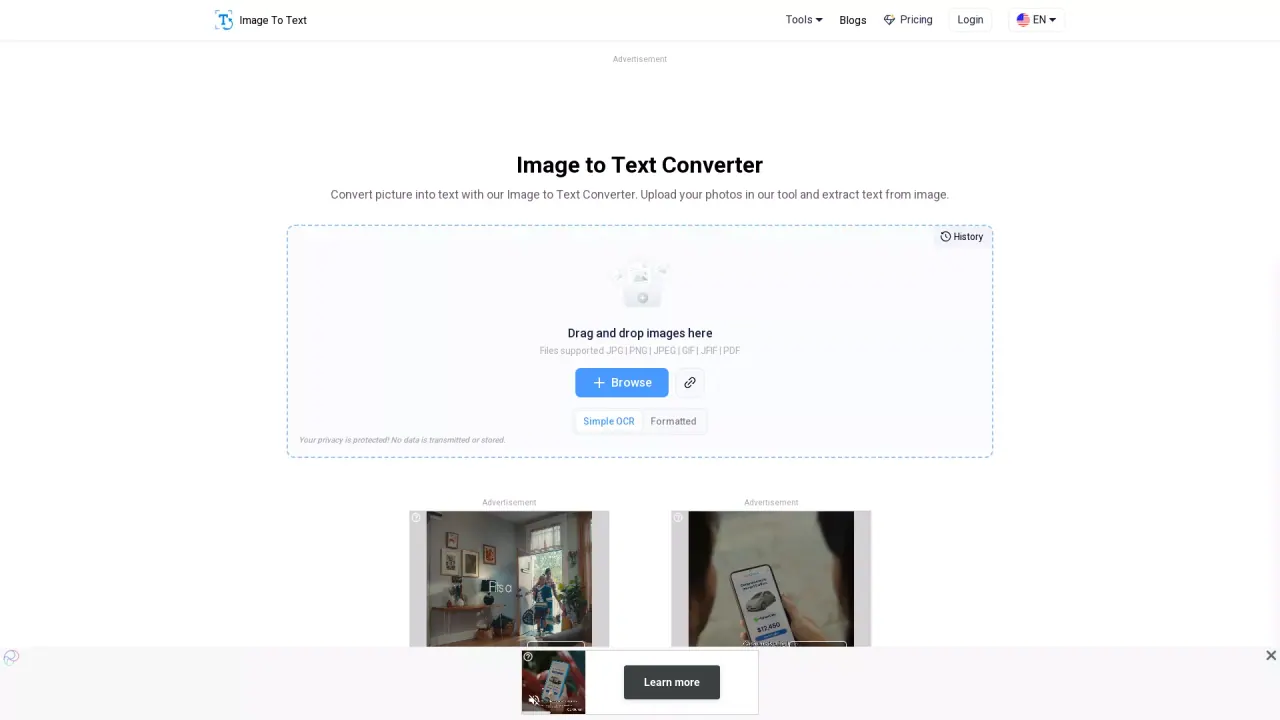
What does Image to Text Converter do?
Image to Text Converter turns images into editable text using OCR (Optical Character Recognition). It’s designed for scenarios like screenshots, scanned documents, printed pages, handwritten notes, and other image-based content you want to convert into something you can edit and reuse.
The tool supports common file types such as JPG, PNG, JPEG, GIF, and PDF, with additional support listed for formats like BMP, TIFF, and WEBP. You can drag and drop files, upload from your device, or optionally enter a URL to fetch online photos. After you click “Submit and Extract,” the converter analyzes the image, extracts the text, and presents it in an editable output box.
Key features include strong performance on low-resolution or blurry images, and the ability to detect mathematical syntax for extracting expressions from images. It also supports multiple languages (including English, French, German, Spanish, Indonesian, and more) to help convert multilingual content into usable text.
For results, you can copy the extracted text directly to your clipboard or download it as a .txt file. Access is available as freemium, with history/features like “Unlock History” gated behind a premium upgrade.
How do I extract text from an image?
Upload or drag and drop your image (or PDF) into the tool, then click “Submit and Extract.” After OCR finishes, copy the extracted text or download it as a .txt file.
Which file formats are supported?
You can upload JPG, PNG, JPEG, GIF, and PDF, with broader format support including BMP, TIFF, and WEBP.
Can it convert handwritten notes into text?
Yes. The converter is intended for handwritten notes as well as printed pages, and it outputs editable text you can copy or download.
Does it work with low-resolution or blurry images?
Yes. It’s designed to extract text even from blurry or low-resolution images, such as screenshots, book pages, and dim scans.
Can it extract math expressions?
Yes. It includes detection for mathematical syntax, helping extract arithmetic and polynomial expressions from images.
Is my data kept secure?
Your privacy is protected, and the tool indicates it does not transmit or store your data.
Is this your tool?
Claim Image to Text Converter to manage this listing, or upgrade to Pro for featured-first placement and a newsletter feature.