AI Image Editing Tool

What is the main use case for GPT Image 2?
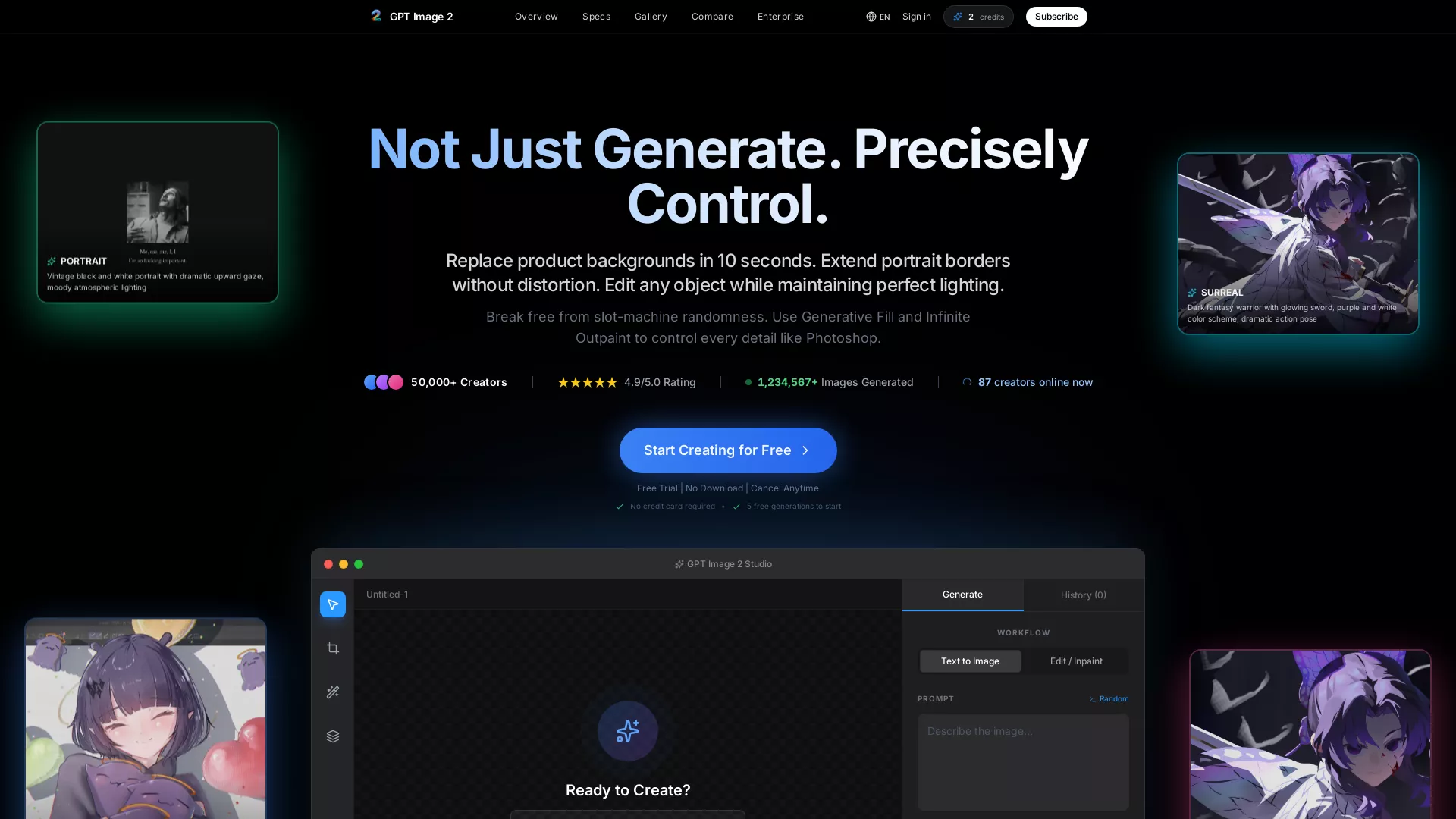
The main use case is transforming "almost perfect" AI drafts into commercial-ready assets. Instead of endlessly rerolling prompts to fix small flaws (like distorted hands or cropped heads), users leverage GPT Image 2 to edit and perfect images directly. It is widely used to extend compositions via Infinite Canvas and modify specific details (like clothing or props) using Generative Fill with absolute precision.
Who is the target audience of gptimage2.vip?
Our target audience consists of professional creators, digital marketers, and e-commerce brands who require strict control over their visuals. It is designed for users who are frustrated by the random "slot machine" nature of standard AI generators and need a precise, editable workflow to produce high-fidelity, copyright-cleared assets for commercial use.
Can a user use GPT Image 2 for free?
Yes, we offer a Free Trial that includes 5 one-time credits upon sign-up. This allows users to test our High-Fidelity Reasoning Engine and try powerful editing features like Generative Fill and Infinite Canvas risk-free. For continued use, commercial licenses, and advanced privacy modes, we offer flexible subscription plans starting at $19/mo.
How does GPT Image 2 Compare to Other AI Tools like Midjourney?
GPT Image 2 provides not only image generation but also powerful editing capabilities such as Infinite Canvas and Generative Fill, unlike other AI tools that solely focus on generation. This allows users to seamless expand borders or change objects with precision, offering a level of control and creativity that others might not.
Can I Use GPT Image 2 Without Having Any Photoshop Skills?
Yes, GPT Image 2 is designed to be user-friendly and does not require any prior Photoshop skills. Its AI handles lighting, perspective, and blending automatically, allowing users to simply select an area and type what they want to achieve the desired results effortlessly.
What Formats and Resolution Does GPT Image 2 Support for Image Generation?
GPT Image 2 supports the upload of common formats such as JPG, PNG, and WebP, and allows generation in multiple aspect ratios including 1:1, 16:9, 9:16, 4:3, and 3:4. The images can be exported up to 4K resolution (4096x4096px), suitable for high-quality web use as well as physical marketing materials.



.webp)