
Journey
AI Storytelling Tool
Revolutionize sales and storytelling with Journey, the ultimate AI storytelling tool.
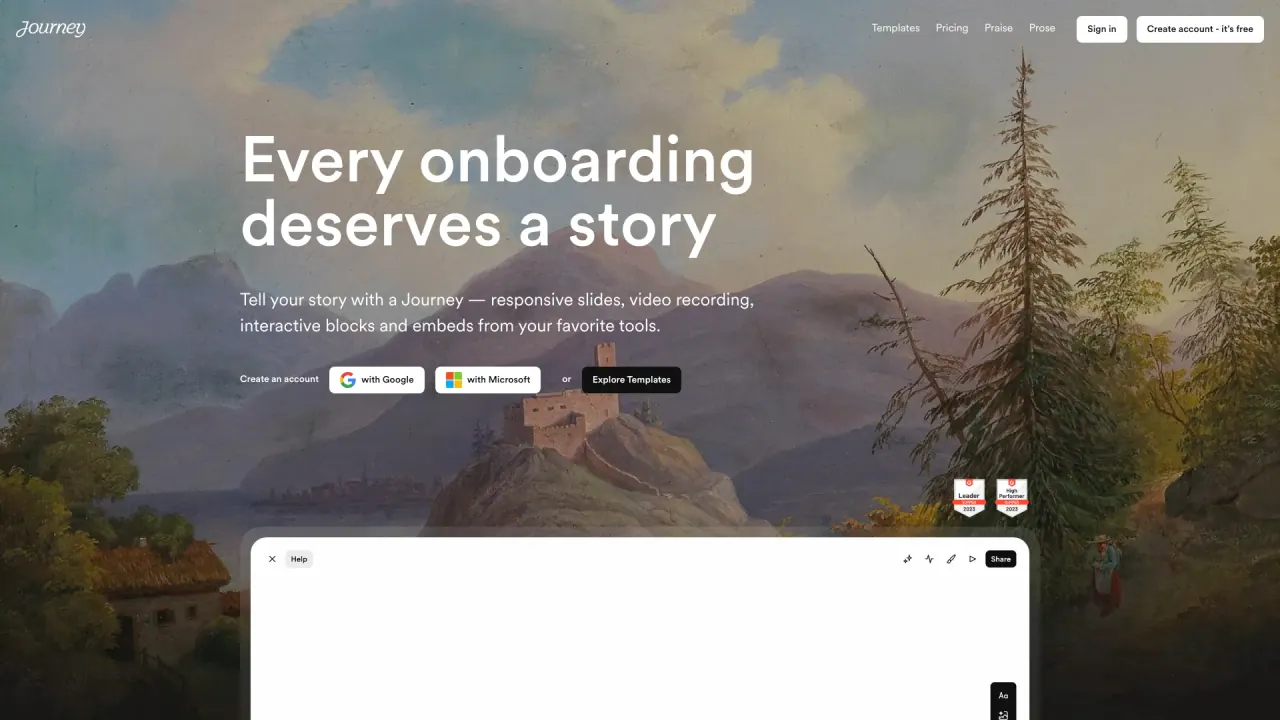
What does Journey do?
What is Journey and what problems does it solve?
Journey is a content-sharing platform that lets you package PDFs, documents, links, videos, and other assets into a single branded, structured page. It gives buyers a clear path through your value—pitch, proof, and trust—so they can revisit on their own terms. You can track engagement to see who viewed it, what resonated, and what to do next, replacing messy emails with a single, organized, trackable page.
How is Journey different from Google Docs, Notion, or email attachments?
Instead of sending multiple files and links, Journey provides one shareable link to a branded, organized page with a clear narrative and flow. It centralizes content, tracks viewer engagement, and works with your existing apps, reducing back-and-forth and increasing clarity and alignment for buyers.
Who uses Journey?
Journey is used by teams across industries to streamline content sharing and accelerate decision-making. It’s leveraged by companies such as Reddit, Gumroad, AngelList, Northbeam, Narmi, and Insightly to manage and share content, build relationships, grow pipelines, and support revenue-generating milestones.
Will my recipient need to log in to view it?
No mandatory login is required to view a Journey via its shareable link. You can also add security controls such as password protection or whitelists/blacklists if you want an extra layer of access control.
What kind of analytics do I get?
Journey provides engagement insights for you, including who viewed your content, what elements resonated, and how long viewers spent on each part. You get visibility into viewer behavior and can determine the next best step to move the deal forward. Some plan levels also offer anonymous viewership insights and deeper analytics.
How long does it take to create a Journey?
Creating a Journey is designed to be quick and straightforward. You can drag and drop to package your existing PDFs, documents, links, and other assets into a single, branded page, without starting from scratch.
Can I customize it to match my brand?
Yes. Journey supports brand customization, allowing you to style the Journey with your organization’s branding and logo. On higher-tier plans you can also remove the “Made in Journey” branding for a more seamless brand experience.
What apps does Journey integrate with?
Journey works with a wide range of apps and embeds, including Box, Loom, YouTube, Calendly, Notion, Vimeo, Airtable, Typeform, PandaDoc, DocuSign, Google Docs, Slides, Figma, Miro, Replit, Canva, PowerPoint, PDFs, Lovable, Gamma, Tella, and more, enabling you to pull in and share content from tools you already use.
What are the pricing plans and is there a free plan?
- Free Plan: up to 5 Journeys per organization; unlimited Journey views; customize Journey styling with your branding and logo; anonymous insights on Journey viewership; ability to send Journey activity data to Zapier.
- Pro Plan (Monthly: $29 per user): unlimited Journeys; up to 10 users; Workspaces for organization; enhanced insights with Clearbit; option to remove "Made in Journey" branding; security features including password protection, whitelists, blacklists, and email verification.
- Teams Plan (pricing available on request): includes all Pro features plus unlimited users, CRM/SSO/Gong integration, custom domains, dedicated Customer Success, and access to employee and team workshops.
What are the main benefits of using Journey?
- For you: greater clarity after every send, visibility into who engaged, what resonated, and what to do next; a single, organized, trackable page that conveys value clearly.
- For your buyer: one place they can share internally, with a clear structure that reduces confusion and accelerates decision-making; content is easy to access and understand without sifting through multiple attachments.
What if Journey isn’t a fit for me?
There is a free plan you can try to evaluate Journey’s fit for your needs. If it isn’t right for you, you can discontinue use or switch plans as appropriate.
How do I get started?
You can start by signing up for a free account on the Journey website or requesting a demo to see how Journey can fit your content and sales workflows.
Is this your tool?
Claim Journey to manage this listing, or upgrade to Pro for featured-first placement and a newsletter feature.