
ContentStudio
No longer active
AI Social Media Management Platform
Revolutionize your social media strategy with ContentStudio's AI-powered platform.
ContentStudio is no longer available
- Listed
- Apr 10, 2026
Promoted
 Sidrune AI85% off. Stable Claude API for agent developers. Pay as you go. Invoices & refunds available.
 Pixmax.aiPixmax.ai is an all-in-one AI workspace for videos, visual stories, and marketing content.
 RewindType any X/Twitter handle. Get their year back as a narrated video story. Then ask it anything.
 KurodyneSell the tools from your AI side projects. Listing is free.
 SEOify - Improve your SEO & rankingsBuild links to rank in Google. Improve your DR with links you can start building now.Advertise here270,000+ people visit Dang.ai every month.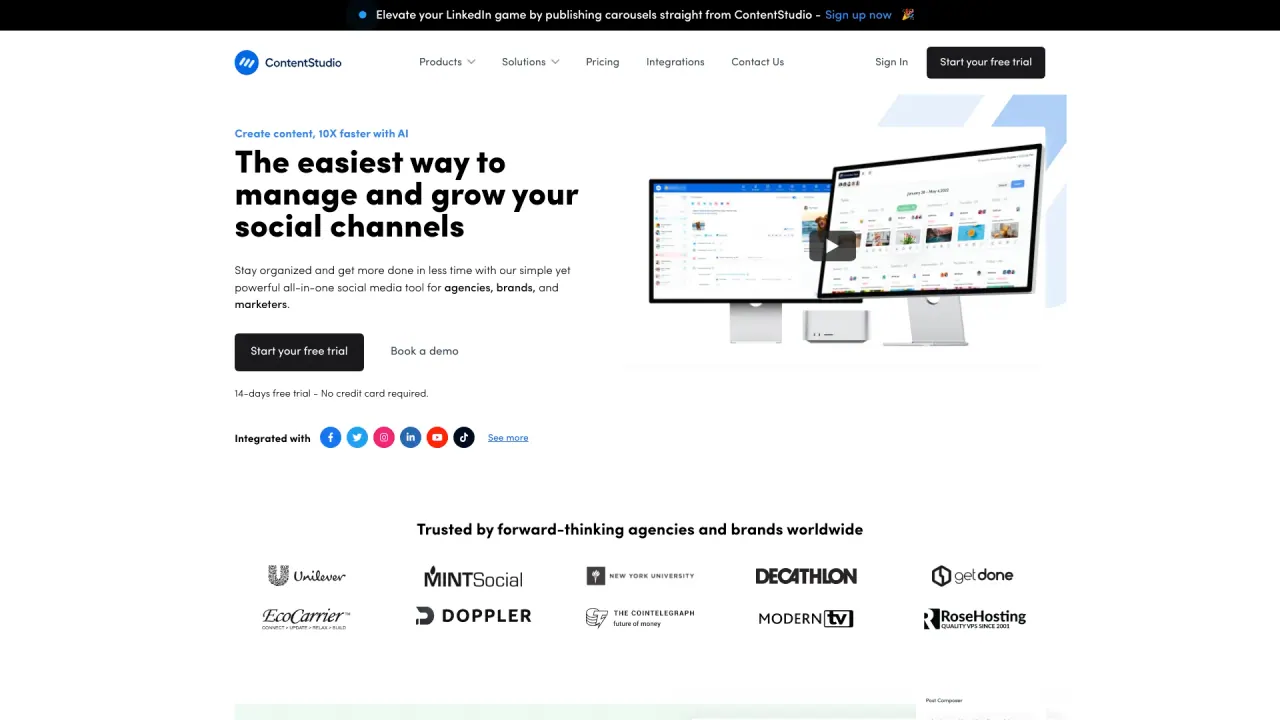
What does ContentStudio do?
How does ContentStudio leverage AI to speed up social media content creation?
ContentStudio accelerates content creation with its AI powerpack. It can generate captions, hashtags, and images from prompts, helps overcome writer’s block with templates, and even auto-adds emojis by analyzing the text tone. The platform promotes creating content up to 10X faster with AI.
What platforms can I publish to with ContentStudio?
ContentStudio publishes to a wide range of networks, including Facebook, Instagram, X (Twitter), Google My Business, LinkedIn, TikTok, Bluesky, YouTube, and Pinterest. It also supports publishing to blogs (WordPress, Shopify, Tumblr, Medium) from within the platform.
What features help manage multiple social media accounts?
ContentStudio provides a unified dashboard to plan, create, and schedule posts across channels from a shared content calendar. It includes hands-free scheduling with custom queues and content categories, a unified social inbox for messages and comments, content discovery, and automated reporting/analytics with direct competitor comparisons.
Who should use ContentStudio?
ContentStudio is designed for agencies, brands, and marketers. It serves agencies managing multiple clients, marketing teams, and solo creators who want to automate content creation, scheduling, approvals, and analytics.
Is there a free trial or pricing information?
Yes. ContentStudio offers a 14-day free trial with no credit card required. Pricing details are available on the Plans & Pricing page.
Can I bulk schedule posts and import content?
Yes. Bulk scheduling lets you schedule months of social posts across platforms with a single CSV upload. You can also add content via RSS feeds and bulk-import sources via OPML files.
What is evergreen campaigns?
Evergreen campaigns recycle top-performing content to keep driving engagement over time.
How can I share my content calendar with others or clients?
You can instantly share your calendar with external users and approvers.
What collaboration and approvals features are available?
ContentStudio includes an approval workflow to share posts, gather feedback, and provide secure, no-login access for quick review and sign-off. It also supports team collaboration, internal notes, and dedicated workspaces for client collaboration.
Can I white-label ContentStudio for clients?
Yes. ContentStudio offers white-label branding to help agencies present a fully branded solution to clients.
Can I generate branded reports and schedule them?
Yes. ContentStudio provides branded reports that can be scheduled, exported, or emailed automatically.
Is there a mobile app?
Yes. ContentStudio offers mobile apps for managing social on the go.
What is EasyConnect?
EasyConnect lets clients securely connect their social accounts with a simple link, eliminating the need to share passwords.
How does ContentStudio handle media and assets?
ContentStudio provides a media library to store, organize, and share assets, with media integrations that allow sourcing media from Google Drive, Dropbox, Pixabay, and other services.
Can I publish to blogs in addition to social networks?
Yes. ContentStudio supports publishing to blogs (WordPress, Shopify, Tumblr, Medium) in addition to social networks.
Can I import content via RSS or OPML?
Yes. ContentStudio supports adding RSS feeds and bulk importing sources via OPML files.
What is the best time to post feature?
ContentStudio provides recommended best times to post to maximize content engagement.
What is the First Comment feature?
The First Comment feature reserves the first comment for yourself to add extra details on posts for platforms like Facebook, Instagram, LinkedIn, and YouTube.
Can I track performance and monitor competitors?
Yes. ContentStudio lets you pinpoint KPIs, track competitor trends on Facebook & Instagram, gain AI-driven insights, and access automated, presentation-ready reports.