
WeShop AI
AI Image Generator
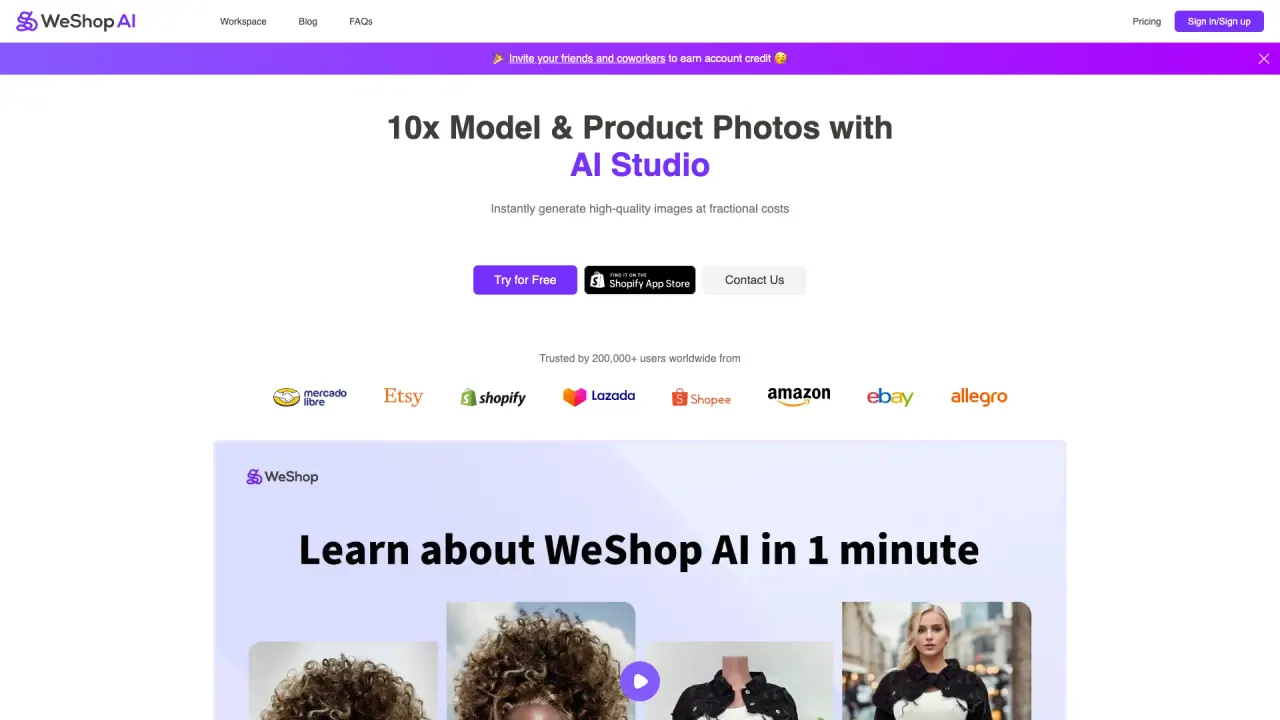
WeShop AI is an e-commerce-focused studio for generating AI product images, virtual try-on, and platform-ready AI videos.
What does WeShop AI do?
WeShop AI helps create e-commerce visuals and marketing content using AI image and video models. Generate images and text-rich visuals, enhance photo quality, and build consistent product imagery with tools designed for fashion and commerce workflows.
Virtual Try-On lets you try clothing online with AI, including downloads in high-definition or 4K for e-commerce use. You can also create fashion and model visuals with an “AI Fashion Model” approach, plus tools like AI Product photography, pose switching, and model-to-mannequin conversions.
For video, WeShop AI includes AI video generation and an “AI Video Agent” for creating ready-to-publish videos from a single photo or a short description, with editing and automation features. Combine image/video workflows to scale product content, refresh creatives with pose/outfit changes, and produce short, platform-friendly video assets.
Is there a free trial for WeShop AI?
Yes—start a free trial to explore WeShop AI’s features, including virtual try-on and AI image/video tools.
What is Virtual Try-On in WeShop AI?
Virtual Try-On simulates trying clothes online using AI. You can use different input types and preserve fabric/material detail, then export results in high-definition or 4K.
Which AI image tools are used for e-commerce product visuals?
Common tools include AI Product for product images, To Mannequin for consistent displays, Change Pose for more natural angles, Outfit Generator, background-related tools, and AI photo enhancement.
Can I change a model’s pose or switch between different fashion displays?
Yes. Use pose and outfit changes to vary how garments are presented, and convert models into mannequin-style displays for consistent product presentation.
What AI video features are available in WeShop AI?
Create AI videos with an AI Video Agent (from a photo or short description) and an AI Video Generator for one-click creation, designed for e-commerce and social use.
How do I get support or submit feature requests?
Contact support at hi@weshop.ai. You can also request features through the site’s feature request option.
Is this your tool?
Claim WeShop AI to manage this listing, or upgrade to Pro for featured-first placement and a newsletter feature.