
ImageKontextAI
No longer active
AI Image Generation Tool
Create professional AI images with ImageKontextAI
ImageKontextAI is no longer available
Promoted
 Sidrune AI85% off. Stable Claude API for agent developers. Pay as you go. Invoices & refunds available.
 Pixmax.aiPixmax.ai is an all-in-one AI workspace for videos, visual stories, and marketing content.
 SEOify - Improve your SEO & rankingsBuild links to rank in Google. Improve your DR with links you can start building now.Advertise here270,000+ people visit Dang.ai every month.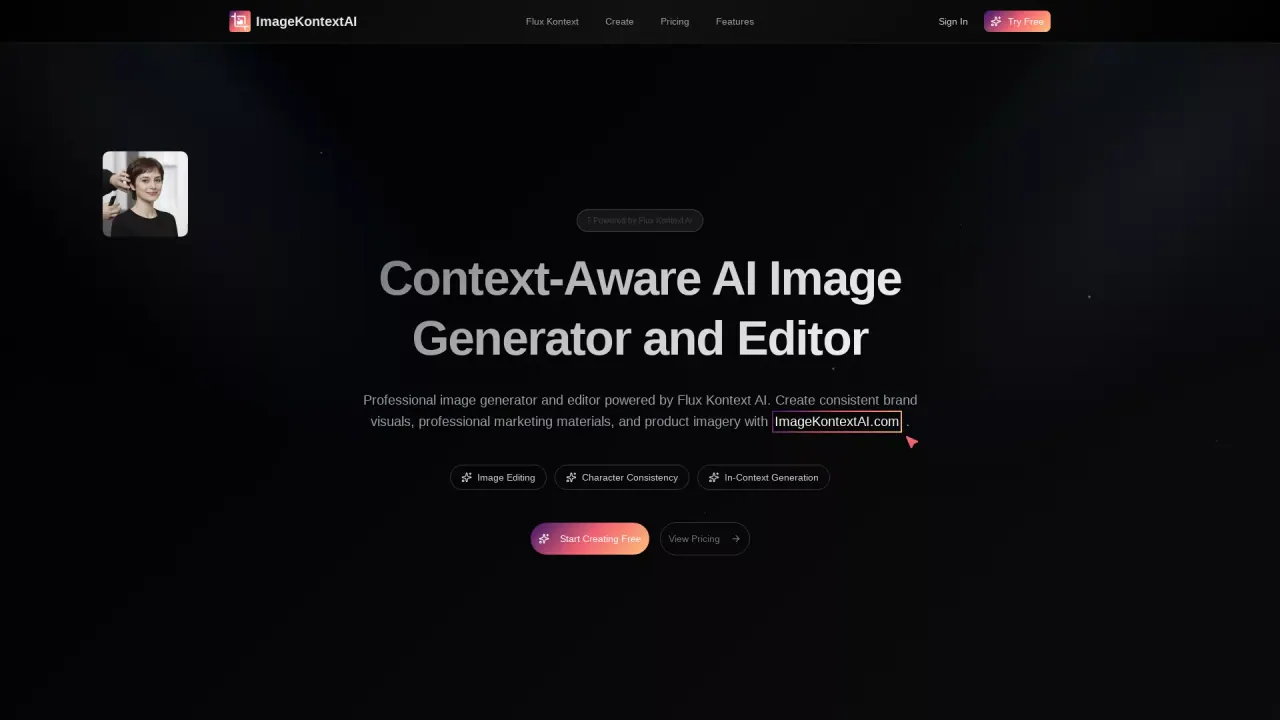
What does ImageKontextAI do?
What is Flux Kontext AI and how does ImageKontextAI use it?
Flux Kontext AI is the context-aware image generation and editing model powering ImageKontextAI. It enables features like character consistency and context-aware object editing, and ImageKontextAI combines Flux Kontext AI with Google’s Nano Banana to deliver professional image generation and editing.
What is Nano Banana (Gemini 2.5 Flash Image) and how does it relate to ImageKontextAI?
Nano Banana, also known as Gemini 2.5 Flash Image, is Google's model integrated with ImageKontextAI. Together with Flux Kontext AI, it powers the platform’s generation and editing capabilities.
What are the Flux Kontext models (Dev, Pro, Max) and how do they differ?
ImageKontextAI offers Flux Kontext models named Dev, Pro, and Max. The site lists these models as available options; for exact differences and feature details, refer to the model or pricing pages.
Is ImageKontextAI free to use?
Yes. You can try ImageKontextAI for free with initial credits to explore Flux Kontext AI capabilities. Upgrading to paid plans unlocks additional usage and a Commercial License.
Can I use generated images commercially?
Yes. Commercial use is available with paid packages that include a Commercial License.
How do credits work with ImageKontextAI?
ImageKontextAI uses a credit system. You start with free credits to try the tool, and you can purchase additional credits through the pricing options to continue using the service.
Do I need technical skills to use ImageKontextAI?
No. ImageKontextAI is designed to be accessible to users without advanced technical skills, while delivering professional-grade results.
What is Character Consistency and why is it important for branding?
Character Consistency ensures the appearance of characters remains the same across editing sessions and images, supporting coherent brand storytelling across campaigns and content series.
What is Context-Aware Object Editing, and how can it help product photography?
Context-aware object editing lets you edit specific elements within an image while preserving its overall composition, ideal for updating product labels or backgrounds while keeping the main product visually consistent.
What is Professional Text Editing in Images?
This feature allows you to edit text within images (signs, labels, typography) directly using Flux Kontext AI, helping update marketing materials and maintain brand consistency.
What is Advanced Style Transfer and how does it work?
Advanced Style Transfer applies sophisticated visual transformations using reference images or prompts, supporting guided and automatic style applications to align visuals with brand aesthetics.
Can I see before-and-after edits in ImageKontextAI?
Yes—the platform provides interactive before-and-after demonstrations to show the differences (See the Difference) between edits.
How can I start using ImageKontextAI and where can I view pricing?
You can Try Free Today, then view Pricing to choose a plan. Sign In to access your projects and continue creating.
Where can I get support if I still have questions?
If you still have questions, you can contact support through the site.