
TagsGPT
AI Hashtag Generator
TagsGPT is an AI hashtag generator that helps you quickly create optimized hashtags for Instagram, TikTok, and YouTube Shorts.
- Listed
- Aug 4, 2023
- Updated
- Oct 20, 2026
Promoted
 Pixmax.aiPixmax.ai is an all-in-one AI workspace for videos, visual stories, and marketing content.
 Sidrune AI85% off. Stable Claude API for agent developers. Pay as you go. Invoices & refunds available.
 SEOify - Improve your SEO & rankingsBuild links to rank in Google. Improve your DR with links you can start building now.Advertise here270,000+ people visit Dang.ai every month.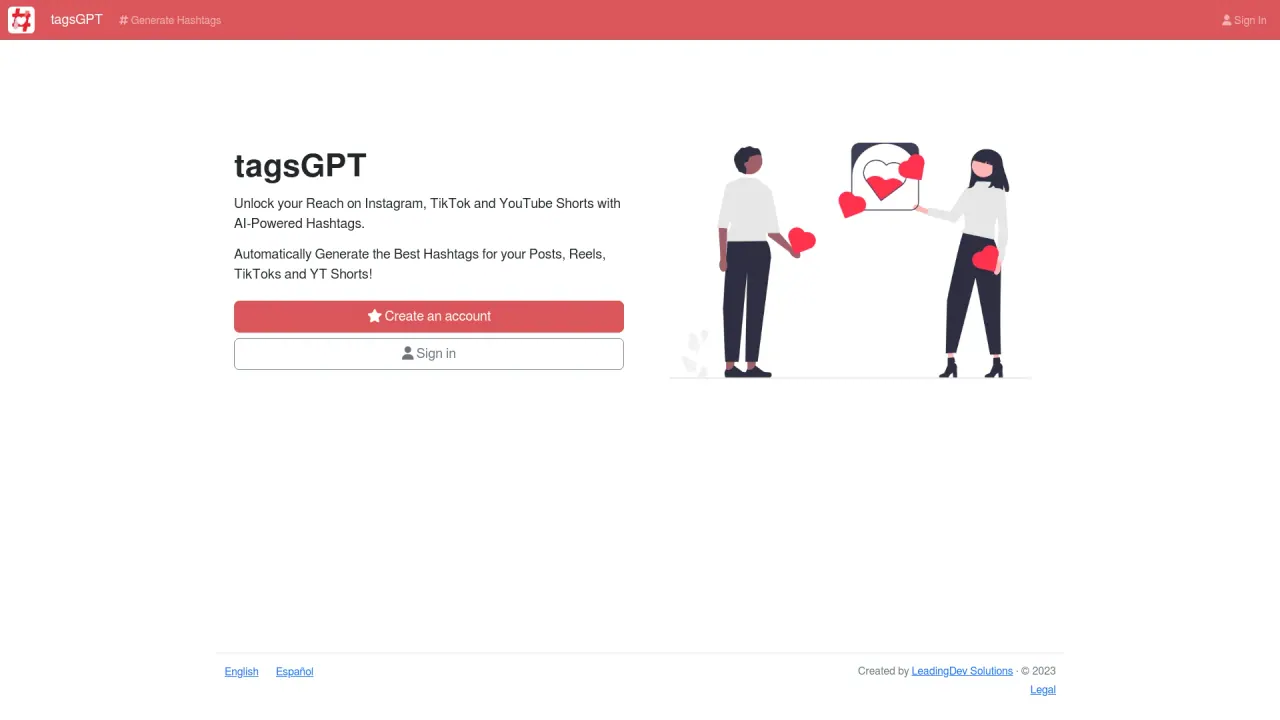
What does TagsGPT do?
TagsGPT helps you unlock better reach with AI-powered hashtags for Instagram, TikTok, and YouTube Shorts. Share your post topic and let the generator produce a set of hashtags you can use immediately for posts, reels, TikToks, and YT Shorts.
The workflow is simple: sign in, enter a description of what you’re posting, and TagsGPT generates suggested hashtags based on your input. You can review the results, copy the hashtag list, and paste it into your social media post. You’re also welcome to customize the generated tags before you publish so they better match your content and audience.
TagsGPT is a good fit for creators and small brands who want faster, more relevant hashtag ideas instead of starting from scratch. It also supports English output and shows example generated hashtag sets you can browse for inspiration.
There are sign-in options available to create an account or sign in, and you can use the generated hashtag lists directly by copying them for your post.
Which social platforms does TagsGPT generate hashtags for?
TagsGPT generates hashtags for Instagram, TikTok, and YouTube Shorts.
What do I need to enter to get hashtags?
Enter a description or main content focus for your post. TagsGPT uses it to generate a list of suggested hashtags.
Can I edit the hashtags before I post?
Yes. Review the generated list and customize the hashtags to better fit your style or audience before posting.
How do I use the generated hashtags after they’re created?
Copy the generated hashtag list and paste it into your social media post. You can adjust it first if needed.
Does TagsGPT include example hashtag outputs I can look at?
Yes. You can view recently generated hashtag examples, including the description and the generated hashtag list.
How can I contact the creator?
You can reach the creator on X (Twitter) at @SoyFYDev.
Is this your tool?
Claim TagsGPT to manage this listing, or upgrade to Pro for featured-first placement and a newsletter feature.