
ArtroomAI
AI Art Generation
Unlock your artistic potential with ArtRoom AI's AI-powered platform for effortless AI art generation and image editing.
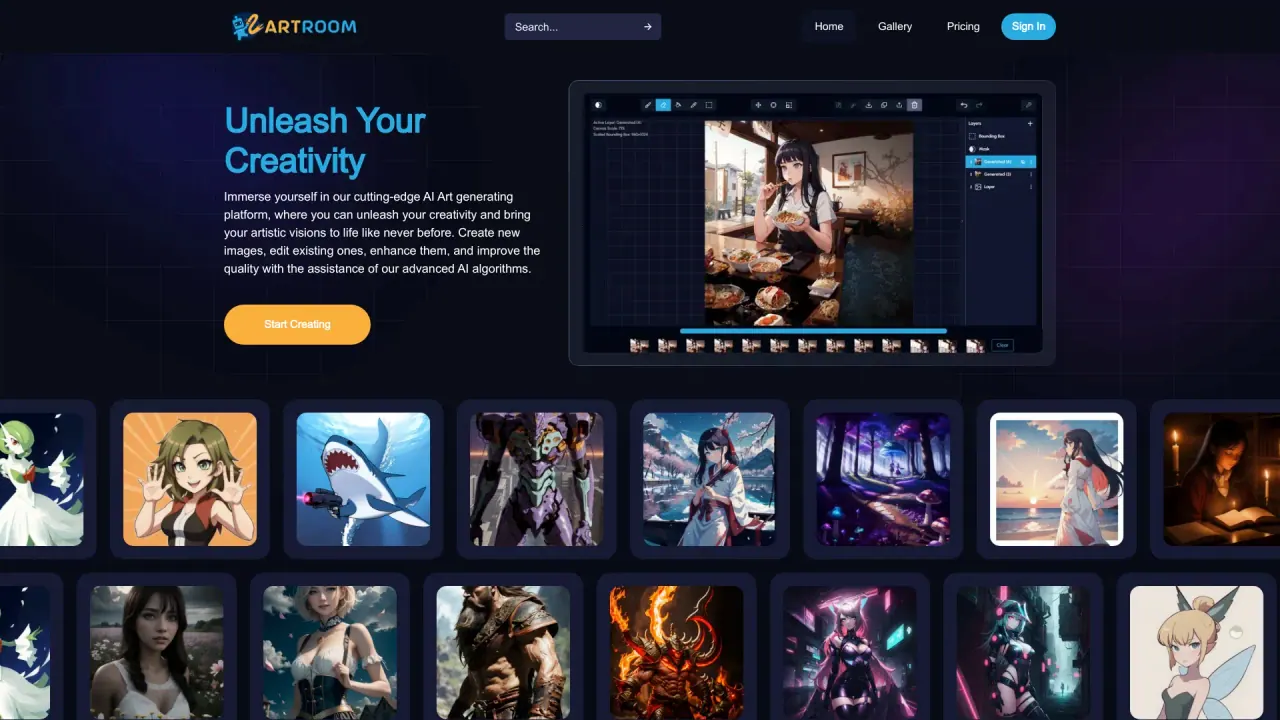
What does ArtroomAI do?
What features does ArtroomAI offer for creating AI art?
ArtroomAI provides four core capabilities: Create AI Art to generate original imagery or use AI to help with reference photos; Full-service painting with layers to give you control over the generative process and own your art; Unlimited Loras to mix characters and styles with an integration to CivitAI for easy access to preferred Loras; and ControlNets to guide the AI by focusing on specific parts of your image (such as pose, outline, or depth maps) and explore variations.
What is the typical workflow to create art in ArtroomAI?
Follow these steps: Step 1 Create AI Art to generate or reference visuals; Step 2 Use Full-service painting with layers to refine and own your output; Step 3 Add Unlimited Loras to blend in preferred characters and styles; Step 4 Apply ControlNets to steer specifics of the creation and generate variations.
What are Loras and how does CivitAI integration work in ArtroomAI?
Loras are characters and styles you can apply to your artwork. ArtroomAI offers Unlimited Loras and is integrated with CivitAI for easy access to your favorite Loras models. Artroom supports model creators and only uses models that are permitted on AI Generative services.
What is ControlNets and how do they help me?
ControlNets let you guide the AI on specific parts of your image, such as keeping a pose, outline, or depth maps, while still exploring variations. This gives you more agency over your final composition.
Is there a gallery where I can view AI artworks?
Yes. ArtroomAI features a Gallery of inspiring creations from artists around the world. You can view the gallery to discover diverse styles, mediums, and subjects.
What are the pricing plans for ArtroomAI and what do they include?
- Free Plan: 120 shards per day; 100 MB storage.
- Basic Plan ($9/month): 10,000 shards per month; 10 GB storage; Cloud-based generation with premium GPUs; Image resolution 1K (1024x1024); Queue up generations; ControlNet; Unlimited Loras; Background removal.
- Pro Plan ($29/month): 35,000 shards per month; 30 GB storage; Image resolution 2K (2048x2048); Queue up generations; ControlNet; Unlimited Loras; Background removal.
- Premium Plan ($59/month): 80,000 shards per month; 100 GB storage; Image resolution 4K (3840x3840); Queue up generations; ControlNet; Unlimited Loras; Background removal.
All plans include features like ControlNet and unlimited Loras.
What are the benefits of using ArtroomAI?
- Creativity amplification: Provides fresh ideas and distinctive outputs that extend artistic horizons.
- Efficiency: Faster generation of variations, exploration of styles, and experimentation.
- Inspiration and exploration: Access to diverse Loras, styles, and themes to spark innovation.
- Customization: Adjust parameters, colors, and compositions to fit your vision.
- Community and gallery: A vibrant artist community and a global gallery to share and discover AI art.
What are the limitations of ArtroomAI?
- Quality variability: Generated outputs can vary, from standout pieces to less polished results.
- Dependency on input: The results depend heavily on the initial input and chosen parameters; selecting appropriate settings is crucial for desirable outputs.
Do I need to sign in to start creating, and where can I find policy information?
You can access creation tools via the site’s Start Creating option. For governance and legal terms, ArtroomAI provides a Privacy Policy and Terms of Service accessible through the site’s navigation.
Is this your tool?
Claim ArtroomAI to manage this listing, or upgrade to Pro for featured-first placement and a newsletter feature.