
Wikis.ai
Verified
Machine Learning AI Tools
Ask one question to multiple top AI models, compare their answers side by side, and continue the conversation with the models you trust.
Promoted
 Pixmax.aiPixmax.ai is an all-in-one AI workspace for videos, visual stories, and marketing content.
 RewindType any X/Twitter handle. Get their year back as a narrated video story. Then ask it anything.
 KurodyneSell the tools from your AI side projects. Listing is free.
 Sidrune AI85% off. Stable Claude API for agent developers. Pay as you go. Invoices & refunds available.
 SEOify - Improve your SEO & rankingsBuild links to rank in Google. Improve your DR with links you can start building now.Advertise here270,000+ people visit Dang.ai every month.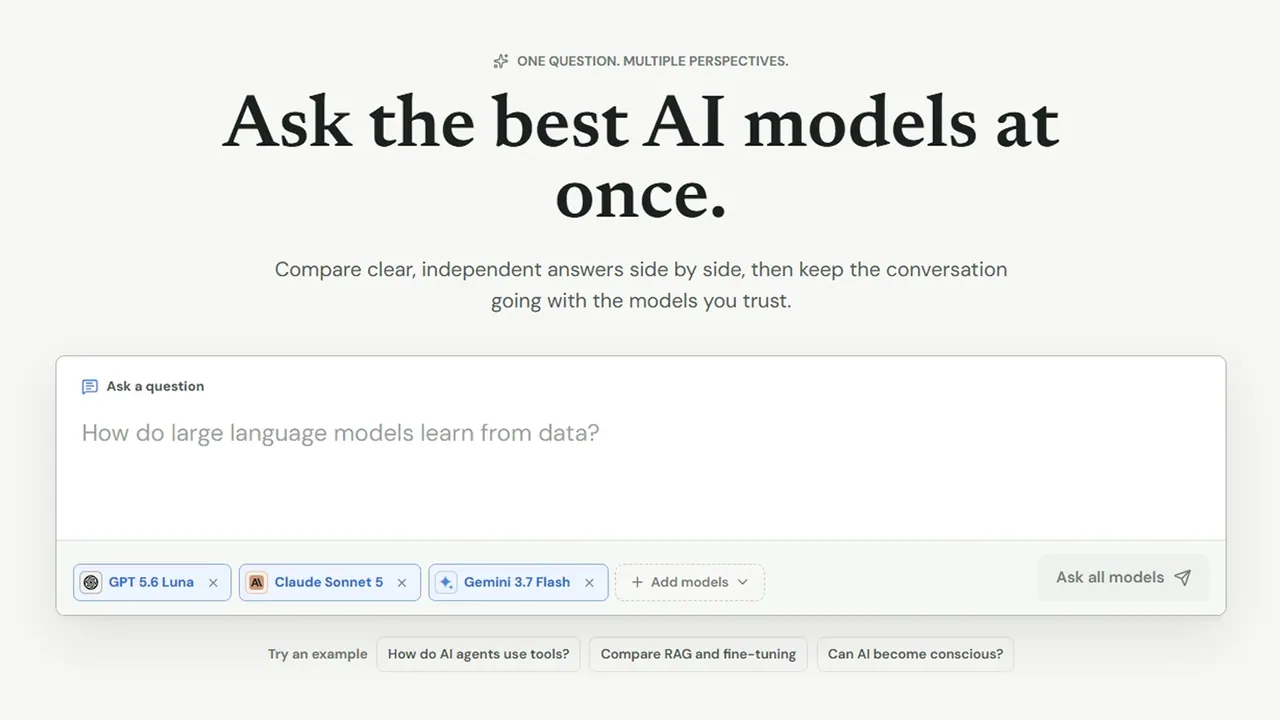
What does Wikis.ai do?
Wikis.ai is a multi-model AI chat and knowledge platform that helps you compare perspectives without retyping the same prompt across tabs. Ask one question and view clear responses from several leading AI models together, then keep going with the models that best match your needs.
You can use Wikis.ai to verify and refine understanding by spotting agreement, differences, and the kinds of claims that may require extra checking. Instead of collapsing everything into a single “best” answer, the platform keeps nuance visible so you can decide what to trust and what to investigate further.
Wikis.ai also features a public AI Wiki with editorially structured guides. Start with a topic overview, then move into a focused follow-up discussion using the multi-model chat workflow for deeper, more tailored answers.
Can I ask one question and get answers from multiple AI models at the same time?
Yes—Wikis.ai is built for “one question, multiple perspectives,” sending your prompt to the models you choose and showing their responses side by side.
How do I compare model answers effectively on Wikis.ai?
Review how the models define terms, where their reasoning diverges, and which claims overlap. Use agreement as a starting signal, and treat differences as prompts for what to verify next.
Does Wikis.ai flatten everything into a single combined answer?
No. You’ll see independent model responses in a stable grid so you can compare approaches and nuance rather than relying on one merged output.
What is the AI Wiki on Wikis.ai used for?
The AI Wiki provides editorially structured guides that help you start with an overview of a topic, then continue with follow-up questions in chat when you need more detail.
Can I continue a conversation from a wiki guide into multi-model chat?
Yes. You can start with a wiki answer and then ask follow-up questions directly, bringing the context into chat and choosing the models you want to use.
This listing is claimed
Own Wikis.ai? Sign in with the email used to claim it to manage this listing, or upgrade to Pro for featured-first placement and a newsletter feature.