
GMaps Lead Finder
AI Sales Tools & Assistants
GMaps Lead Finder lets your AI agents pull Google Maps leads by keyword and return enriched phones, websites, emails, socials, and Maps URLs.



- Pricing
- Free
- Category
- Sales
- Listed
- Sep 17, 2026
- Updated
- Sep 18, 2026
Promoted
 RewindType any X/Twitter handle. Get their year back as a narrated video story. Then ask it anything.
 KurodyneSell the tools from your AI side projects. Listing is free.
 Sidrune AI85% off. Stable Claude API for agent developers. Pay as you go. Invoices & refunds available.
 Pixmax.aiPixmax.ai is an all-in-one AI workspace for videos, visual stories, and marketing content.
 SEOify - Improve your SEO & rankingsBuild links to rank in Google. Improve your DR with links you can start building now.Advertise here270,000+ people visit Dang.ai every month.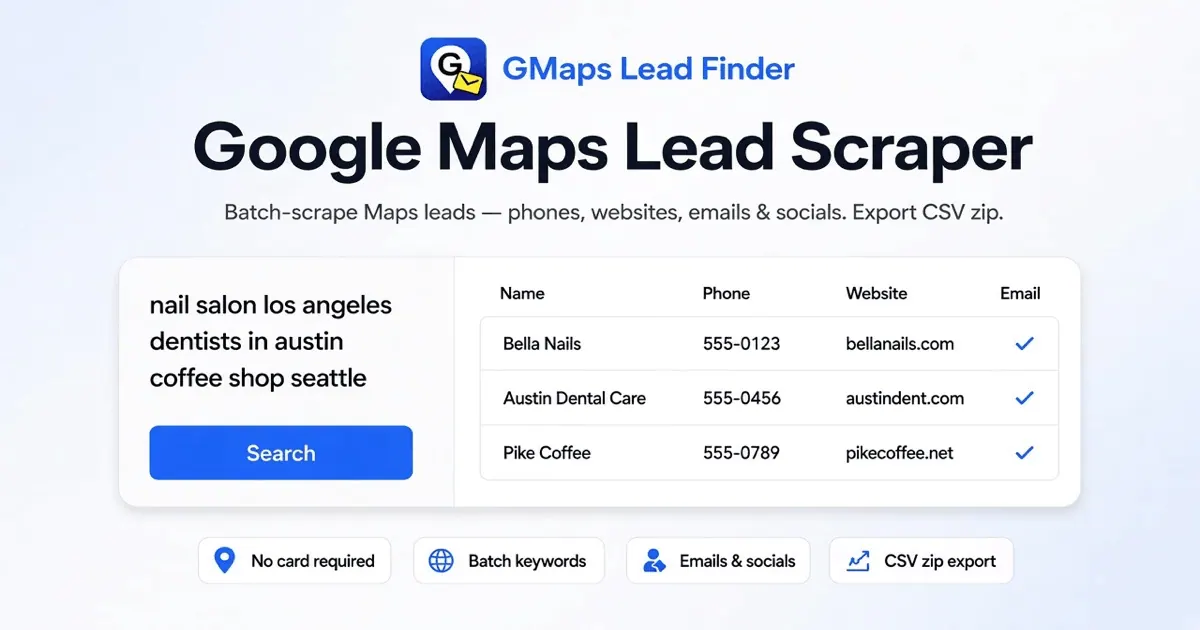
What does GMaps Lead Finder do?
GMaps Lead Finder Agents is a hosted Remote MCP layer that helps Claude, Cursor, Codex, and other MCP clients create keyword jobs and read back place rows from Google Maps. Instead of switching tools, your agent can plan a niche + city (or similar keyword), fetch results, and return structured lead tables.
Each place row can include business name, phone details, website, and Maps URL, with enrichment for public contact info when available. Email and social links appear only when sites publish them; empty cells are left blank rather than filled with invented data.
Use it for SDR and agency workflows where leads need to stay inside the agent loop—e.g., generating lists you can paste into sequences or CRM scripts. You can also use HTTP/raw endpoints when needed, and connect with a personal gmf_ API key so your agent can run scrape-and-enrich jobs end to end.
What does GMaps Lead Finder Agents do?
It enables MCP-connected AI coding agents to run Google Maps lead extraction jobs from keyword inputs and receive place rows back as structured results, including phones, websites, and enrichment fields when available.
How do enrichment fields like email and socials show up?
The pipeline scans business websites for public contact emails and collects social links when the site publishes them. If no public email/social is found, the corresponding cells are left empty—no data is invented.
What inputs can I use for lead search?
You can provide keyword jobs like a niche plus city (one keyword per line in batch-style workflows). Agents then run the same scrape-and-enrich pipeline for those queries.
What format will my agent receive the leads in?
MCP tool calls return structured results you can use inside your chat/IDE workflow. The page also describes returning compact lead tables (e.g., markdown tables) or JSON that you can paste into a CRM or keep in the chat.
Do I need a separate API key for each client?
A personal gmf_ API key is used for authenticated MCP access. The install instructions are client-specific, but they reference using your personal gmf_ key in the connection.
When should I use the Agents setup instead of the online extractor UI?
Use Agents when your lead research already runs inside Claude, Cursor, Codex, or an autonomous loop in an IDE. Use the online extractor UI when you prefer manual browser-based workflows, visual review, and multi-keyword exports.
This listing is claimed
Own GMaps Lead Finder? Sign in with the email used to claim it to manage this listing, or upgrade to Pro for featured-first placement and a newsletter feature.