
Bank Statement Engine
AI Finance Modeling Tools
Convert PDF bank statements to Excel or CSV instantly with OCR support, encrypted processing, and files deleted after 24 hours.


- Pricing
- Free
- Category
- Finance
- Listed
- Jun 23, 2026
- Updated
- Jun 24, 2026
Promoted
 Pixmax.aiPixmax.ai is an all-in-one AI workspace for videos, visual stories, and marketing content.
 Sidrune AI85% off. Stable Claude API for agent developers. Pay as you go. Invoices & refunds available.
 SEOify - Improve your SEO & rankingsBuild links to rank in Google. Improve your DR with links you can start building now.Advertise here270,000+ people visit Dang.ai every month.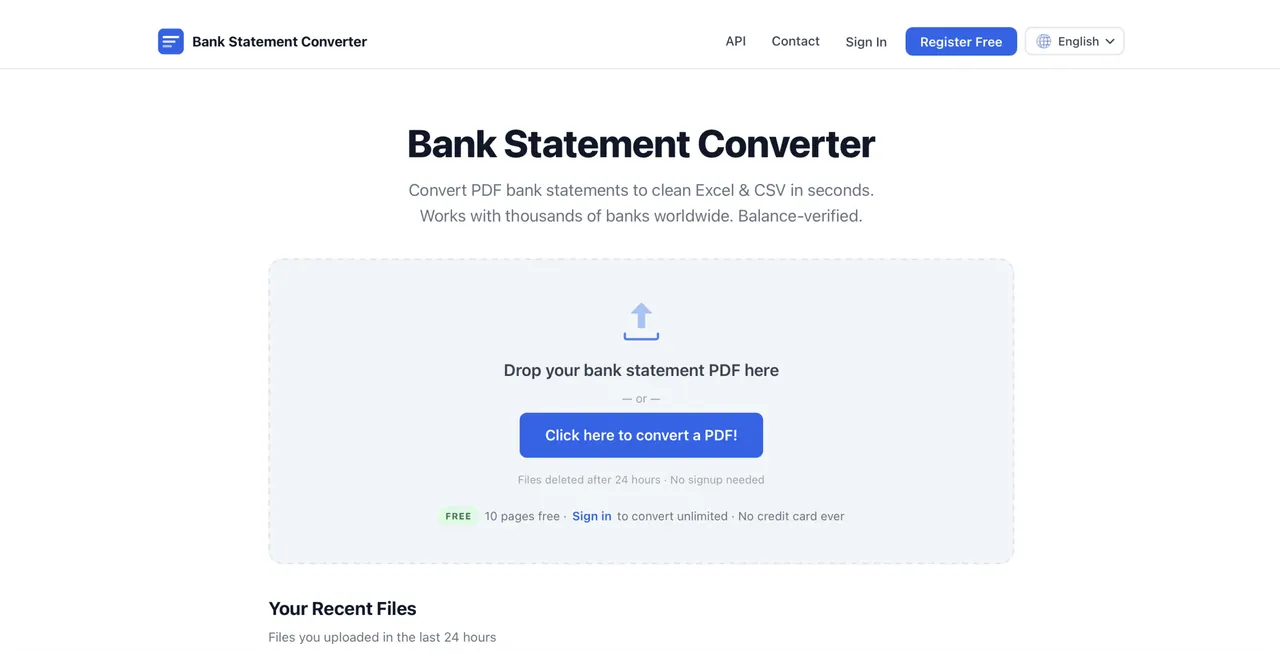
What does Bank Statement Engine do?
Bank Statement Engine converts PDF bank statements into clean, usable data formats including Excel (XLSX) and CSV for quick import into accounting workflows. You can start converting immediately without signing up, and processing is secured with HTTPS.
Scanned PDFs are supported via OCR to help extract transactions and balances. Output formats are designed to match common needs across spreadsheets, accounting tools, and developer workflows, including Excel, CSV, JSON, and additional accounting-friendly export options.
Your uploaded files are deleted after 24 hours and aren’t shared. For developers, a REST API is available to integrate bank statement conversion into your own systems.
How do I convert a PDF bank statement to Excel?
Upload the PDF bank statement and choose the Excel (XLSX) output format. The converted file is then ready to download after processing.
Which output formats are available?
You can export to Excel (XLSX), CSV, and JSON, with additional accounting-oriented formats as part of the converter’s supported exports.
Does it support scanned bank statements?
Yes. OCR support helps convert scanned PDFs into structured transaction data you can export.
Are my bank statement files secure?
Uploads are processed with HTTPS encryption, and files are permanently deleted after 24 hours. Files aren’t shared.
Is there a limit if I don’t create an account?
You can convert without signing up, with 10 pages free. Signing in provides unlimited pages and supports bulk conversion.
Is there an API for developers?
Yes. A REST API is available, along with API docs, for developers who want to integrate conversion into their own applications.
This listing is claimed
Own Bank Statement Engine? Sign in with the email used to claim it to manage this listing, or upgrade to Pro for featured-first placement and a newsletter feature.