
DocuClipper
AI Data Processing & Analytic Tools
DocuClipper extracts data from PDFs of bank statements, invoices, receipts, checks, and tax forms, then exports or syncs it to Excel, QuickBooks, or Xero.
- Pricing
- Free
- Category
- Data
- Listed
- Jun 24, 2026
- Updated
- Jun 28, 2026
Promoted
 KurodyneSell the tools from your AI side projects. Listing is free.
 Sidrune AI85% off. Stable Claude API for agent developers. Pay as you go. Invoices & refunds available.
 Pixmax.aiPixmax.ai is an all-in-one AI workspace for videos, visual stories, and marketing content.
 SEOify - Improve your SEO & rankingsBuild links to rank in Google. Improve your DR with links you can start building now.Advertise here270,000+ people visit Dang.ai every month.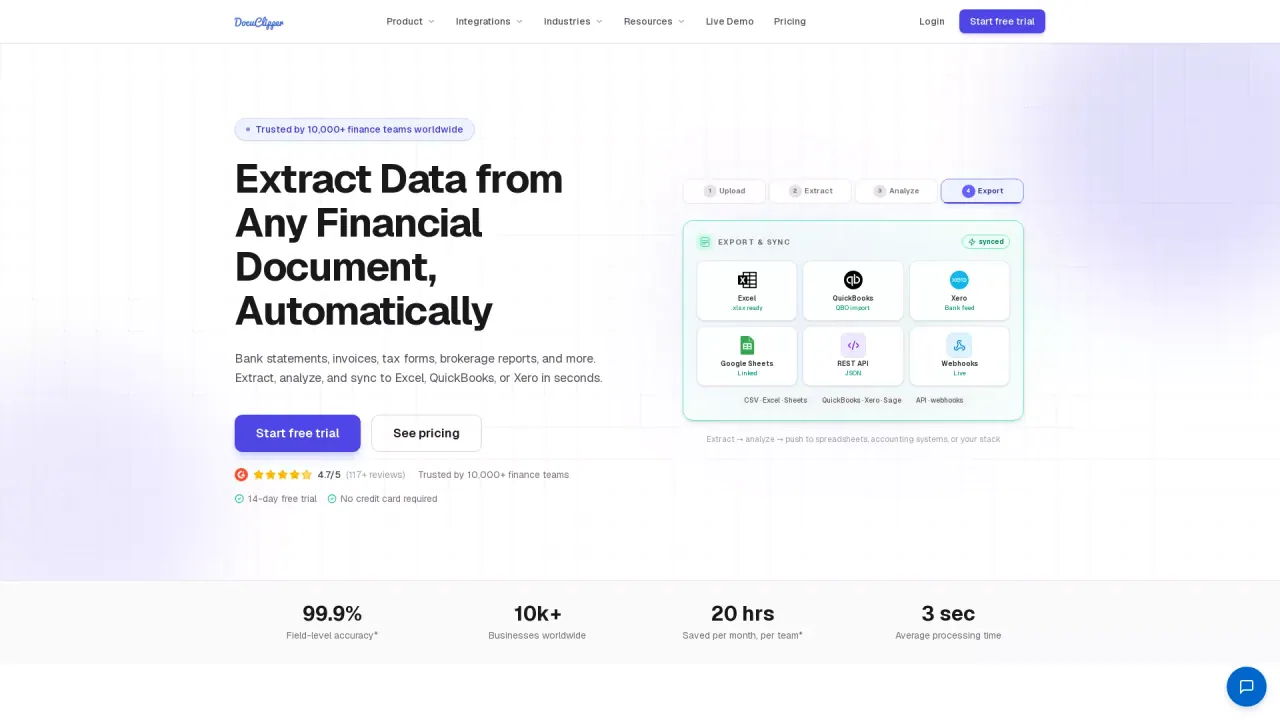
What does DocuClipper do?
DocuClipper is a financial document automation platform that turns PDFs into structured, export-ready data. It supports bank statements, invoices, receipts, checks, brokerage statements, and tax forms, including scanned or digital documents, so your team can stop rekeying transactions line by line.
The workflow is designed to go from upload to usable results quickly: upload documents, AI extracts and structures fields and line items, then you export or sync the results to the tools you use. DocuClipper also includes bank statement reconciliation and multiple account detection to help validate extracted data before it reaches your accounting records.
Once processed, you can push results to Excel (XLSX/CSV), QuickBooks (QBO import), or Xero (bank feed). You can also automate document workflows using the API and webhooks, and it integrates with tools like Google Sheets and Google Drive.
What kinds of documents can DocuClipper extract data from?
DocuClipper supports bank statements, invoices, receipts, checks, and tax forms (including W-2s and 1099s). It also handles brokerage, credit card, and related financial document images.
Does DocuClipper work with scanned PDFs?
Yes. It supports both digital PDFs and scanned documents, using OCR to extract the fields and transactions from the images.
Where can I export or sync the extracted data?
You can export to Excel, CSV, or Google Sheets, and sync/import to QuickBooks or Xero. DocuClipper also offers a REST API with webhooks for custom workflows.
How does DocuClipper handle bank statement accuracy?
DocuClipper includes bank statement reconciliation as part of the conversion process, helping ensure extracted transactions align with statement closing balances before exporting or syncing.
What is the typical process with DocuClipper?
You upload or connect documents, DocuClipper extracts and structures the data, then export or push it to Excel, QuickBooks, Xero, or your automation pipeline.
Is there a free trial?
Yes. A 14-day free trial is available with no credit card required.
Is this your tool?
Claim DocuClipper to manage this listing, or upgrade to Pro for featured-first placement and a newsletter feature.