
Formula bot
AI Excel Formula Generator
Automate Excel formulas instantly with AI-powered formula generator. Boost productivity with this AI Excel Formula Generator.
Promoted
 Pixmax.aiPixmax.ai is an all-in-one AI workspace for videos, visual stories, and marketing content.
 Sidrune AI85% off. Stable Claude API for agent developers. Pay as you go. Invoices & refunds available.
 SEOify - Improve your SEO & rankingsBuild links to rank in Google. Improve your DR with links you can start building now.Advertise here270,000+ people visit Dang.ai every month.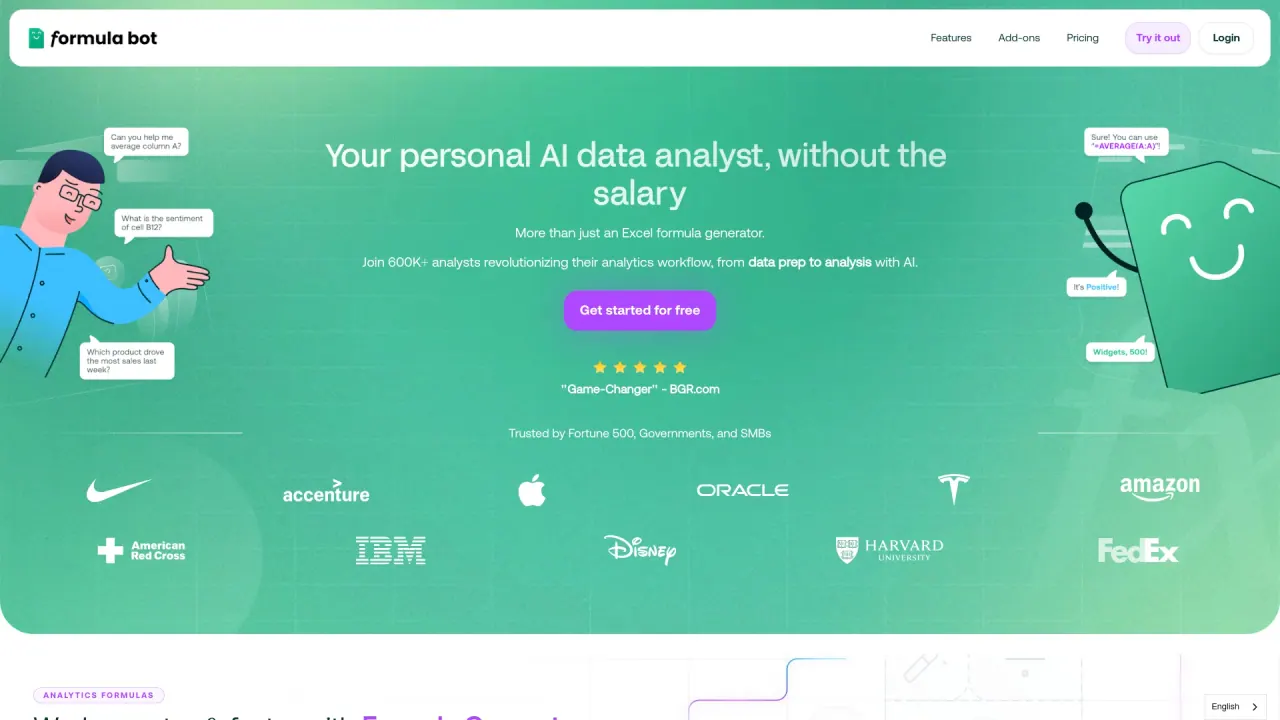
What does Formula bot do?
What is Formula Bot?
Formula Bot is an AI-powered data analytics platform designed for business users. You can upload or connect data, ask questions in plain English, and quickly generate charts, tables, dashboards, and insights.
How does Formula Bot work?
Ask questions in plain English (or any language) and Formula Bot will produce charts, tables, and answers. You can upload data, connect to multiple sources, and use AI to visualize, transform, and automate your data workflows.
What data sources can I connect or upload?
- Upload or connect data across multiple sources, including spreadsheets and PDFs.
- Data connectors include Excel and PDF, plus database-oriented connectors (e.g., Google Analytics, Google Search Console, BigQuery, Snowflake, MySQL, PostgreSQL, Supabase, MSSQL).
- Real-time data capabilities are supported.
What are the main capabilities of Formula Bot?
- Data Visualization: Create interactive charts and graphs from your data.
- Data Transformation: Clean, standardize, merge, reshape, and organize data from multiple sources.
- Spreadsheets & Reports: Export to Excel and generate formatted reports.
- AI Dashboards: Describe what you need and the AI will generate a fully interactive dashboard (templates available; customizable; auto data refresh).
- Sentiment & Text Analysis: Analyze sentiment and other text attributes.
- Data Explorer: Browse curated datasets (government, economics, health, weather, etc.) for instant analysis.
- Embeddable Analytics: Add AI-powered analytics to your website with a branded iframe embed.
- Scheduling & Alerts: Define recurring analyses and reports (daily/weekly/monthly).
- Code Transparency: See the exact code generated for every request (Python, SQL, R samples shown).
Can I create dashboards and charts automatically?
Yes. The AI Dashboard Generator creates fully interactive dashboards from a natural-language description, with templates, customization, and automatic data refresh.
How secure is Formula Bot with my data?
- Your data is YOUR data, and Formula Bot does not use your data to train AI models.
- Data is encrypted in transit and at rest.
- Data is stored in AWS and meets industry standards and certifications.
- Row-level security lets you control who can see which data.
- Each chat runs in a dedicated, isolated sandbox.
Can I embed Formula Bot analytics on my site or app?
Yes. Embeddable Analytics lets you add AI-powered analytics to your website with a single iframe snippet, with custom-branded visuals.
What is Knowledge Base and how does it help?
You can add context files to improve SQL query accuracy for your database connections (supported file types include DOCX, PDF, SQL, TXT).
What is the “Web Scraping” feature?
Web Scraping allows you to extract and analyze data from websites using Formula Bot’s intelligent web scraper.
What data formats and sources are supported for export?
- Spreadsheets & Reports: Export to Excel and generate formatted reports.
- You can also create and share presentation-ready visuals and dashboards.
What are the pricing plans and what do they include?
- STARTER: $18 per user per month. Includes AI data analysis with premium models, 250 messages per month, 2 automated dashboards, 2,500 AI Actions, access to premium AI models, enhanced memory, more computing power, 15-minute code execution timeout, unlimited file uploads, 200MB file upload limit, 20 uploaded files per chat, unlimited Knowledge Bases, 25 playbooks (2 scheduled), Excel & Google Sheets add-ons, unlimited data retention, 2FA, priority support, and more.
- MAX: $29 per user per month. Includes everything in Starter plus unlimited messages, shared workspace (chats, playbooks, files, and connectors), 10 automated dashboards, 5,000 AI Actions per user, more computing power (6 CPU, 4 GB), 20-minute code execution timeout, 50 playbooks (10 scheduled), 25 uploaded files per chat, 500MB file upload limit, 3 customizable embeds ($10/month per user), ability to use on multiple devices, centralized billing.
- ENTERPRISE: $149 per user per month. Includes everything in MAX plus 20 automated dashboards, 15,000 AI Actions per user, maximum computing power (8 CPU, 8 GB), 30-minute code execution timeout, 30 uploaded files per chat, 1GB file upload limit, unlimited white-label embeds, full embed customization, 3 free embed users on first embed ($10 per user), unlimited playbooks (20 scheduled), dedicated support, and options for custom AI actions, data connectors, and embeds with a schedule to discuss your needs.
Note: You can start with a free option and there is no credit card required for starting.
Is there a free plan or trial?
Yes. Formula Bot offers a free-to-start option, with a free forever plan included and no credit card required to begin.
How do I get started?
Click the Try for free or Get started for free option on the site to begin with a no-cost, no-commitment entry plan.
How do I know what I’m paying for and how invoices work?
Pricing is billed per user per month for the plan you choose, with the option of centralized billing for teams on higher tiers. You can cancel anytime. Payments are processed via Stripe.
What languages does Formula Bot support for queries?
You can ask in plain English (or any language) and Formula Bot will respond with visuals and insights.
Do I get code for the queries generated?
Yes. Formula Bot provides Code Transparency, showing the exact code generated for every request, with examples in Python, SQL, and R.
Can I export or share results with others?
Yes. You can export analyses as Excel files and generate formatted reports for sharing. Embedding options also allow you to share dashboards within your own apps or sites.
What about support and onboarding?
- 2FA is supported for account security.
- Priority support is available on Starter and included on higher plans.
- Enterprise includes dedicated support and options for custom configurations (AI actions, data connectors, and embeds).
- A Knowledge Base and documentation are available for self-serve help.
How many messages and AI Actions do I get per plan?
- Starter: 250 messages per month; 2,500 AI Actions.
- MAX: Unlimited messages; 5,000 AI Actions per user.
- Enterprise: Unlimited messages; 15,000 AI Actions per user.
Are file uploads and limits plan-specific?
Yes.
- Starter: 200MB file upload limit; 20 uploaded files per chat.
- MAX: 500MB file upload limit; 25 uploaded files per chat.
- Enterprise: 1GB file upload limit; 30 uploaded files per chat.
What sources can I analyze beyond Excel and PDF?
You can connect to additional data sources and databases via connectors including Google Analytics, Google Search Console, BigQuery, Snowflake, MySQL, PostgreSQL, Supabase, and MSSQL, among others referenced in the documentation.
How is data protected and isolated?
Formula Bot uses isolated sandboxes for chats, row-level security to restrict data access, encryption in transit and at rest, and AWS-based storage with standard security certifications. Your data is not used to train the AI models.
Is this your tool?
Claim Formula bot to manage this listing, or upgrade to Pro for featured-first placement and a newsletter feature.