
Bankstatementconverter
AI Finance Modeling Tools
Convert PDF bank statements into clean Excel (XLS) files with secure, anonymous processing and conversion fixes when results fall short.
- Pricing
- Free
- Category
- Finance
- Listed
- Jun 24, 2026
- Updated
- Oct 22, 2026
Promoted
 KurodyneSell the tools from your AI side projects. Listing is free.
 Sidrune AI85% off. Stable Claude API for agent developers. Pay as you go. Invoices & refunds available.
 Pixmax.aiPixmax.ai is an all-in-one AI workspace for videos, visual stories, and marketing content.
 RewindType any X/Twitter handle. Get their year back as a narrated video story. Then ask it anything.
 SEOify - Improve your SEO & rankingsBuild links to rank in Google. Improve your DR with links you can start building now.Advertise here270,000+ people visit Dang.ai every month.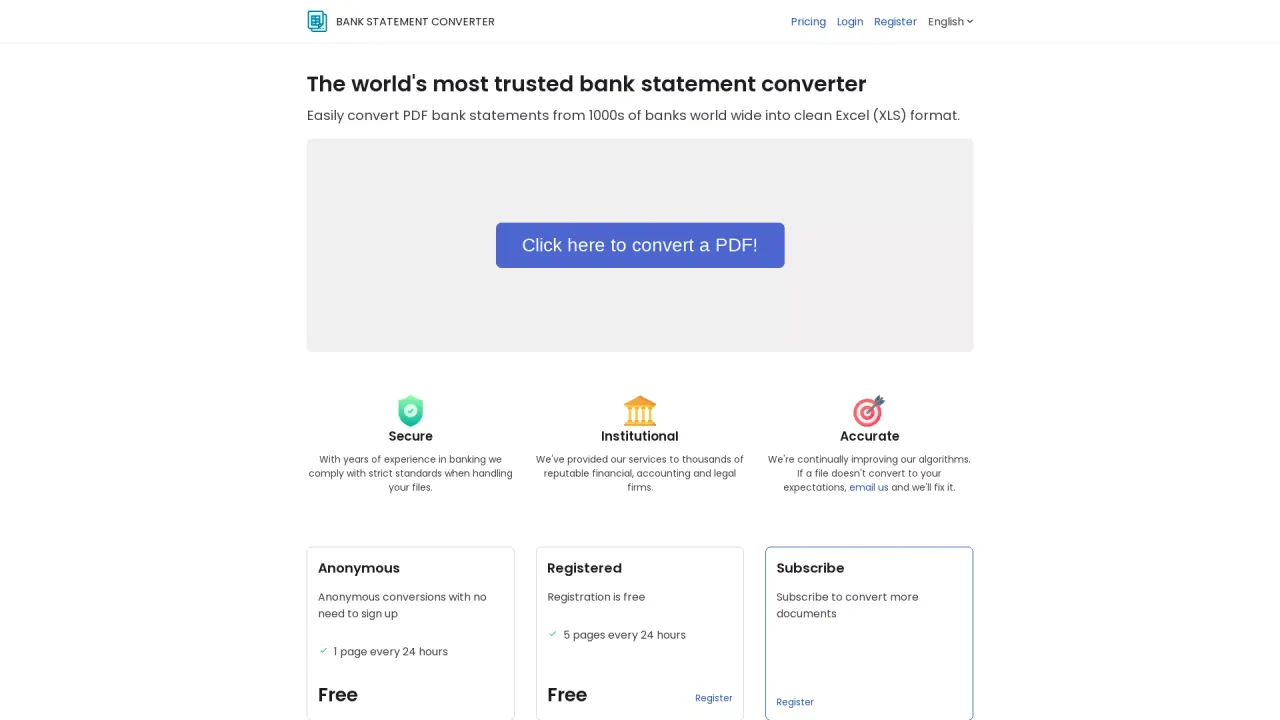
What does Bankstatementconverter do?
Bankstatementconverter converts PDF bank statements from thousands of banks into clean, structured Excel (XLS) files. It’s designed to turn statements into a format that’s easier to review, work with, and organize—without the manual cleanup that often comes with raw PDFs.
The service focuses on secure handling of your documents and supports anonymous conversions without needing to sign up. Conversion quality is a priority: algorithms are continually improved, and if your converted file doesn’t meet your expectations, you can email for a fix.
You can convert for free, with limits on how many pages you can process each 24 hours. Free anonymous access is limited to 1 page every 24 hours, while free registration increases that limit to 5 pages every 24 hours. If you need more volume, subscriptions are available to convert additional documents.
Bankstatementconverter primarily supports converting PDFs to Excel (XLS). If you have other document formats to process, you can request bespoke services by contacting the team and sharing what you need.
What does Bankstatementconverter convert?
You convert PDF bank statements into Excel (XLS) format.
Do I need an account to convert my PDFs?
No. You can use anonymous conversions without signing up.
How many pages can I convert for free?
Free anonymous conversions allow 1 page every 24 hours. With free registration, you can convert 5 pages every 24 hours.
Is my document handling secure?
Yes. The service follows strict standards for handling your files and is designed with secure processing in mind.
What if the Excel output isn’t what I expected?
Email the team and they’ll fix the conversion if a file doesn’t convert to your expectations.
Can it handle document formats other than PDFs?
Yes—if your documents aren’t PDFs, you can request bespoke services for other formats by contacting the team.
Is this your tool?
Claim Bankstatementconverter to manage this listing, or upgrade to Pro for featured-first placement and a newsletter feature.