
Fyle
AI Expense Management Tool
Revolutionize expense management with Fyle, an innovative AI tool for businesses.
What does Fyle do?
What is Sage Expense Management?
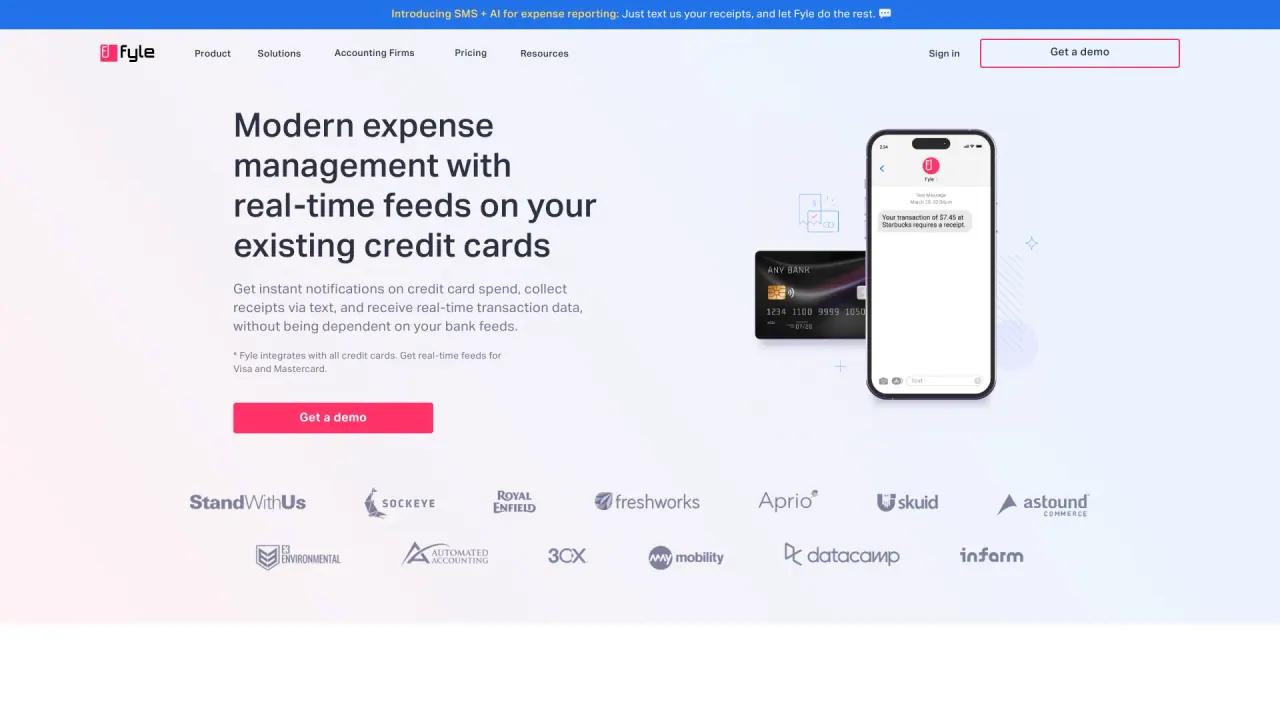
Sage Expense Management (formerly Fyle) provides real-time expense management on your existing corporate cards. You text a receipt and the AI handles data extraction, coding, and matching, then syncs the expenses to your accounting software. No new cards are required, and you gain faster closes with less manual work. Key capabilities include receipt tracking, expense management, card reconciliation, 2-way accounting integrations, and a mobile app.
Who is Sage Expense Management for?
It is designed for a wide range of organizations and industries, including Construction, Non-profits, Technology, Healthcare, Professional Services, and Religious Institutions. It works with your existing cards and supports teams of varying sizes.
Why should I use Sage Expense Management?
Because it reduces manual data entry, provides real-time visibility into spending, automates receipt capture and data extraction, supports policy-compliant approvals, and streamlines reconciliation with your accounting software—ultimately saving time and reducing errors.
How can Sage Expense Management help field staff submit receipts?
Receipts can be submitted via text, with automated data extraction and pairing to the correct expense. Field staff can receive real-time alerts and approvals streamline the process, making it easier to stay on top of expenses.
How does Sage Expense Management help us stay compliant?
It enables you to identify spending trends, track budgets, and monitor policy violations without manual reviews. Approval workflows and centralized oversight help enforce compliance across the organization.
Does Sage Expense Management integrate with my accounting software?
Yes. Sage Expense Management provides a 2-way sync of audit-ready expense data with your accounting software, ensuring your books stay aligned automatically.
Which accounting integrations are supported?
The solution integrates with Sage Intacct, Sage 300 CRE, Sage 50, QuickBooks Online, QuickBooks Desktop, Netsuite, Xero, and Perk.
Can Sage Expense Management handle multiple entities or currencies?
The site lists this as a question you can discuss, and a tailored demo can confirm how multi-entity or multi-currency scenarios are handled for your business.
How does Sage Expense Management help with travel expenses?
The platform covers general expense management capabilities (receipt capture, real-time spend visibility, approvals, and policy enforcement) that apply to travel. For travel-specific workflows or requirements, a personalized demo can address your needs.
What makes Sage Expense Management different from other solutions?
Key differentiators include real-time visibility into employee spend, fast receipt capture via text, automated card reconciliation, seamless 2-way accounting integrations, no need for new cards, and dedicated onboarding plus 24/7 support.
How long does the implementation process take?
Onboarding is personalized for a seamless setup, with a dedicated team to assist. A representative will tailor the timeline during your demo based on your organization’s needs.
Will I be charged if some employees don’t submit expenses in a given month?
Pricing details aren’t published publicly; you’ll receive a customized quote after you request a demo. The demo will cover billing terms and what to expect.
How quickly can we get started?
You can move quickly by requesting a demo. Sage Expense Management emphasizes a fast, personalized onboarding experience and offers onboarding support to accelerate deployment.
What is included in onboarding and ongoing support?
Onboarding is personalized for a seamless setup, and you’ll have access to 24/7 support via live chat and email, with a first response time under 30 minutes for business plan users.
What security and compliance standards does Sage Expense Management meet?
Sage Expense Management data is protected with GDPR, SOC 2 Type 1 & Type 2, and PCI DSS standards.
Is there a mobile app?
Yes. You can submit, track, and approve corporate card expenses on the go using the mobile app.
How does card reconciliation work?
The system automatically matches receipts to card transactions, simplifying reconciliation for your existing cards.
How do reimbursements work, and what methods are supported?
Reimbursements can be processed via ACH for US-based companies.
How can I learn more or get started?
Explore the product pages and request a demo to see how Sage Expense Management fits your needs and to receive a personalized quote. You can also access the Help Center for support.
Is this your tool?
Claim Fyle to manage this listing, or upgrade to Pro for featured-first placement and a newsletter feature.