
Seedance 2.0 Mini AI Video Generator
AI Video Maker Generators & Tools
Seedance 2.0 Mini turns text or images into cinematic, multi-shot AI video with consistent characters and built-in camera motion.
- Pricing
- Free
- Category
- Video
- Listed
- Jun 17, 2026
- Updated
- Jun 18, 2026
Promoted
 Sidrune AI85% off. Stable Claude API for agent developers. Pay as you go. Invoices & refunds available.
 Pixmax.aiPixmax.ai is an all-in-one AI workspace for videos, visual stories, and marketing content.
 SEOify - Improve your SEO & rankingsBuild links to rank in Google. Improve your DR with links you can start building now.Advertise here270,000+ people visit Dang.ai every month.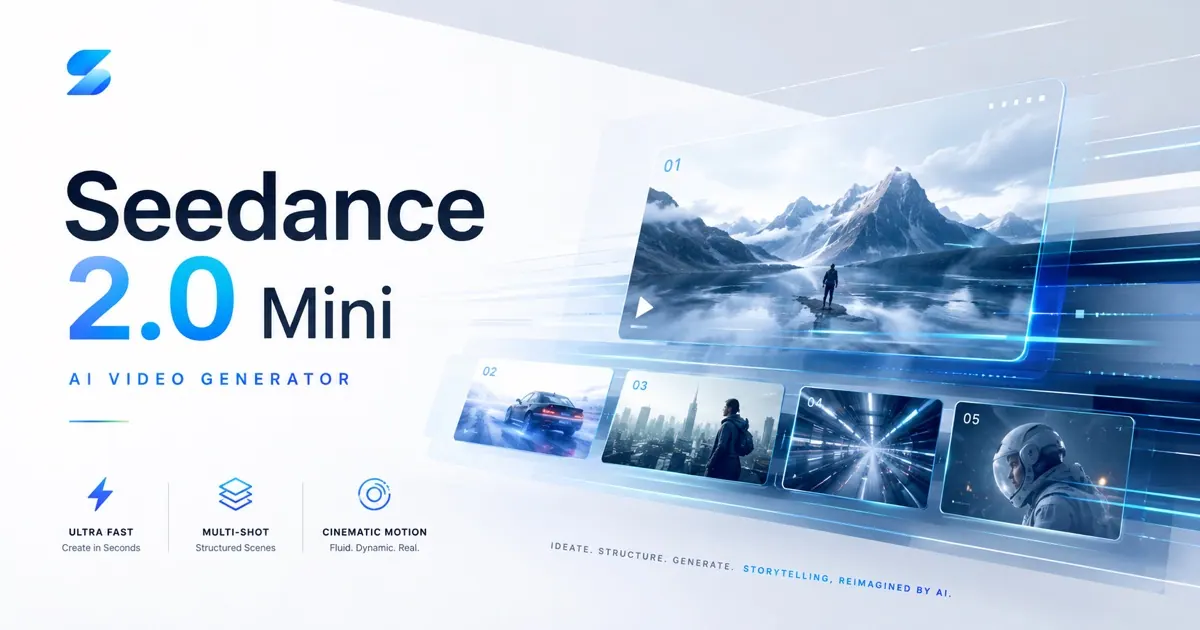
What does Seedance 2.0 Mini AI Video Generator do?
Seedance 2.0 Mini is a cinematic AI video generator that creates multi-shot video sequences from a single prompt. It supports text-to-video and image-to-video workflows, helping you generate structured, film-like scenes with coherent pacing.
Designed for everyday creation, it emphasizes faster, lower-cost generation while keeping strong cinematic quality. You can direct the look and movement of your clips using AI camera control (zooms, pans, tracking shots, and dynamic framing) and by maintaining consistent character identity across shots.
For additional guidance, Seedance 2.0 Mini offers multimodal references—up to 9 images, 9 videos, and 3 audio references—to support consistent style and movement. Choose aspect ratio (16:9, 9:16, 1:1), resolution (480p–1080p), and duration (4s–15s) to match your creative goals, then generate a preview and export when ready.
What does Seedance 2.0 Mini generate?
It generates cinematic, multi-shot video clips based on a single prompt, which can include structured scene direction and camera motion.
Can I create videos from an image?
Yes. Upload reference images and use them to guide the generated video content and visual style.
How does Seedance 2.0 Mini help keep characters consistent?
It maintains character identity stability across shots so characters stay visually aligned throughout the sequence.
What video formats can I target (aspect ratio, resolution, duration)?
You can choose 16:9, 9:16, or 1:1 aspect ratio, resolutions from 480p to 1080p, and durations ranging from 4s up to 15s.
What controls are available for cinematic motion?
Use built-in AI camera control to direct zooms, pans, tracking shots, and dynamic framing styles for more cinematic movement.
Do I need to be a filmmaker to use it?
No. You can start with natural-language prompts describing the scene, action, camera, and lighting, then iterate using the preview before exporting.
This listing is claimed
Own Seedance 2.0 Mini AI Video Generator? Sign in with the email used to claim it to manage this listing, or upgrade to Pro for featured-first placement and a newsletter feature.