
BrainDump
AI Notetaking App
BrainDump is a distraction-free ADHD-friendly notes app that captures thoughts instantly and helps turn them into polished content.
- Pricing
- Freemium
- Category
- Note Taking
- Listed
- Mar 4, 2026
- Updated
- Oct 16, 2026
Promoted
 Pixmax.aiPixmax.ai is an all-in-one AI workspace for videos, visual stories, and marketing content.
 AI Checker PlusAI detector that highlights which passages AI wrote. Free check, no sign-up. Plagiarism too.
 RewindType any X/Twitter handle. Get their year back as a narrated video story. Then ask it anything.
 KurodyneSell the tools from your AI side projects. Listing is free.
 Sidrune AI85% off. Stable Claude API for agent developers. Pay as you go. Invoices & refunds available.
 SEOify - Improve your SEO & rankingsBuild links to rank in Google. Improve your DR with links you can start building now.Advertise here270,000+ people visit Dang.ai every month.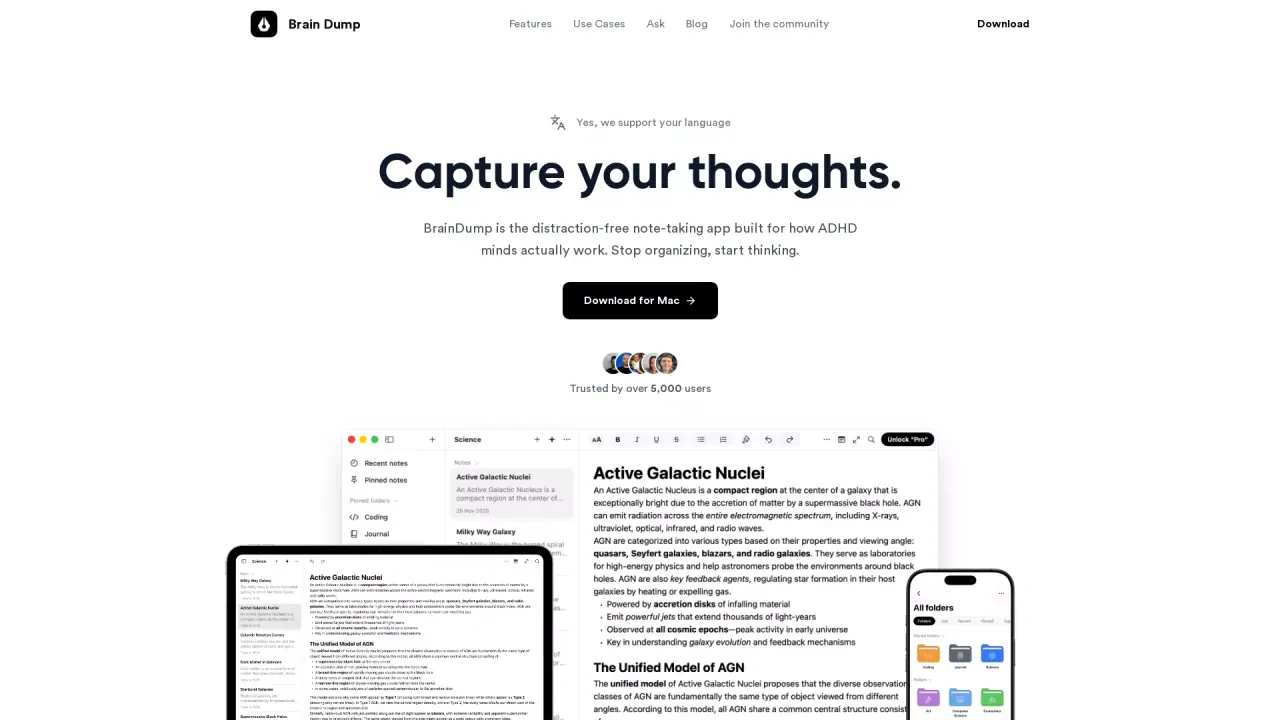
What does BrainDump do?
BrainDump is a distraction-free note-taking app built for fast, racing thoughts. Instead of forcing you into folders or rigid structures, it lets you “dump” your ideas immediately—no title, no category, and no extra decisions—so you can keep momentum and stop losing thoughts.
You can keep notes private by default and choose what to share later. When you’re ready, BrainDump helps you bring order without breaking your flow: organize notes into folders, add tags, and convert lists into checkboxes. The app also supports quick AI assistance, including grammar correction and transforming your raw notes into outputs like summaries, reports, emails, and more.
BrainDump is designed for ADHD minds and other neurodivergent users who want a calmer, frictionless writing experience. It’s also useful for anyone who writes in spurts—quick thoughts, journaling, writers capturing ideas, meeting notes, and task management.
Pricing starts with a free tier (“Base”), then offers upgrades for “Focus” and “Lifetime.” The plan details and prices include Base being free, Focus at $99.99/year (or $8.33/month billed annually), and Lifetime at $39.99 one-time. AI tools beyond the included free items require purchasing AI credits in the app, if needed.
What makes BrainDump different from typical note apps?
BrainDump removes the usual friction—no titles, no folders to start, and no popups or sidebars—so you can capture thoughts instantly and organize later only if you want.
Is BrainDump free to use?
Yes. The Base plan is free and includes core note-taking plus limited free AI actions (ask, correct, and transform notes) and a few other starter features.
Can I sync my notes across devices?
Yes. BrainDump supports iCloud sync or account sync across supported Apple devices, and the web app syncs with the same account so notes stay consistent.
What devices and platforms does BrainDump support?
BrainDump is Apple-first and also available on the web. You can use native apps on iPhone, iPad, and Mac, and use the web app in any modern browser; Windows support is available via getting an email notification when it lands.
How does sharing work in BrainDump?
Every note starts private and is visible only to you. You can choose when to share a specific note and whether others can view or edit it.
Does BrainDump work offline?
The app’s offline behavior isn’t described in the provided listing text, so it’s best to plan on using it as a synced app rather than assuming offline editing support.
This listing is claimed
Own BrainDump? Sign in with the email used to claim it to manage this listing, or upgrade to Pro for featured-first placement and a newsletter feature.