
Voza Transcribe
AI Assistant Tools
Upload MP3 or other audio/video files to get AI-generated transcripts with speaker labels and timestamps in minutes.
- Pricing
- Free
- Category
- Assistant
- Listed
- Aug 20, 2026
- Updated
- Aug 21, 2026
Promoted
 Sidrune AI85% off. Stable Claude API for agent developers. Pay as you go. Invoices & refunds available.
 Pixmax.aiPixmax.ai is an all-in-one AI workspace for videos, visual stories, and marketing content.
 SEOify - Improve your SEO & rankingsBuild links to rank in Google. Improve your DR with links you can start building now.Advertise here270,000+ people visit Dang.ai every month.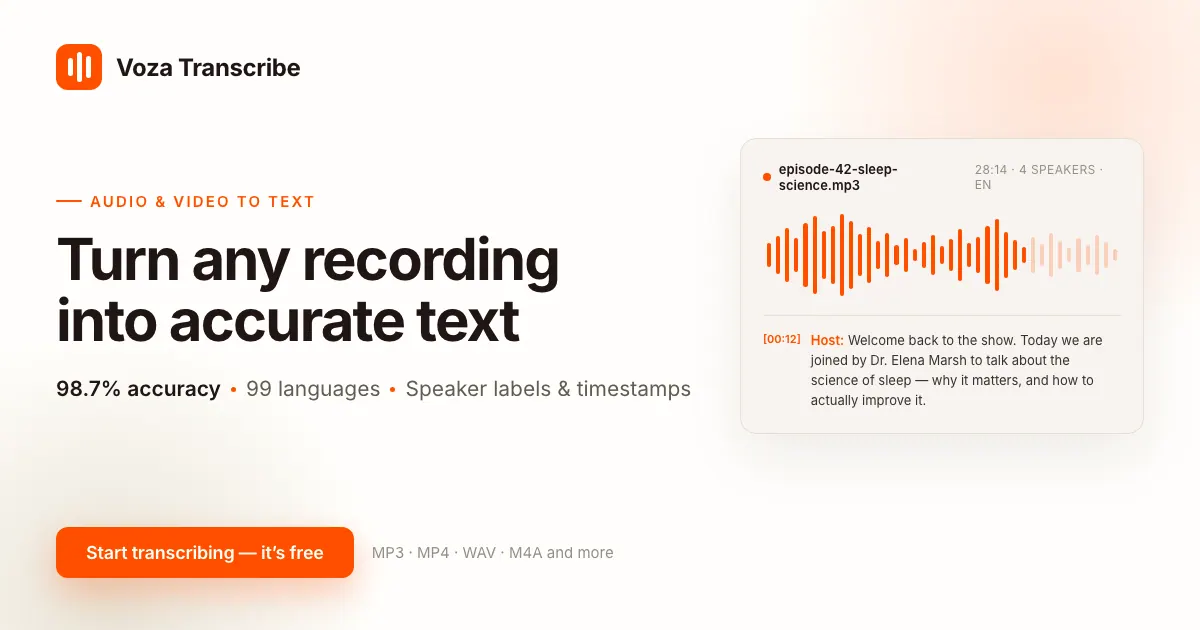
What does Voza Transcribe do?
Voza Transcribe is an AI-powered MP3 (and audio/video) transcription tool that turns spoken audio into clean, editable text quickly—without manual typing or audio editing. Upload a file or paste a public link to generate an accurate transcript in minutes.
Transcripts include speaker labels and word-level timestamps, making it easier to read, search, quote, and navigate long recordings such as podcasts, interviews, meetings, and lectures. Language detection supports 99 languages, with options to let the tool detect the spoken language automatically when recordings include different languages.
After transcription, download your results in multiple formats including TXT, DOCX, PDF, SRT, VTT, and JSON. Everything runs in your browser (no software install), and your transcripts stay in your account for later review and re-export.
What types of files can I transcribe with Voza Transcribe?
You can upload MP3, MP4, and many other audio/video formats such as WAV, M4A, FLAC, OGG, AAC, OPUS, AMR, AIFF, and WMA, among others.
Can I upload a link instead of a file?
Yes—paste a public link to have it transcribed. You can also upload via drag-and-drop.
Does Voza Transcribe handle multiple speakers?
Yes. It can add speaker labels (speaker diarization) so multi-person recordings like interviews and meetings are easier to follow.
Will my transcript include timestamps?
Yes. You can get word-level timestamps, which make it simple to jump to specific moments for quotes or references.
What export formats are available?
You can download transcripts in multiple formats including TXT, Markdown, DOCX, PDF, SRT, VTT, and JSON.
How long are transcripts stored?
Your transcripts stay in your account, so you can come back to review, refine, or re-export them when needed.
This listing is claimed
Own Voza Transcribe? Sign in with the email used to claim it to manage this listing, or upgrade to Pro for featured-first placement and a newsletter feature.