
AIVoiceGen
No longer active
AI Voice Synthesis
Create Realistic Voices and Sound Effects in Minutes
AIVoiceGen is no longer available
Promoted
 Sidrune AI85% off. Stable Claude API for agent developers. Pay as you go. Invoices & refunds available.
 Pixmax.aiPixmax.ai is an all-in-one AI workspace for videos, visual stories, and marketing content.
 RewindType any X/Twitter handle. Get their year back as a narrated video story. Then ask it anything.
 KurodyneSell the tools from your AI side projects. Listing is free.
 SEOify - Improve your SEO & rankingsBuild links to rank in Google. Improve your DR with links you can start building now.Advertise here270,000+ people visit Dang.ai every month.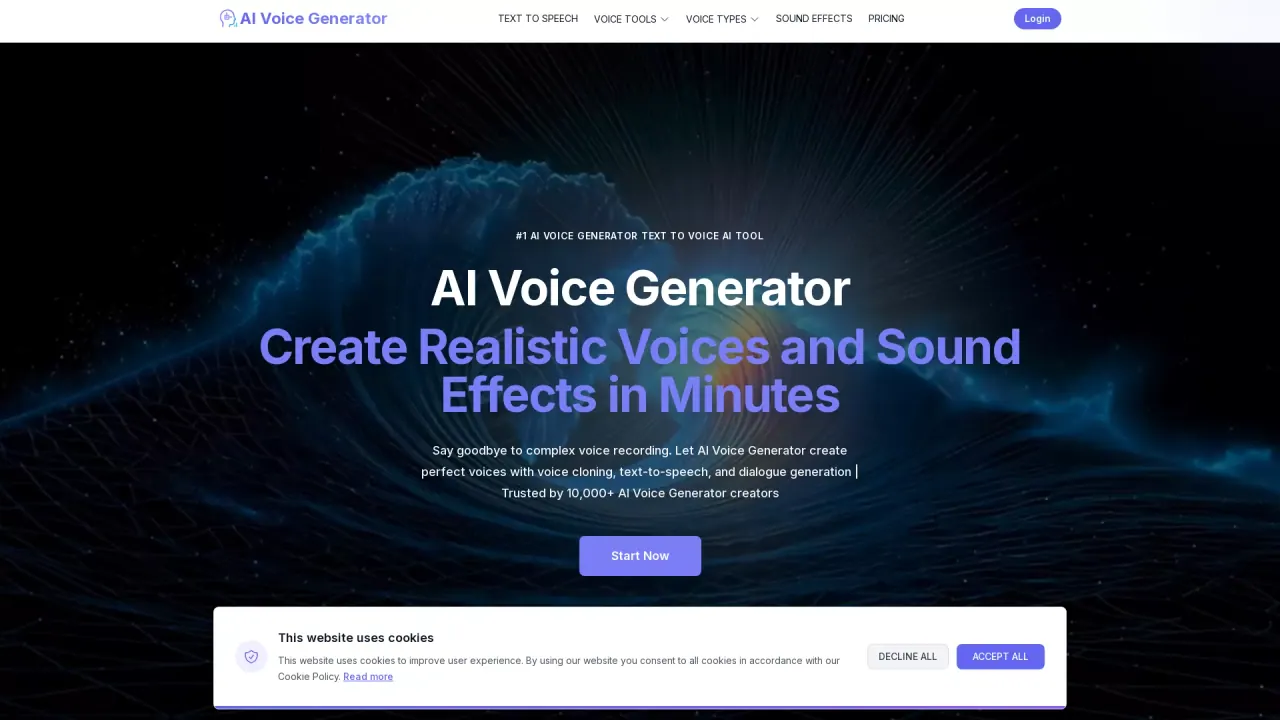
What does AIVoiceGen do?
How do I generate audio step-by-step with AI Voice Generator?
Follow these steps:
- Input Your Text: type your script into the AI Voice Generator interface.
- Upload Reference Audio (optional): for voice cloning, upload a sample to match tone and style.
- Generate and Download: click Generate Audio to produce the result, then preview and download.
- Refresh and Download Results: refresh the page to view results and re-download if needed.
How does the Text to Speech feature work?
AI Voice Generator converts written text into lifelike audio. You input your text, choose a voice style (30+ styles available), and the AI engine generates professional-quality voiceovers with natural expressiveness. Free plans restrict to short text (e.g., 100 characters); signing in unlocks longer text (up to 4000 characters).
Can I clone voices from reference audio, including celebrity-like voices?
Yes. Voice Cloning lets you clone voice characteristics from a reference audio by uploading a sample; the AI analyzes and replicates the tone and style to create personalized audio content. For dialogue, you can use Multi-Speaker Clone to support multiple cloned voices.
What are the generation types available?
- Smart Voice: AI-generated voice with natural expressiveness.
- Voice Cloning: clone voice characteristics from reference audio.
- Multi-Speaker Clone: multiple cloned voices for dialogue.
How many voice styles are available?
Over 30 voice styles are available to choose from, with controls to adjust voice parameters for different effects and tones.
How many speakers can I use for dialogue?
Two speakers are supported for dialogue in the Multi-Speaker Clone setup (two voices, typically one line each by default).
What editing and sound effects capabilities does AI Voice Generator offer?
You can edit voice output to alter emotional qualities, apply AI-assisted optimizations, and export with platform-specific presets. The Creative Voice Exploration Lab helps generate voice variations, analyze trends, and discover new creative possibilities.
How is my generated audio stored, and can I use cloud storage?
Your generation history is stored locally in your browser (up to 3 items). Signing in unlocks unlimited cloud history and full feature access.
How can I export or download my audio?
After generation, you can preview and download your audio. The platform provides export options with platform-specific presets; exact export formats are not specified in the available content.
What are the pricing and free trial options?
There is a free trial with limited features. Signing in for free unlocks more features. For full details on pricing and plans, see the Pricing page.
What languages are supported?
The site content lists English as an option; other languages are not specified in the available content.
Can I use generated voices for commercial projects?
The site content does not specify licensing or commercial-use rights. Please check the Terms of Service and Pricing pages for licensing details.
Where can I get help or more information?
You can access the site's Contact Us, Blog, Privacy Policy, Terms of Service, and Pricing pages for support and information.