
NaturalReader
Commercial Text to Speech AI Tool
NaturalReader turns text or documents into natural-sounding AI audio, with multilingual voices, voice cloning, and options for personal, commercial, and EDU use.
What does NaturalReader do?
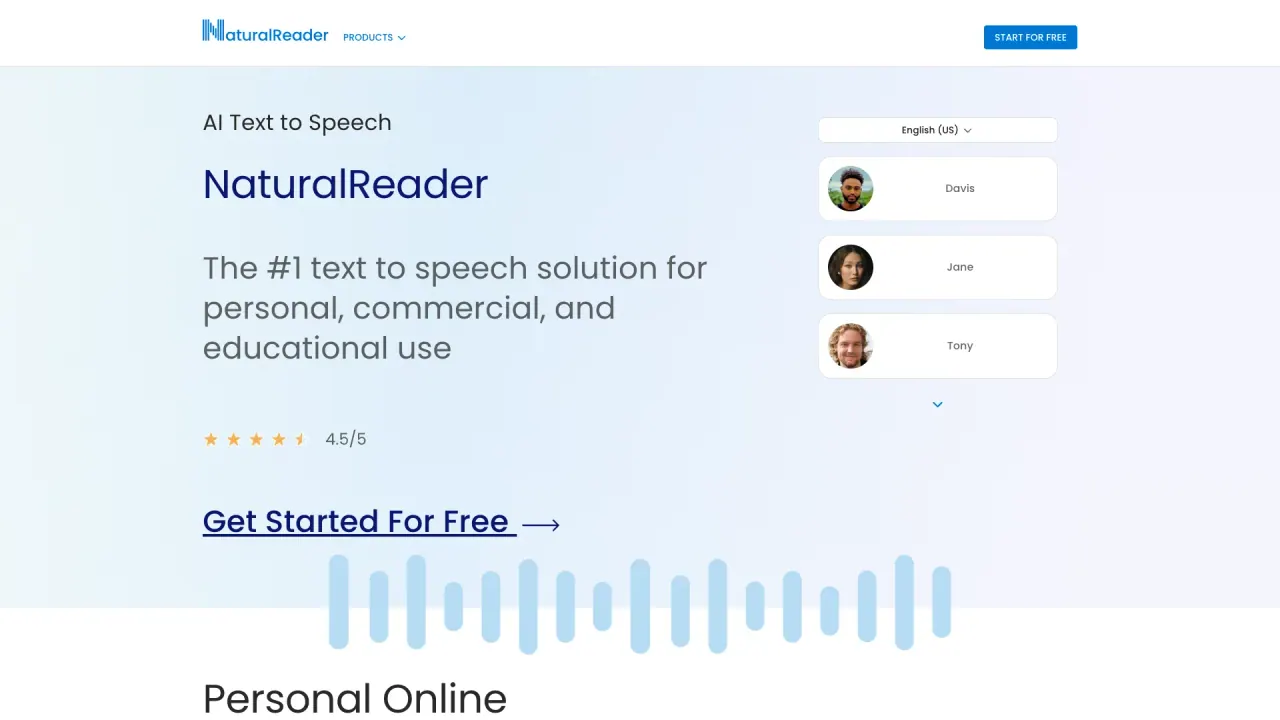
NaturalReader AI Text to Speech transforms text into natural-sounding audio using advanced AI voices. It’s built for reading, accessibility, and voiceover creation, with tools that support everything from everyday documents to scripted narration.
Choose from LLM Voices and Content Aware delivery that adjusts to the tone of what you’re reading. With a wide multilingual voice library, you can fine-tune how your audio sounds using voice design options and preset styles.
Use NaturalReader across platforms (web, mobile apps, and a Chrome extension) and export audio for offline listening via MP3 download. For document workflows, it supports multiple input types such as PDFs, Word docs, ePub, and web pages, and it includes accessibility-focused features like OCR via a camera scanner, dyslexia-friendly font, and immersive reading.
For commercial voiceover workflows, NaturalReader offers an AI Voice Generator for public and business use use cases such as YouTube, eLearning, Training, Ads, Social Media, Podcasts, and Audiobooks. For education, NaturalReader EDU provides discounted AI text to speech with flexible group or site licenses plus classroom-oriented management features.
What can I convert into audio with NaturalReader?
You can convert text into spoken audio and also read files and content such as PDFs, Word docs, ePub, and web pages, plus physical books using the camera scanner.
Do NaturalReader voices adapt to the tone of my text?
Yes. Content Aware voices adjust their delivery to match the tone of your reading for a more natural result.
What is voice cloning in NaturalReader?
Voice cloning lets you create a custom multilingual AI voice by uploading or recording your voice.
Can I customize how the voice sounds?
Yes. You can use prompts to customize delivery, tone, emotion, and accent, and you can also choose preset voice styles such as Audiobook, E-learning, Accent, Conversational, Deep, and Soft.
Is there an option for commercial voiceover creation?
Yes. The Commercial plan is designed for creating high-quality audio for public or business use cases like videos, eLearning, training, podcasts, and audiobooks.
Does NaturalReader support accessibility features for students?
Yes. EDU includes accessibility features such as closed captions, dyslexia-friendly font, and hotkey controls, along with options for OCR and immersive reading.
Is this your tool?
Claim NaturalReader to manage this listing, or upgrade to Pro for featured-first placement and a newsletter feature.