
Luvvoice
AI Text to Speech Tool
Luvvoice is a free online text-to-speech tool that turns your text into natural-sounding AI voice, with MP3 download support.
Promoted
 RewindType any X/Twitter handle. Get their year back as a narrated video story. Then ask it anything.
 KurodyneSell the tools from your AI side projects. Listing is free.
 Sidrune AI85% off. Stable Claude API for agent developers. Pay as you go. Invoices & refunds available.
 Pixmax.aiPixmax.ai is an all-in-one AI workspace for videos, visual stories, and marketing content.
 SEOify - Improve your SEO & rankingsBuild links to rank in Google. Improve your DR with links you can start building now.Advertise here270,000+ people visit Dang.ai every month.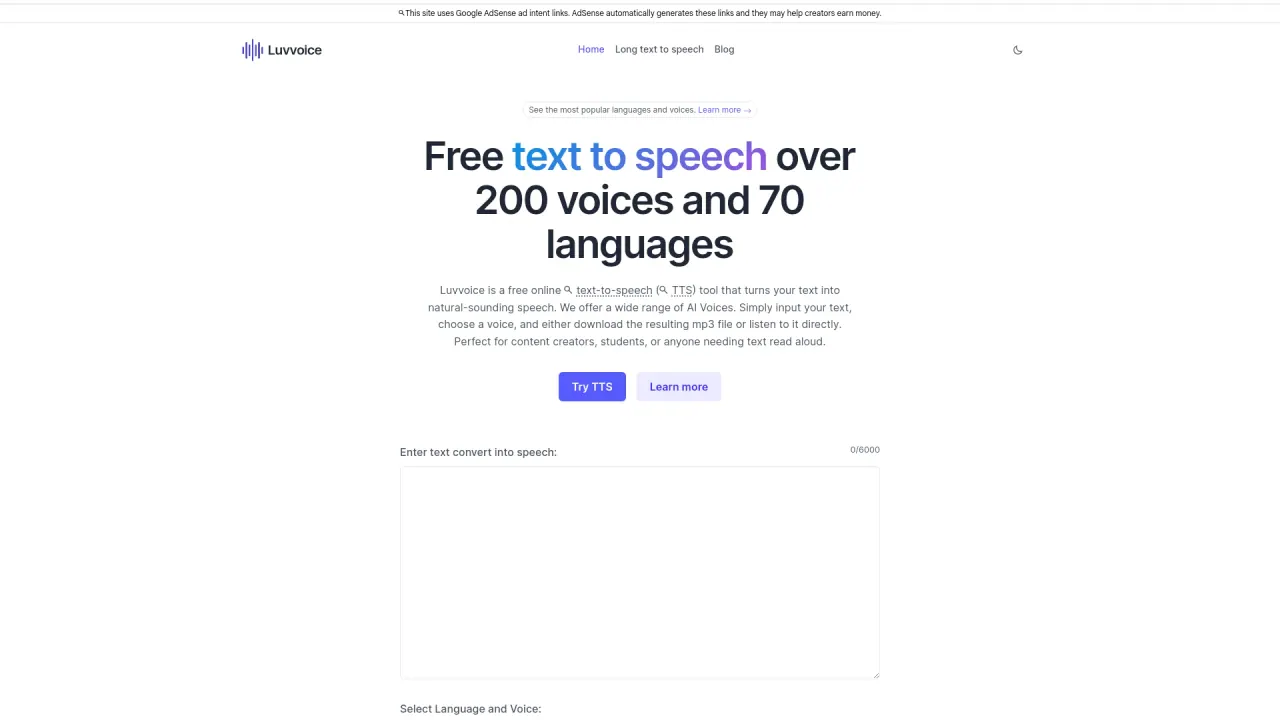
What does Luvvoice do?
Luvvoice is a free online text-to-speech (TTS) tool that converts your text into natural-sounding speech. Paste or type your script, pick a voice from a large library, and generate audio you can play right away or download as an MP3.
You can choose from 200+ AI voices across 70+ languages, including popular options like English, Spanish, Chinese, German, French, Italian, Japanese, Korean, Portuguese, Russian, Thai, Turkish, Vietnamese, Arabic, Hindi, Bengali, and more. To fine-tune delivery, you can adjust speech rate and pitch from the settings, so your narration fits different formats and pacing.
Luvvoice also supports “Document to Voice” for converting common files such as PDF and TXT. This is useful for turning existing content into spoken audio without manually copying everything into the editor.
If you need higher throughput, logged-in and paid users can generate up to 20,000 characters per generation (free limits are lower). Generated audio can be saved for 30 days (or 72 hours in the tool flow). The tool is positioned for creators and teams working on YouTube, TikTok, podcasts, education, audiobooks, games, animation, ads, and accessibility.
How do I convert text to speech in Luvvoice?
Paste or type your text into the editor, choose your language and voice, then generate the audio. You can listen directly or download the result as an MP3.
Can I generate audio from a PDF or TXT file?
Yes. Use Document to Voice to upload PDF or TXT content and convert it into spoken audio without manually rewriting the text.
What audio format can I download?
You can download generated speech as an MP3 file.
How many characters can I convert per generation?
Free plan generation is limited to 2,000 characters per generation. Logged-in and paid users can generate up to 20,000 characters per generation.
How many voices and languages does Luvvoice offer?
You get 200+ voices in 70+ languages, including options such as English, Spanish, Chinese, German, French, Italian, Japanese, Korean, Portuguese, Russian, Thai, Turkish, Vietnamese, Arabic, and Hindi.
How long can I keep generated audio?
Generated audio can be saved for 30 days, with shorter availability also reflected in the generation flow (72 hours).
This listing is claimed
Own Luvvoice? Sign in with the email used to claim it to manage this listing, or upgrade to Pro for featured-first placement and a newsletter feature.