
Study Guide Maker
AI Agents
Turn your PDFs, slides, and notes into an exam-ready, cited study guide with an outline, glossary, practice questions, and flashcards.
- Pricing
- Free
- Category
- AI Agents
- Listed
- Oct 10, 2026
- Updated
- Oct 25, 2026
Promoted
 Sidrune AI85% off. Stable Claude API for agent developers. Pay as you go. Invoices & refunds available.
 Pixmax.aiPixmax.ai is an all-in-one AI workspace for videos, visual stories, and marketing content.
 AI Checker PlusAI detector that highlights which passages AI wrote. Free check, no sign-up. Plagiarism too.
 RewindType any X/Twitter handle. Get their year back as a narrated video story. Then ask it anything.
 KurodyneSell the tools from your AI side projects. Listing is free.
 SEOify - Improve your SEO & rankingsBuild links to rank in Google. Improve your DR with links you can start building now.Advertise here270,000+ people visit Dang.ai every month.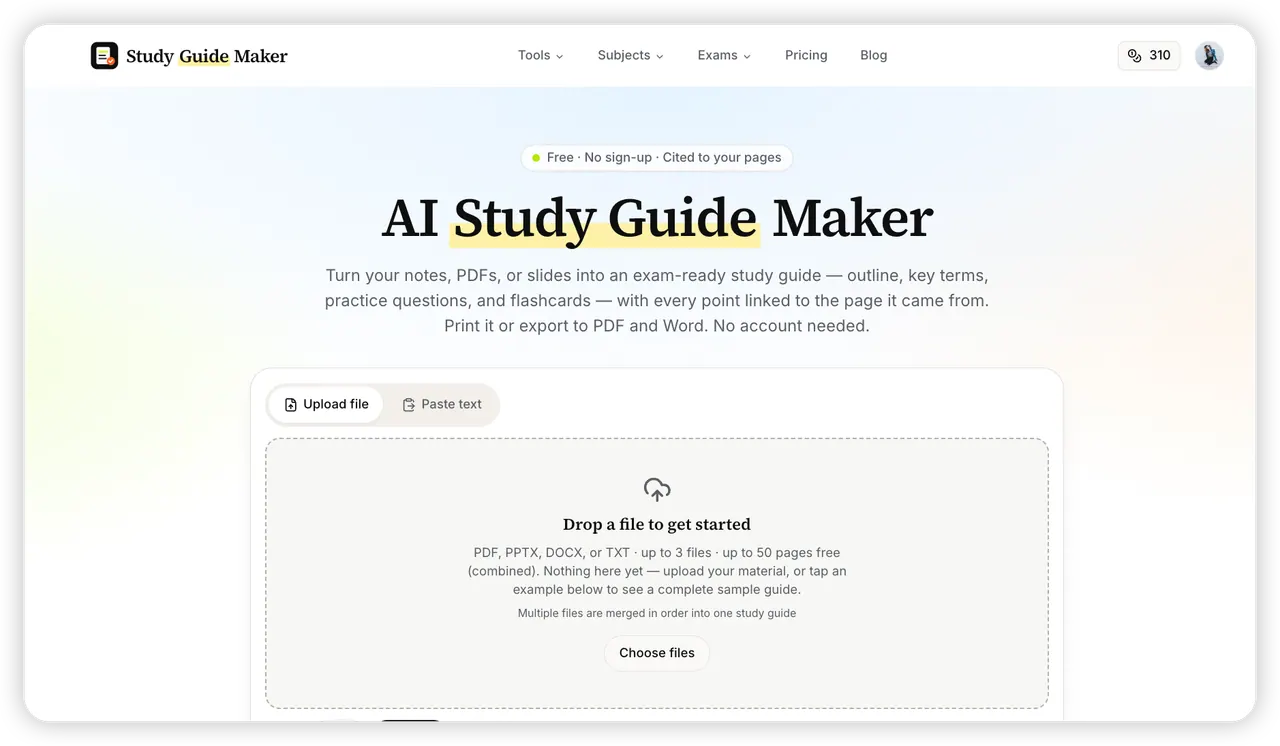
What does Study Guide Maker do?
Study Guide Maker turns your course materials into a structured study guide you can use right away. Upload a text-based PDF, PPTX, DOCX, or TXT—or paste your notes—to generate an outline, key concepts, a glossary, practice questions (with answers), and flashcards. You can combine multiple files into one guide, merged in the order you choose.
A key feature is traceability: every key point is linked back to the specific page or slide it came from. That makes it easier to verify details and quickly jump to the original context while you study. You can also adjust how detailed your guide is with Depth options (Quick, Standard, Deep) and match the target rigor with the Level selector (High school, AP/IB, College).
When you’re done, you can print your guide or export it to PDF and Word. Flashcards can be exported to CSV for Anki or Quizlet, so you can keep practicing in your preferred format. If you’re looking to build a classroom-ready worksheet, Teacher mode can add a fill-in-the-blank worksheet with an answer key as a separate page.
Pricing is available as a free option (no sign-up required) that provides 2 free guides per day. An account option also offers simple paid plans (Student Plus, Student Pro, and a Semester Pass) with monthly or yearly terms shown on the pricing page.
What kinds of files can I upload to generate a study guide?
Upload text-based PDF, PPTX, DOCX, or TXT files, or paste your notes directly. You can upload up to 3 files (combined) for one study guide.
Does the study guide include citations or source references?
Yes. Every key point is linked directly to the page or slide it came from, so you can trace details back to the original material.
What do I get after generating my guide?
You’ll receive an outline, key concepts, a glossary, a practice quiz with answers, and flashcards built from the content you provided.
Can I print or download the study guide?
Yes. You can print it or export it to PDF and Word with a clean, print-ready layout.
Can I use the flashcards in Anki or Quizlet?
Yes. Flashcards can be exported to CSV for Anki or Quizlet.
Do I need an account to try Study Guide Maker?
No. You can generate 2 free guides per day without signing up. Paid options are available if you want more guides.
This listing is claimed
Own Study Guide Maker? Sign in with the email used to claim it to manage this listing, or upgrade to Pro for featured-first placement and a newsletter feature.