
AIImage
Verified
AI Art Generator & Creator Tools
AI Image is a free cloud studio to generate, edit, and restyle images from one prompt using top models like Flux and Midjourney.
Promoted
 Sidrune AI85% off. Stable Claude API for agent developers. Pay as you go. Invoices & refunds available.
 Pixmax.aiPixmax.ai is an all-in-one AI workspace for videos, visual stories, and marketing content.
 AI Checker PlusAI detector that highlights which passages AI wrote. Free check, no sign-up. Plagiarism too.
 RewindType any X/Twitter handle. Get their year back as a narrated video story. Then ask it anything.
 KurodyneSell the tools from your AI side projects. Listing is free.
 SEOify - Improve your SEO & rankingsBuild links to rank in Google. Improve your DR with links you can start building now.Advertise here270,000+ people visit Dang.ai every month.
What does AIImage do?
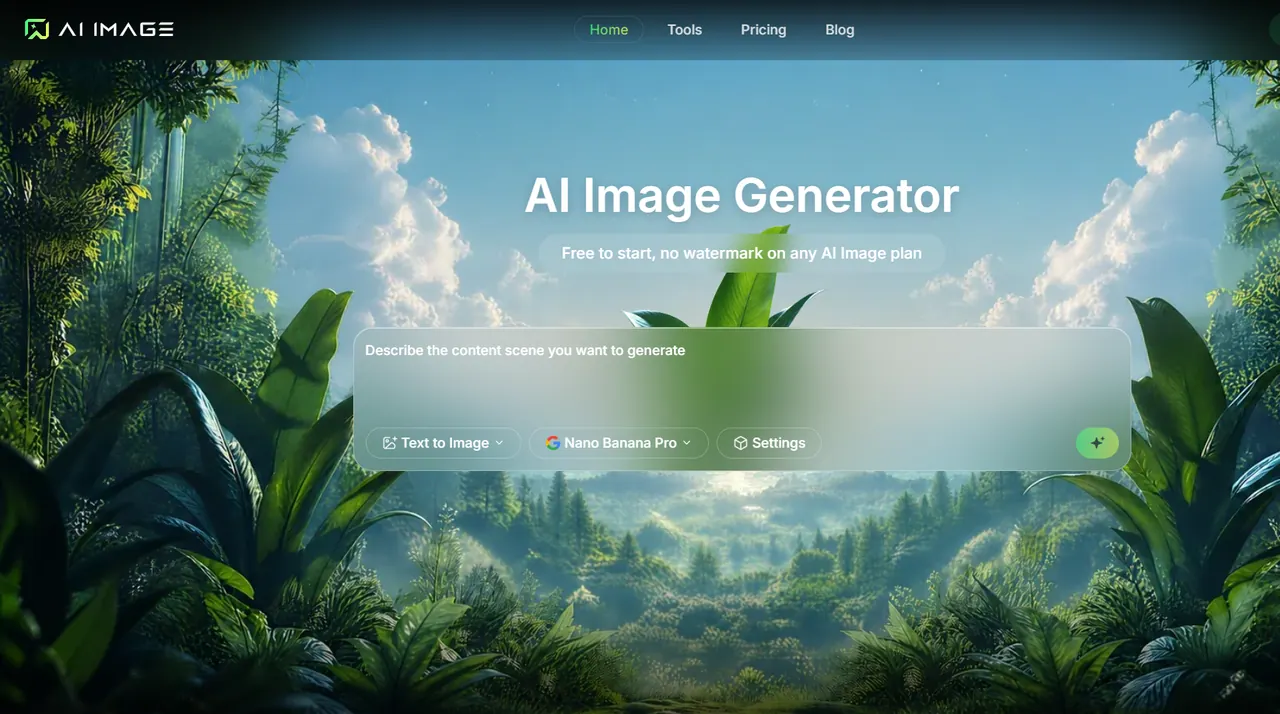
AI Image is an all-in-one, cloud-based creative workspace for making pictures from text—without installing or juggling multiple AI tools. You describe the scene you want, optionally upload a reference photo to keep the subject, lighting, and mood consistent, and generate results in seconds.
Instead of committing to a single engine, AI Image brings leading image models into one interface and one credit balance, so you can compare outputs side by side using the same prompt and settings. Choose from models such as Flux, Midjourney, GPT Image (including GPT Image 2 and GPT Image 2.5 variants), Ideogram, Grok, Seedream, Nano Banana, Qwen, and more. You can customize aspect ratio, resolution, output format, and other generation settings, then save everything to My Creations for later download, refinement, or re-generation.
Beyond generation, AI Image helps you polish and package finished assets. Exports are produced in PNG or JPG at the aspect ratio you picked, making it easier to prepare sized images for web, print, and social workflows.
AI Image is for entrepreneurs and teams who need investor-ready visuals quickly, marketers building consistent launch and campaign assets, and independent designers who want professional outputs without local GPU hardware. It’s free to start; paid plans add faster queues, higher resolutions, batch runs, and a commercial license with no watermark on AI Image plan exports.
What is AI Image used for?
AI Image helps you generate images from text prompts, optionally anchored by a reference photo, then export finished PNG or JPG files. You can also refine and re-run outputs from your saved creations.
Can I compare results from multiple image models in one place?
Yes. AI Image lets you use one prompt and consistent settings across different models, so you can pick the output that best matches your brief.
How do reference photos work in AI Image?
Upload a reference photo alongside your prompt to help keep the subject, lighting, and overall mood consistent. This is useful when you want a stable look across variations.
How fast will images generate?
Most jobs finish in a few seconds to about a minute. Faster drafts typically come from lighter runs, while higher resolutions, references, and batches take longer.
Does AI Image export files with watermarks?
Paid plans export clean files at full resolution with no watermark. Free-tier downloads may include a small mark depending on the current plan rules, and upgrading removes it from every picture in your library.
Is AI Image suitable for commercial projects?
Paid subscriptions include a commercial license for client work and business use cases like ads, product listings, and printed materials. You can publish, sell, or modify your generated images on a paid plan.
This listing is claimed
Own AIImage? Sign in with the email used to claim it to manage this listing, or upgrade to Pro for featured-first placement and a newsletter feature.