
Numerous.ai
AI Agents
AI-powered spreadsheet plugin that brings ChatGPT to Google Sheets and Excel.
- Pricing
- Free
- Category
- AI Agents
- Listed
- Oct 8, 2026
- Updated
- Oct 16, 2026
Promoted
 AI Checker PlusAI detector that highlights which passages AI wrote. Free check, no sign-up. Plagiarism too.
 RewindType any X/Twitter handle. Get their year back as a narrated video story. Then ask it anything.
 KurodyneSell the tools from your AI side projects. Listing is free.
 Sidrune AI85% off. Stable Claude API for agent developers. Pay as you go. Invoices & refunds available.
 Pixmax.aiPixmax.ai is an all-in-one AI workspace for videos, visual stories, and marketing content.
 SEOify - Improve your SEO & rankingsBuild links to rank in Google. Improve your DR with links you can start building now.Advertise here270,000+ people visit Dang.ai every month.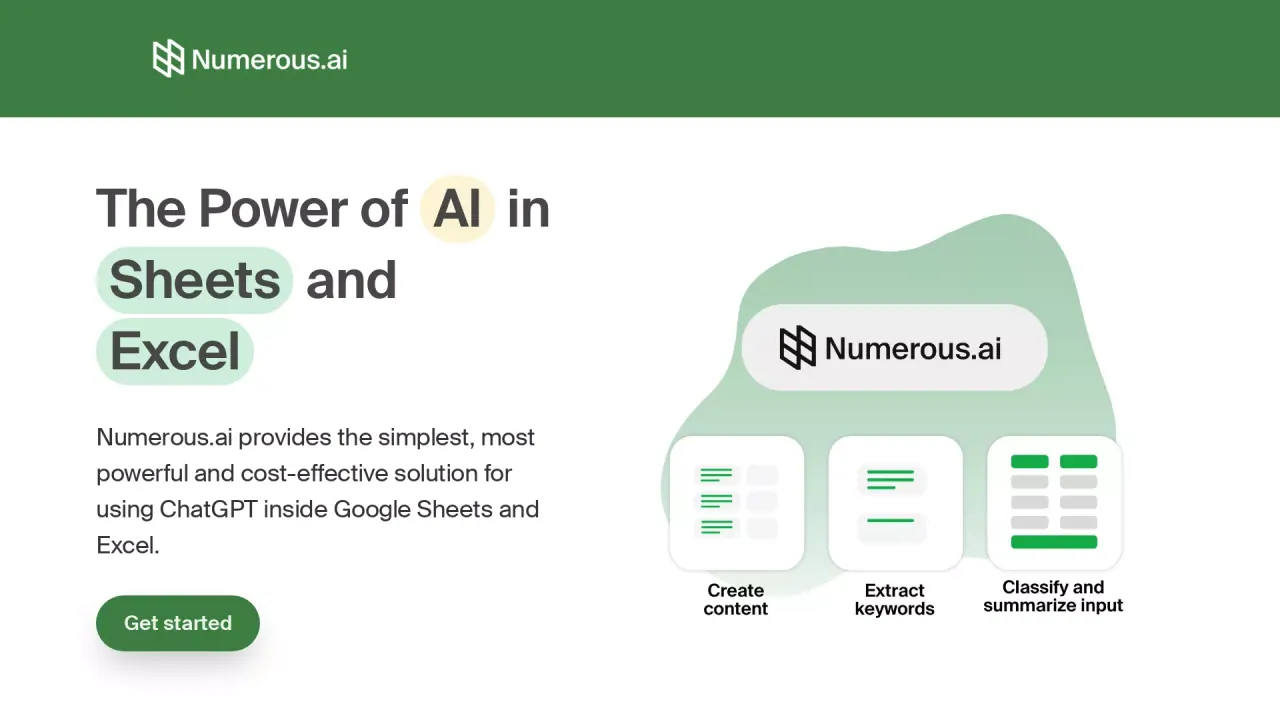
What does Numerous.ai do?
Numerous.ai helps you use ChatGPT directly inside Google Sheets and Excel. Instead of switching tools, you can run AI tasks right in your spreadsheet cells using the =AI function, making it easy to work in bulk and keep your data organized as you go.
The add-on is designed for common workflows like summarizing and rewriting text, extracting key information, and categorizing or classifying content. It’s also useful for cleaning and normalizing messy inputs—such as long-form articles, survey responses, or social media content—so your spreadsheet stays consistent and ready for analysis or downstream steps.
Numerous.ai is built for teams that want to prototype and collaborate on AI-driven workflows. You can test prompt ideas, share results with colleagues, and iterate quickly using the spreadsheet structure you already rely on. It’s also a fit for content creators and digital marketers who want to generate marketing assets (like ad copy and SEO/keyword variations) from a single prompt, as well as students and researchers who need to clean, summarize, and categorize data.
Pricing is flexible for teams: start with a 7-day trial for $1. Annual plans are available, with included token allowances per person; the page also mentions token and user details (e.g., 8 users and up to 1 million characters per person per year on the annual plan shown). You can cancel anytime and keep remaining tokens. Priority email support is available, and US-based support is provided by a team based in San Francisco.
How do I use Numerous.ai inside Google Sheets or Excel?
Add the Numerous.ai add-on, then use the =AI function in any cell to generate or transform content with ChatGPT.
Do I need API keys to use Numerous.ai?
No—Numerous.ai does not require API keys. You can set up the add-on and start using it directly in your spreadsheets.
What kinds of tasks can I do with AI in cells?
You can summarize, rewrite, extract information, categorize and classify text, and clean/normalize messy inputs. It’s also used to generate digital marketing materials and content variants.
Is Numerous.ai good for team collaboration and prototyping?
Yes. Numerous.ai is positioned for teams working on AI initiatives, letting everyone use the same plan and collaborate on AI prototypes and prompt testing.
What support options are available?
You can choose email options or priority support. There’s also US-based support, and video call onboarding can be requested.
What are the trial and plan options?
You can try a 7-day trial for $1. Annual plans are available with token allowances, and you can cancel anytime while keeping remaining tokens.
Is this your tool?
Claim Numerous.ai to manage this listing, or upgrade to Pro for featured-first placement and a newsletter feature.