CreateACaricatureOfMe
AI Photo Caricature
Create a personalized caricature from your photo in seconds using AI, with multiple model and style options.
- Pricing
- Freemium
- Category
- AI Detector
- Listed
- Feb 27, 2026
- Updated
- Oct 16, 2026
Promoted
 RewindType any X/Twitter handle. Get their year back as a narrated video story. Then ask it anything.
 KurodyneSell the tools from your AI side projects. Listing is free.
 Sidrune AI85% off. Stable Claude API for agent developers. Pay as you go. Invoices & refunds available.
 Pixmax.aiPixmax.ai is an all-in-one AI workspace for videos, visual stories, and marketing content.
 SEOify - Improve your SEO & rankingsBuild links to rank in Google. Improve your DR with links you can start building now.Advertise here270,000+ people visit Dang.ai every month.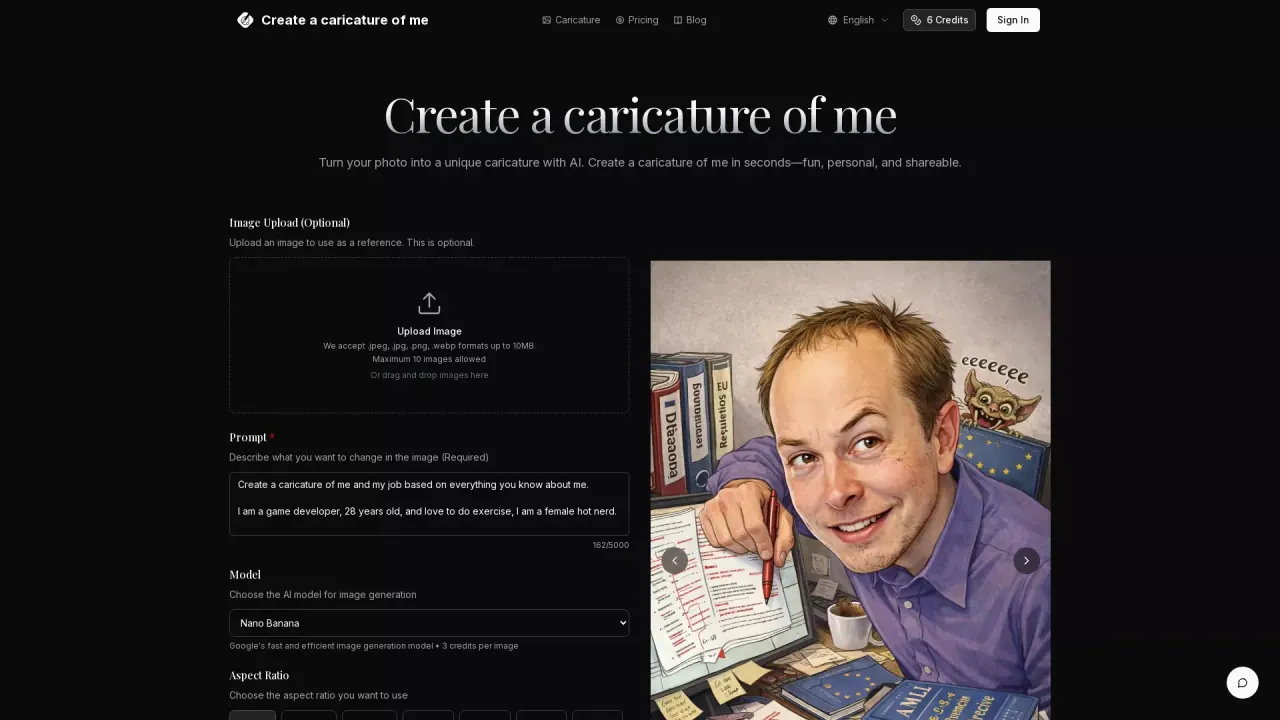
What does CreateACaricatureOfMe do?
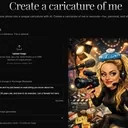
Create a Caricature of Me turns your photo into a fun, stylized caricature quickly—keeping your likeness while adding creative flair. It’s designed for simple creation: upload an image (optional), describe what you want to change using a prompt, choose a model, and generate a result you can download and share.
The workflow is straightforward. You can upload a reference image in .jpeg, .jpg, .png, or .webp format (up to 10MB, with a maximum of 10 images). After that, you’ll write a prompt describing how you want the caricature to look, select an AI model (including options like Nano Banana, Nano Banana Pro, GPT-4o Image, and Flux Kontext), and choose an aspect ratio and output format (PNG or JPG).
This tool is ideal for people who want an easy way to create social-ready avatars, shareable caricatures, or personalized gifts—without needing design skills. It supports a variety of looks such as cartoon, sketch, anime, or custom styles based on your prompt.
Pricing is based on monthly plans and credits. The listed starter plan is $12.00/month, and the interface shows “6 Credits” on the page. Different models may use different credit costs (for example, one model option lists 3 credits per image).
How do I create a caricature with Create a Caricature of Me?
Upload a photo (optional), add a prompt describing the changes you want, pick an AI model, choose an aspect ratio and output format, then generate and download your caricature.
What image formats and sizes are supported?
You can upload .jpeg, .jpg, .png, or .webp files up to 10MB each. There’s also a limit of 10 images.
What models can I choose for image generation?
You can select from multiple AI models such as Nano Banana, Nano Banana Pro, GPT-4o Image, and Flux Kontext. Model selection can affect the look and credit usage.
Can I control the style of the caricature?
Yes—your prompt drives the outcome. Describe the style you want (e.g., cartoon, sketch, anime, or a custom direction) and the tool adapts the result to your description.
How fast does the transformation take?
The generation is designed to produce results in seconds after you upload, set options, and click generate.
Is there a starter plan price for Create a Caricature of Me?
A starter plan is listed at $12.00/month. Credit usage can vary by chosen model; for example, one model option shows 3 credits per image.
This listing is claimed
Own CreateACaricatureOfMe? Sign in with the email used to claim it to manage this listing, or upgrade to Pro for featured-first placement and a newsletter feature.