
SiteQuest
AI Assistant Tools
SiteQuest is a hotkey overlay browser that brings any website (and your chosen AI) on top of your current app for faster, distraction-free flow.
- Pricing
- Free
- Category
- Assistant
- Listed
- Jul 11, 2026
- Updated
- Jul 12, 2026
Promoted
 Sidrune AI85% off. Stable Claude API for agent developers. Pay as you go. Invoices & refunds available.
 Pixmax.aiPixmax.ai is an all-in-one AI workspace for videos, visual stories, and marketing content.
 SEOify - Improve your SEO & rankingsBuild links to rank in Google. Improve your DR with links you can start building now.Advertise here270,000+ people visit Dang.ai every month.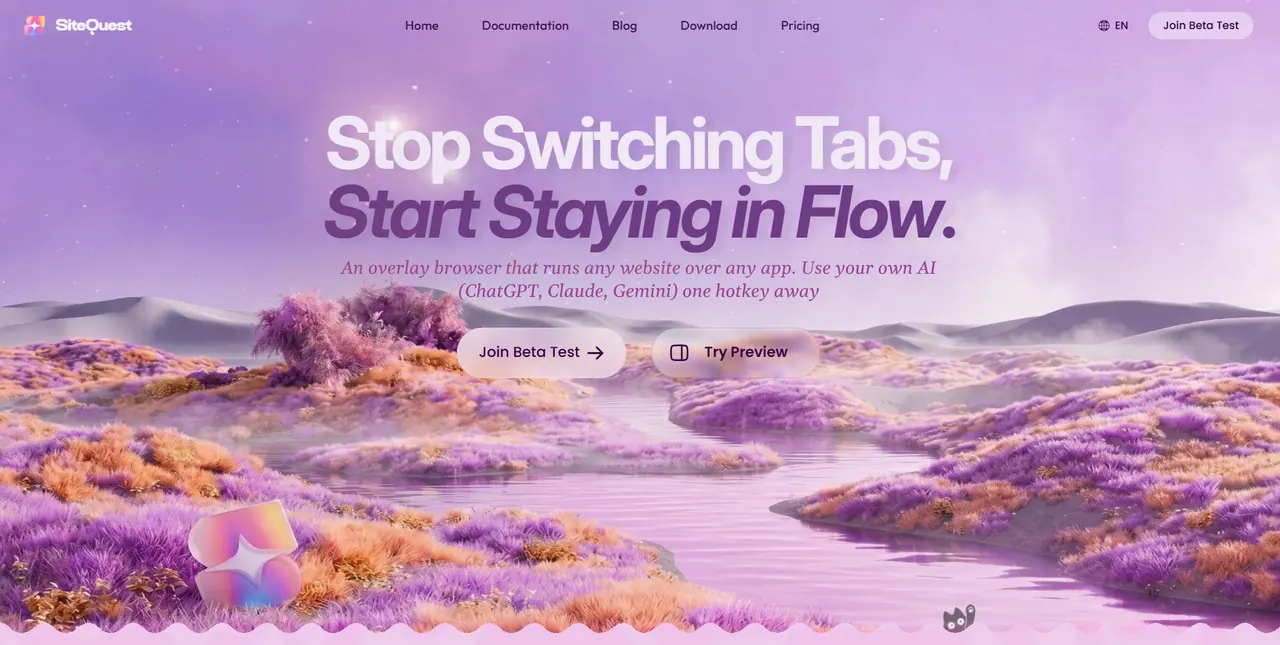
What does SiteQuest do?
SiteQuest is a pop-in overlay browser for Windows and macOS that runs any website over any application. With a single hotkey, you can summon a floating browser while you keep working in your editor, design tool, terminal, or chat app.
Use it for quick browsing, reference lookups, and AI assistance without breaking focus. Bring essential “Quests” into a sidebar-style workspace, summon the overlay instantly (default: Shift + Space), and customize the layout and behavior to match how you work.
Privacy and control are built in: you can use incognito sessions, automatically clear cookies/history/cache when a tab is closed, and enable an ad blocker to reduce distracting pop-ups and tracking scripts. Options also include running local AI features and experimenting with extensions (where supported), plus cloud sync and multi-device saved sites depending on your plan.
What does SiteQuest do?
SiteQuest runs any website in a floating overlay on top of whatever app you’re using, so you can browse or use AI without switching windows or tabs.
How do I open or hide the overlay browser?
Use the default hotkey Shift + Space. Pro users can fully customize their keyboard shortcut.
Can I use my preferred AI tools in SiteQuest?
Yes. You can use your own AI (ChatGPT, Claude, Gemini) one hotkey away, and SiteQuest also supports local AI features.
Is there an incognito mode?
Yes. Incognito sessions are supported, and session data is cleared by automatically removing cookies, history, and cache when the tab is closed.
Does SiteQuest block ads and tracking?
Yes. It includes a built-in ad blocker that can block annoying pop-ups, disruptive video ads, and tracking scripts for a more distraction-free experience.
Can SiteQuest run browser extensions?
There is an experimental extensions feature, and only a few extensions are currently supported. You can also run your favorite Chrome extensions side-by-side with your main workspace.
This listing is claimed
Own SiteQuest? Sign in with the email used to claim it to manage this listing, or upgrade to Pro for featured-first placement and a newsletter feature.